
Guides & tutorials
Straightforward ways to set up, organise and get more from E-Ink devices.
REFINE RESULTS
Choose a brand to narrow the list.37 guides
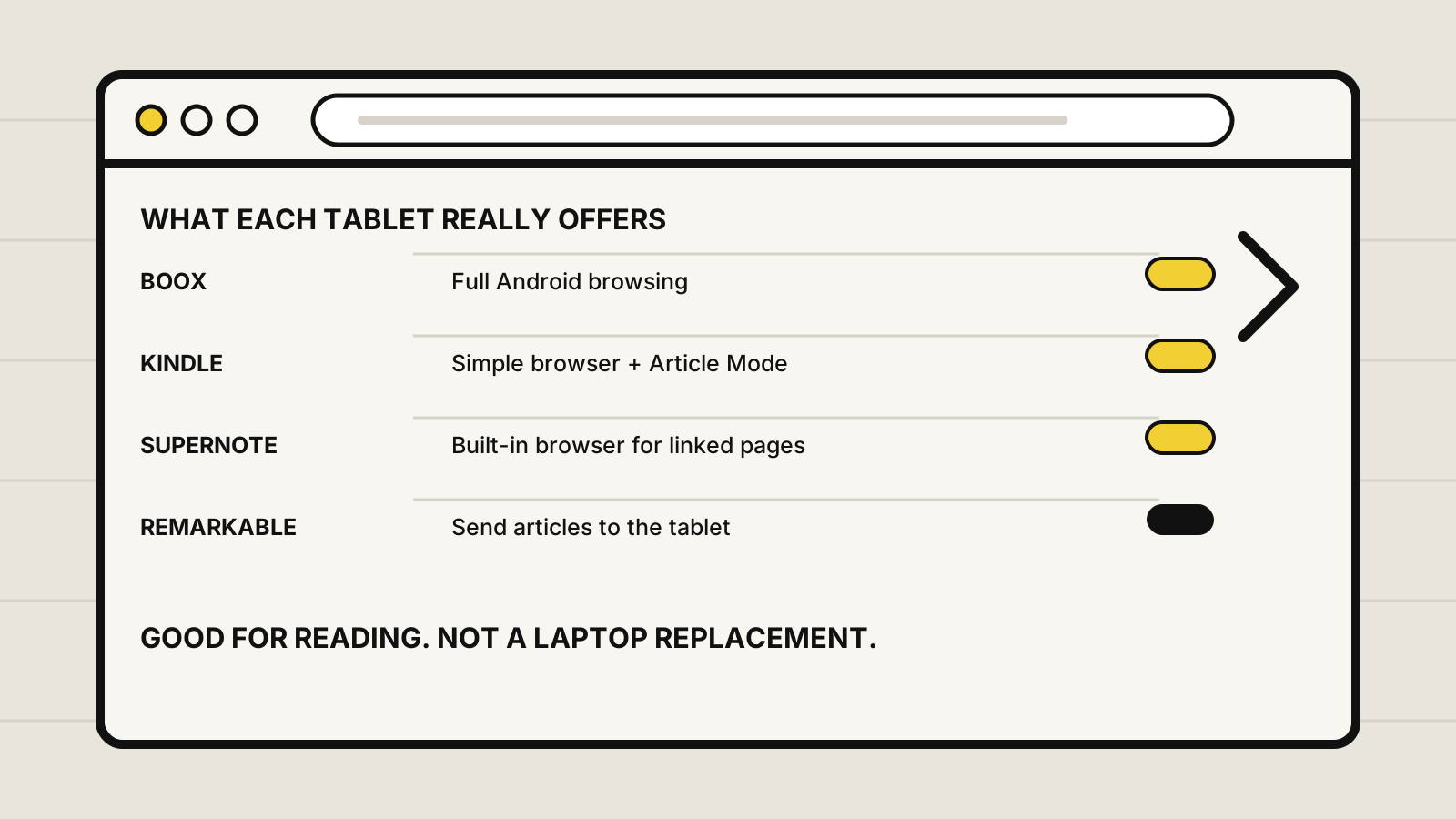
Do E-Ink tablets have web browsers?
Some E-Ink tablets have web browsers, while others deliberately leave browsing out. Compare BOOX, Kindle Scribe, Supernote and reMarkable before buying.
All brands →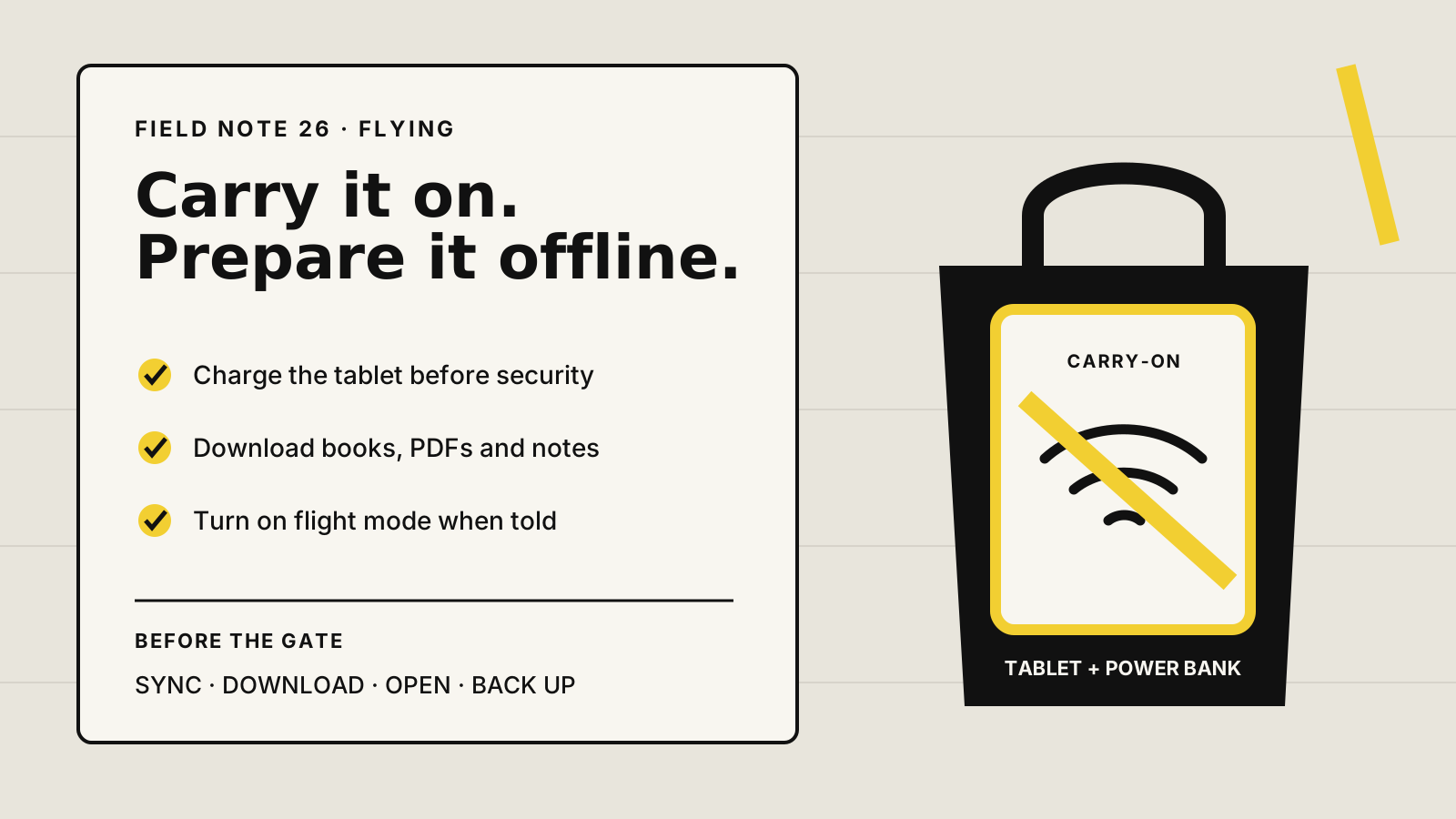
Can you take an E-Ink tablet on a plane?
Yes, E-Ink tablets can usually fly in carry-on baggage. Learn the battery, security, flight-mode and offline checks to make before travelling.
All brands →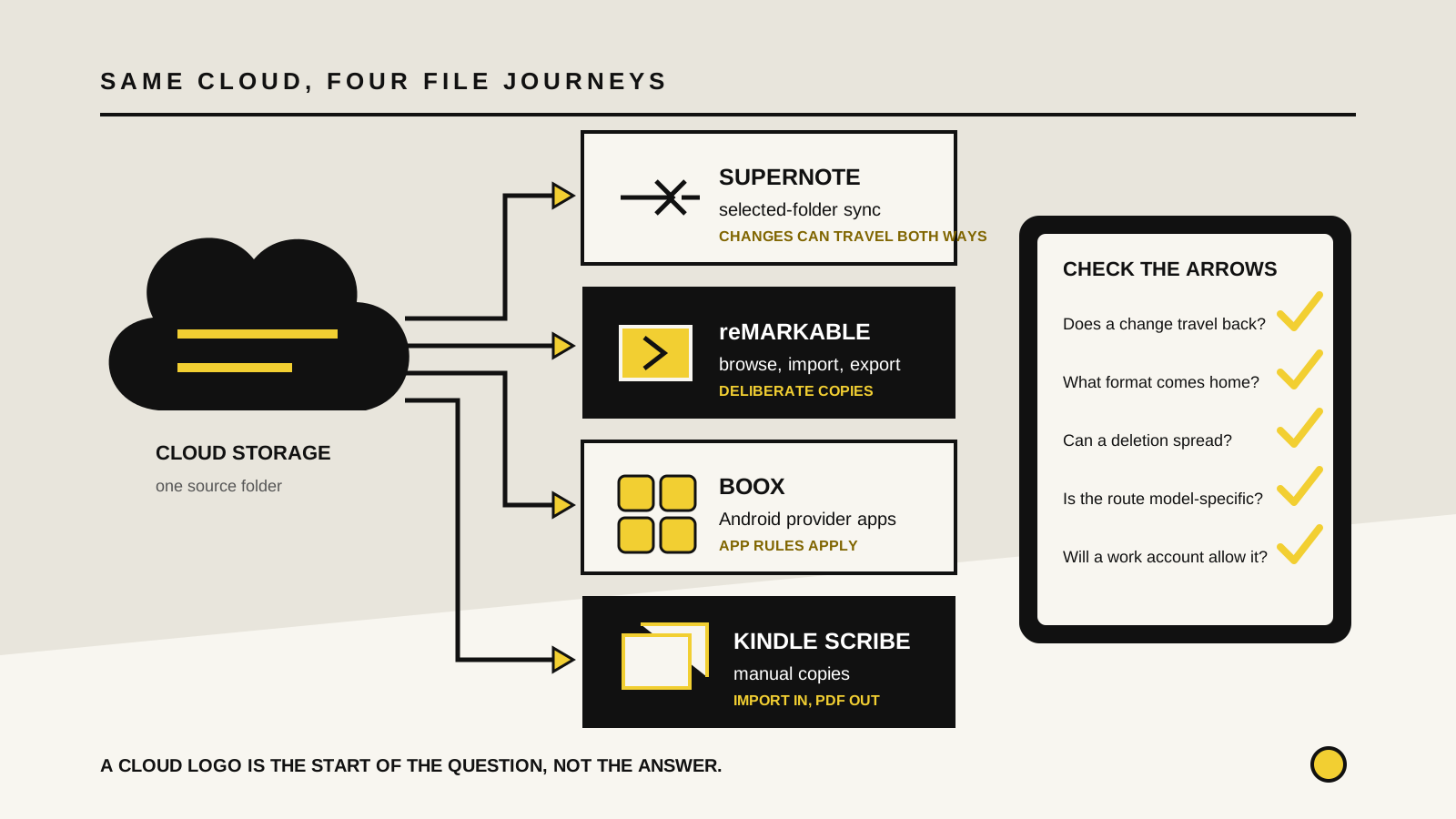
Can E-Ink tablets use Google Drive, Dropbox and OneDrive?
E-Ink tablets can use cloud storage, but folder sync, manual import and Android apps work differently. Compare reMarkable, Supernote, BOOX and Kindle Scribe.
All brands →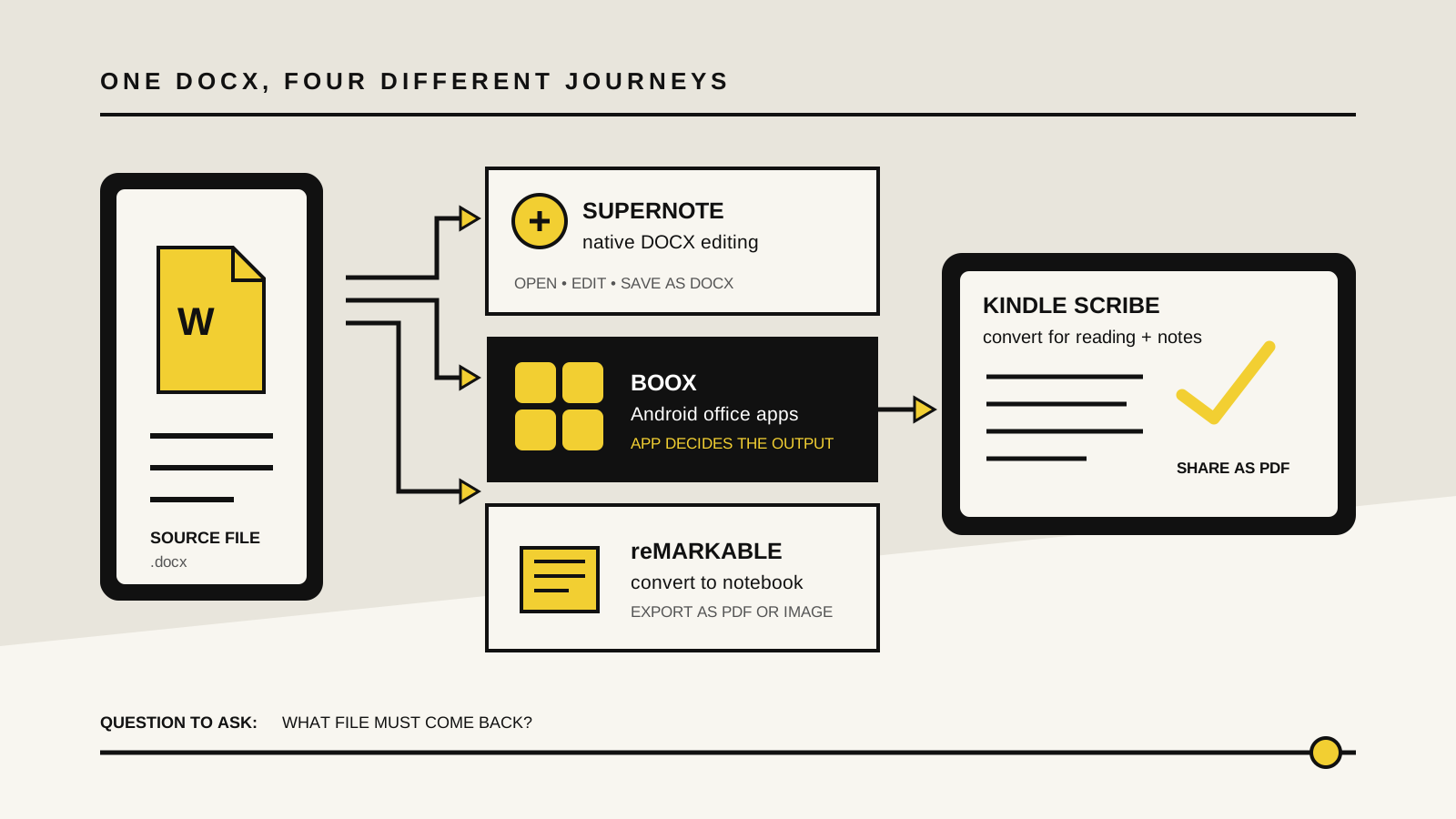
Can E-Ink tablets open Word documents?
E-Ink tablets can open DOCX files, but native editing, annotation and export differ. Compare Supernote, BOOX, reMarkable and Kindle Scribe.
All brands →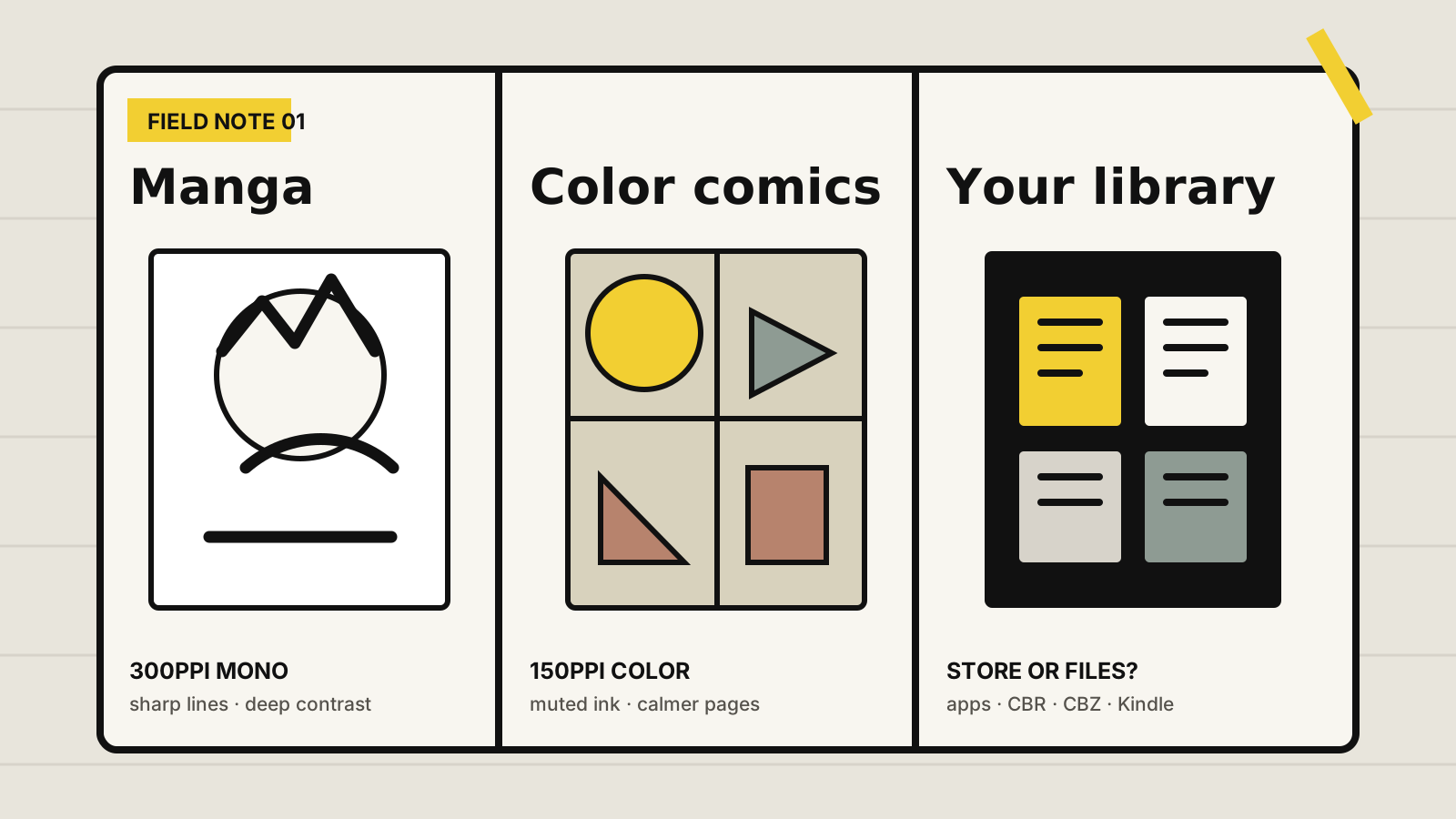
Are E-Ink tablets good for manga and comics?
E-Ink tablets are excellent for manga and calm comic reading, but screen size, color, apps and file support decide whether they suit your library.
All brands →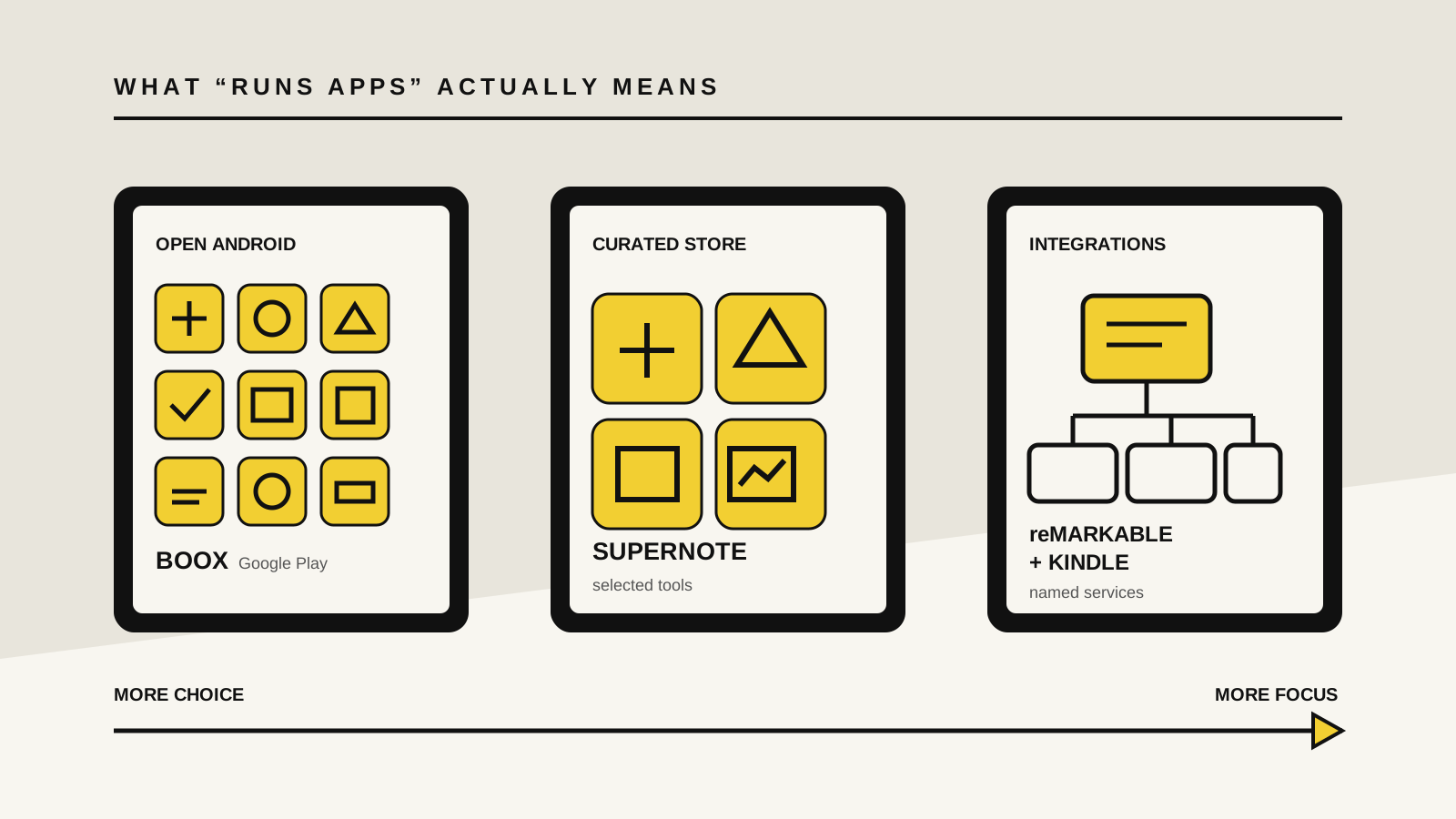
Can E-Ink tablets run apps?
Some E-Ink tablets run Android apps, while others use curated stores or selected integrations. Compare BOOX, Supernote, reMarkable and Kindle Scribe.
All brands →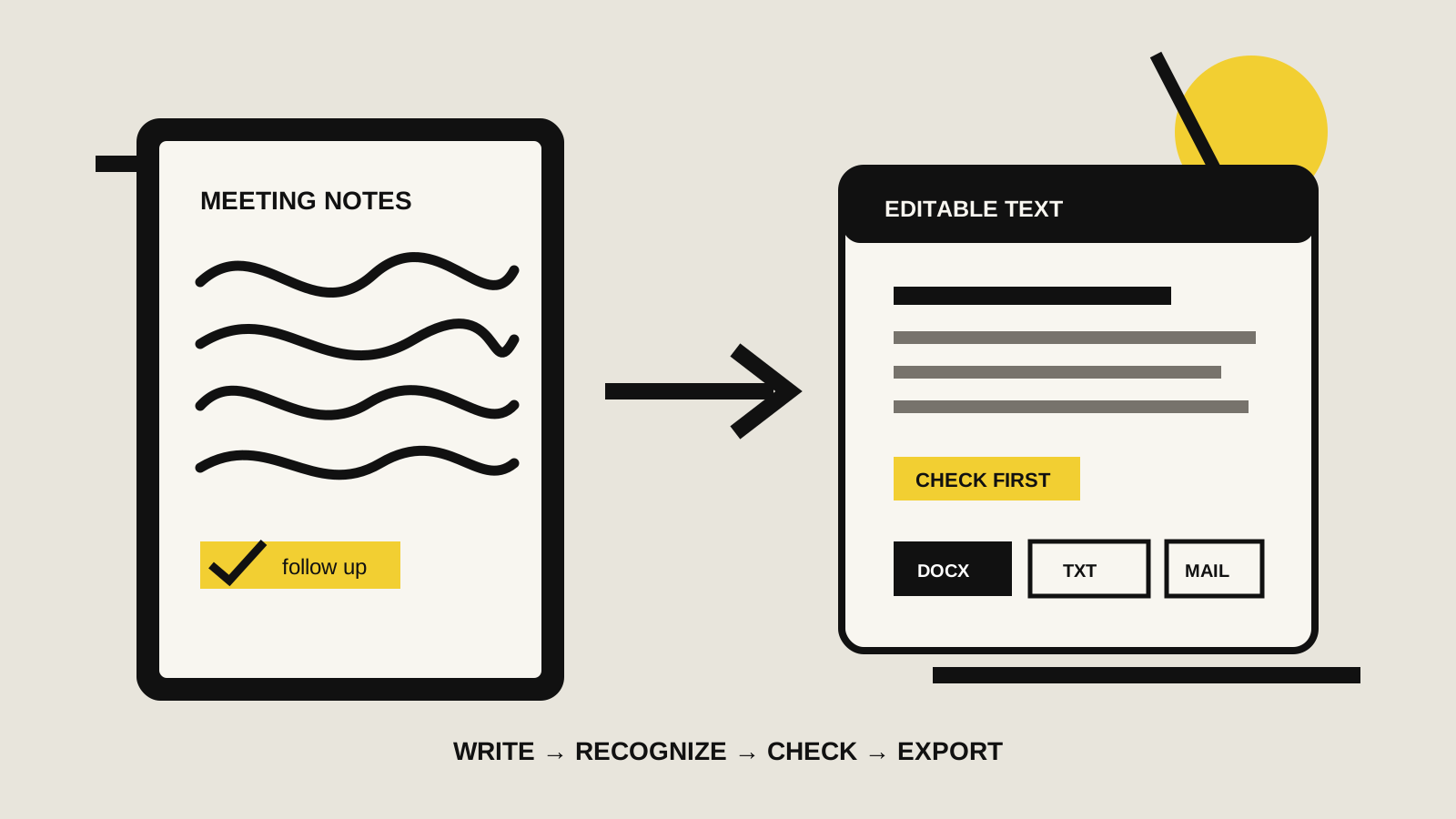
Do E-Ink tablets convert handwriting to text?
Yes, major E-Ink tablets can convert handwriting to typed text, but editing, export, internet and notebook limits differ across each platform.
All brands →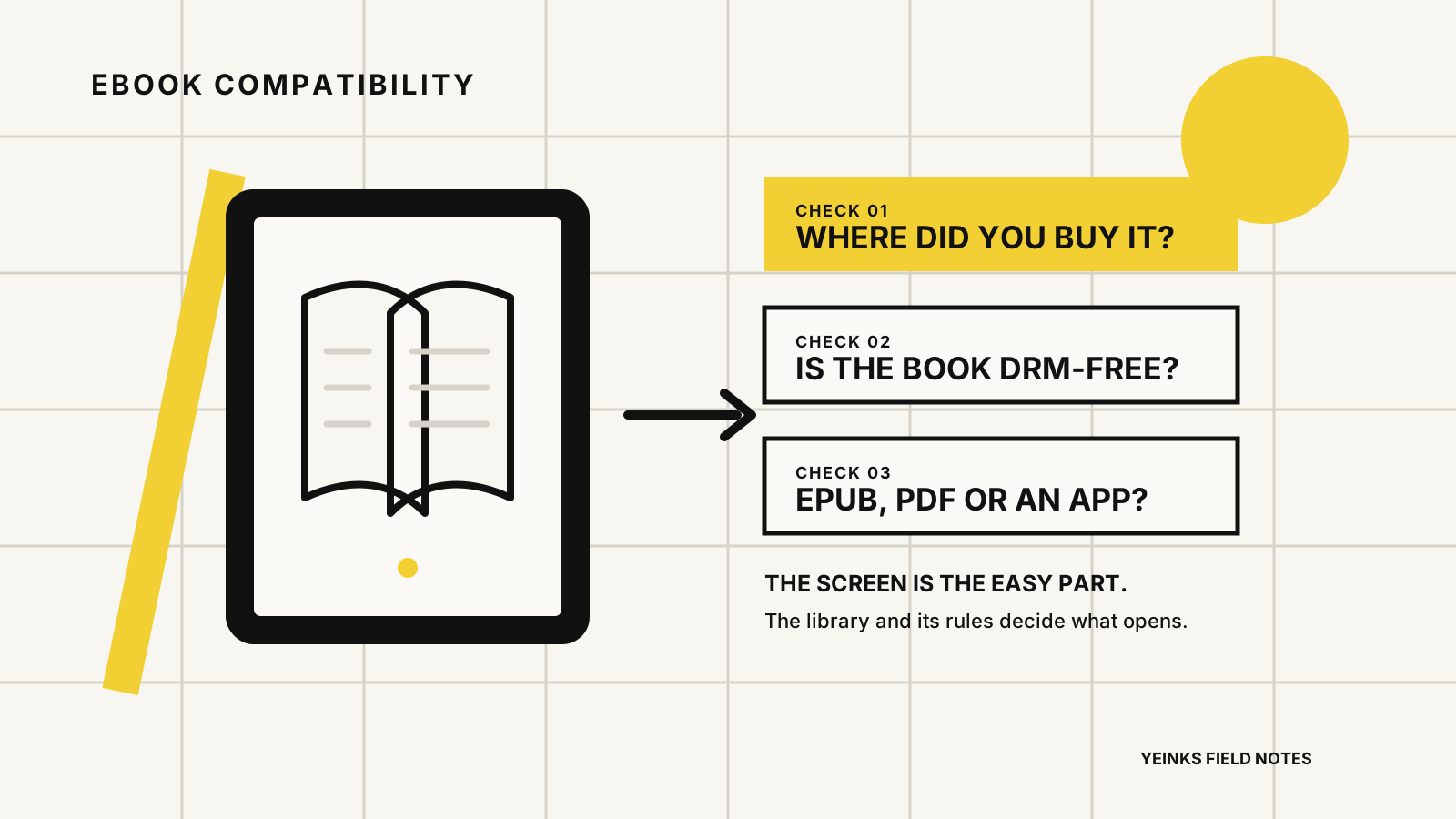
Can E-Ink tablets read ebooks?
E-Ink tablets can read ebooks, but Kindle access, DRM and EPUB support differ. Compare reMarkable, Supernote, BOOX and Kindle Scribe before buying.
All brands →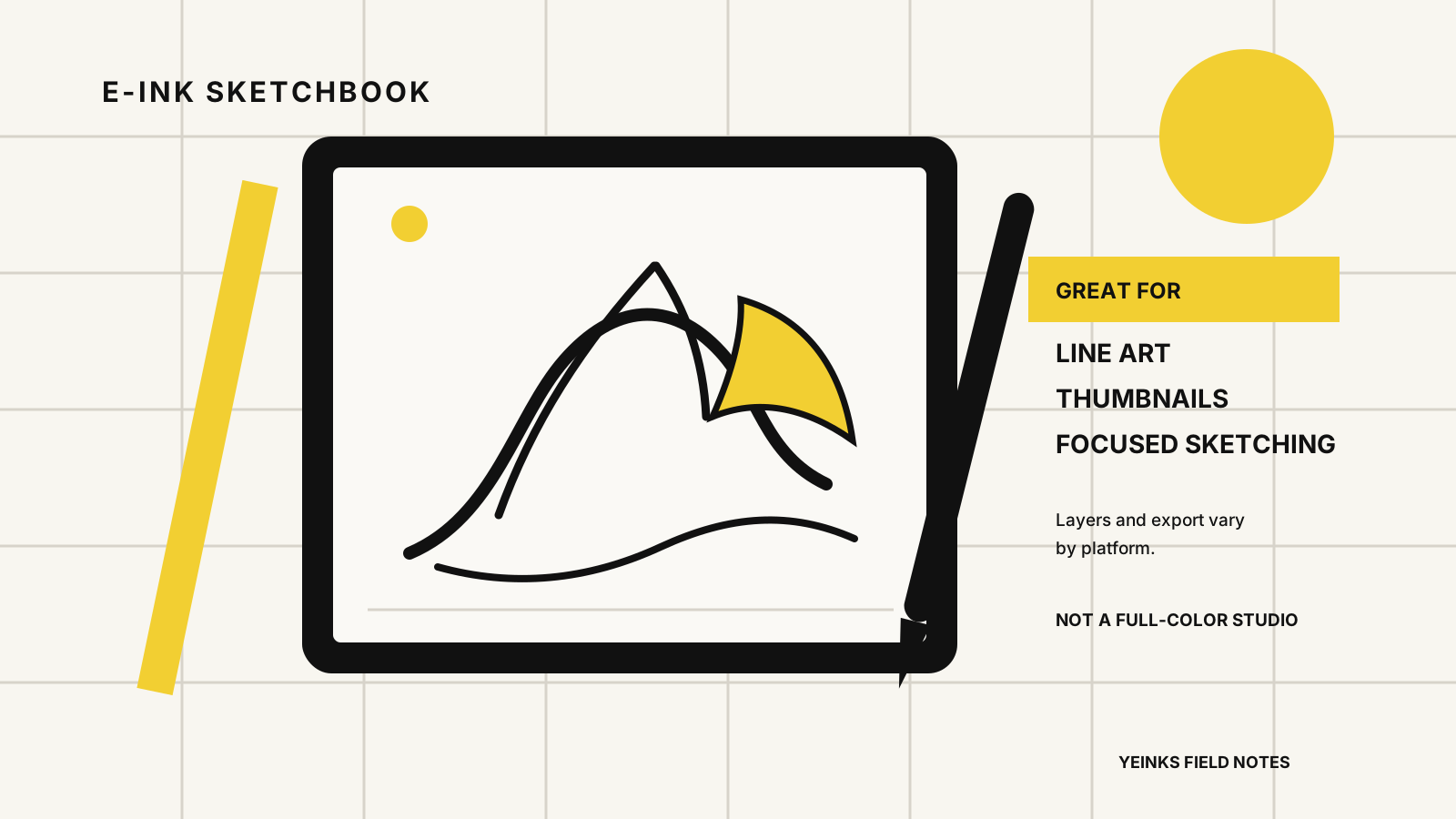
Are E-Ink tablets good for drawing and sketching?
E-Ink tablets are good for focused sketches, line art and concepts, but limited color and art apps make them poor full-studio replacements.
All brands →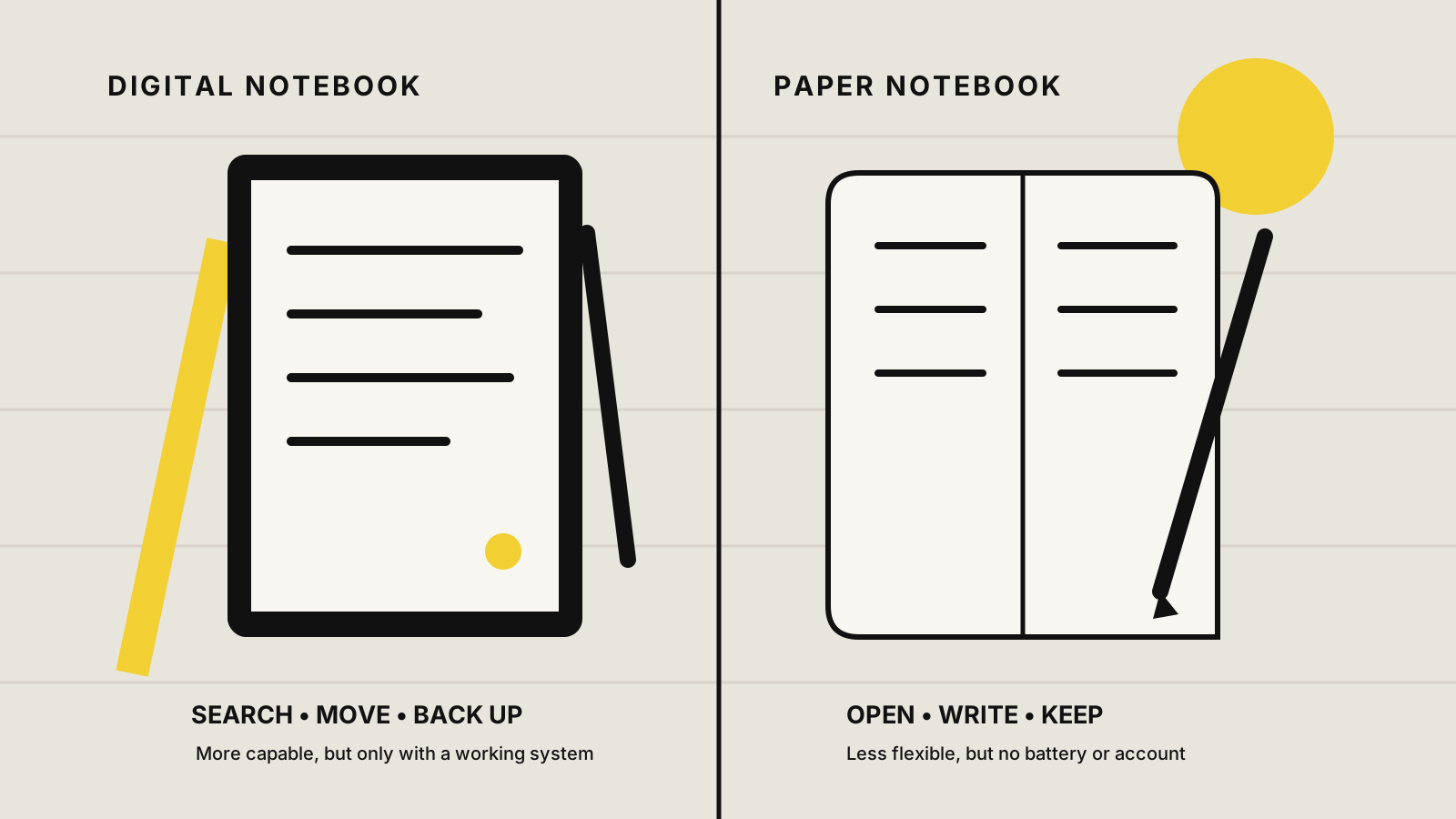
Can an E-Ink tablet replace a paper notebook?
An E-Ink tablet can replace a paper notebook for many people, but only if search, backup and flexible pages matter more than zero setup and permanence.
All brands →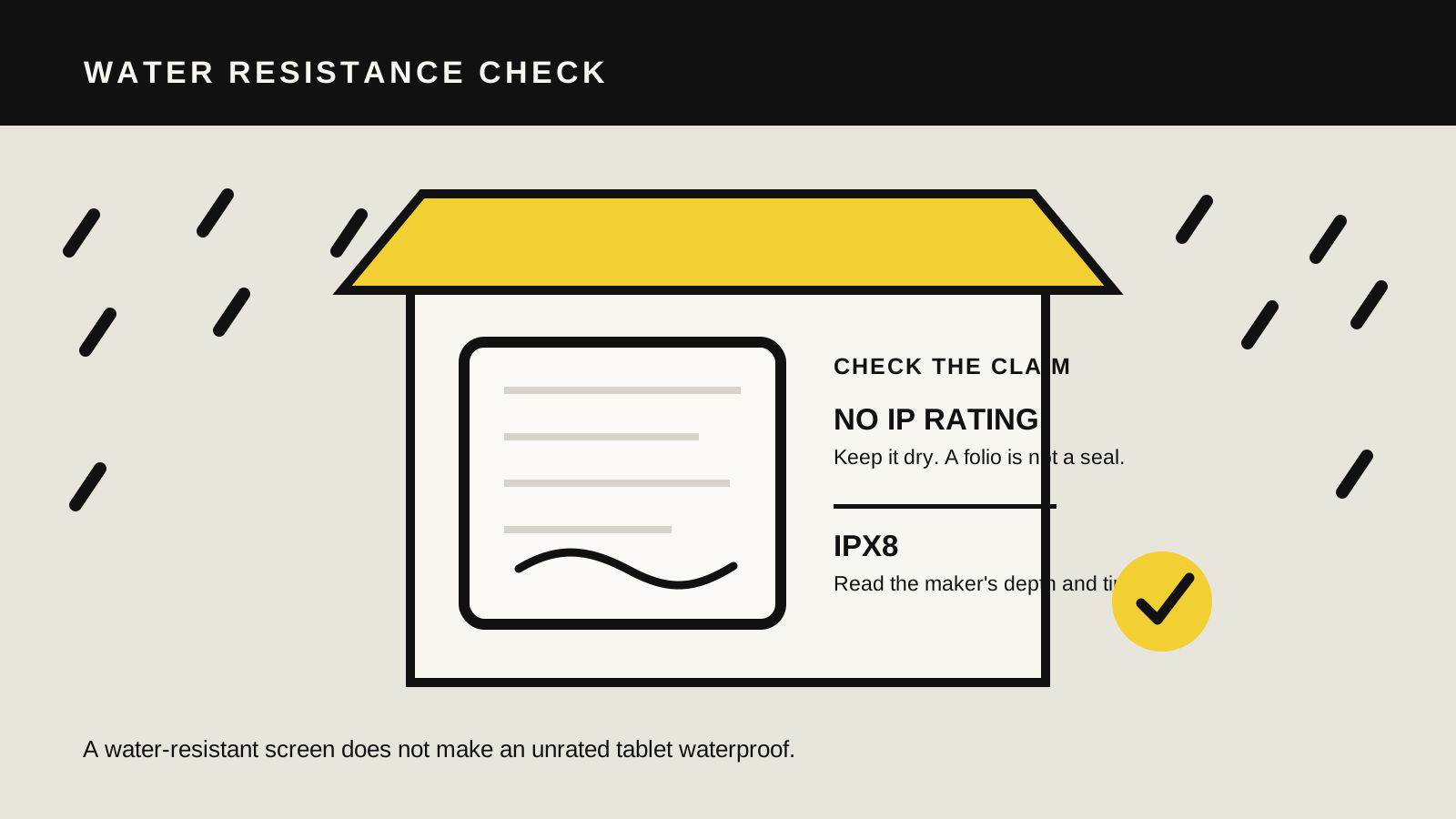
Are E-Ink tablets waterproof? What to know before buying
Most note-taking E-Ink tablets are not waterproof. Check reMarkable, Supernote, BOOX and Kindle Scribe guidance, plus safer options for wet places.
All brands →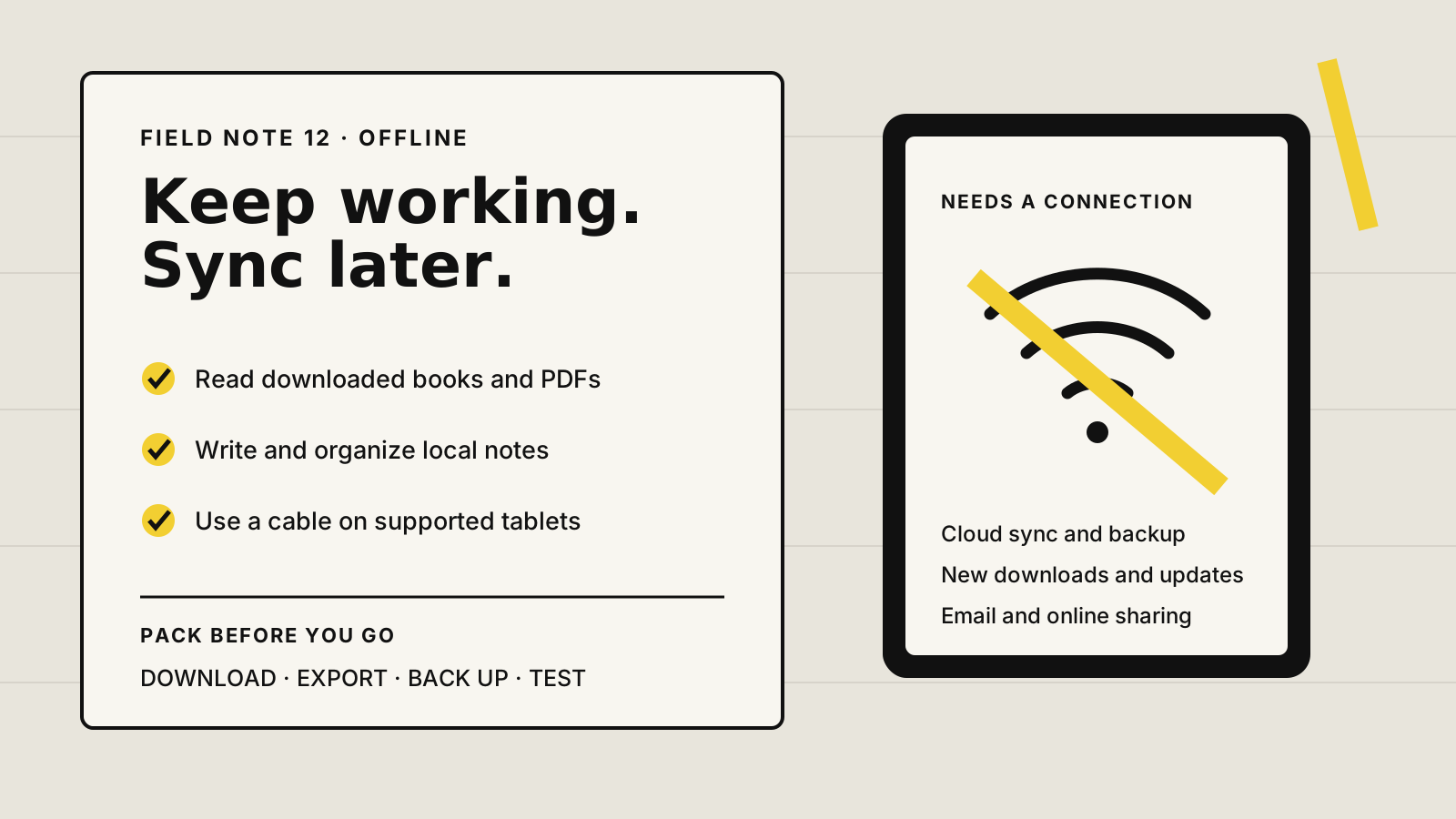
Do E-Ink tablets work offline without Wi-Fi?
E-Ink tablets can read and take notes offline, but setup, backup, sync and export differ. Compare reMarkable, Supernote, BOOX and Kindle Scribe.
All brands →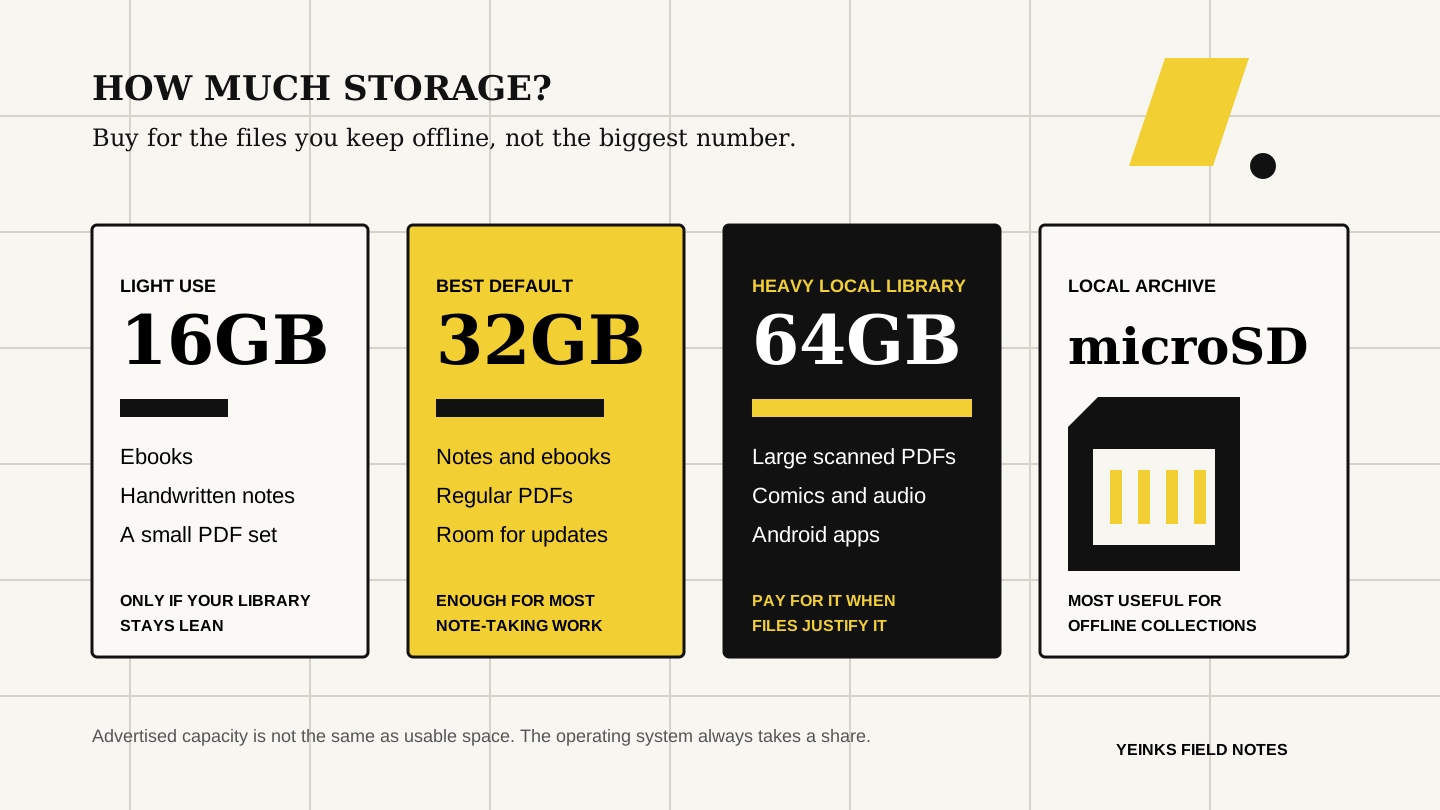
How much storage do you need on an E-Ink tablet?
Choose 16GB, 32GB or 64GB of E-Ink tablet storage by the files you keep offline, with current reMarkable, Supernote, BOOX and Kindle examples.
All brands →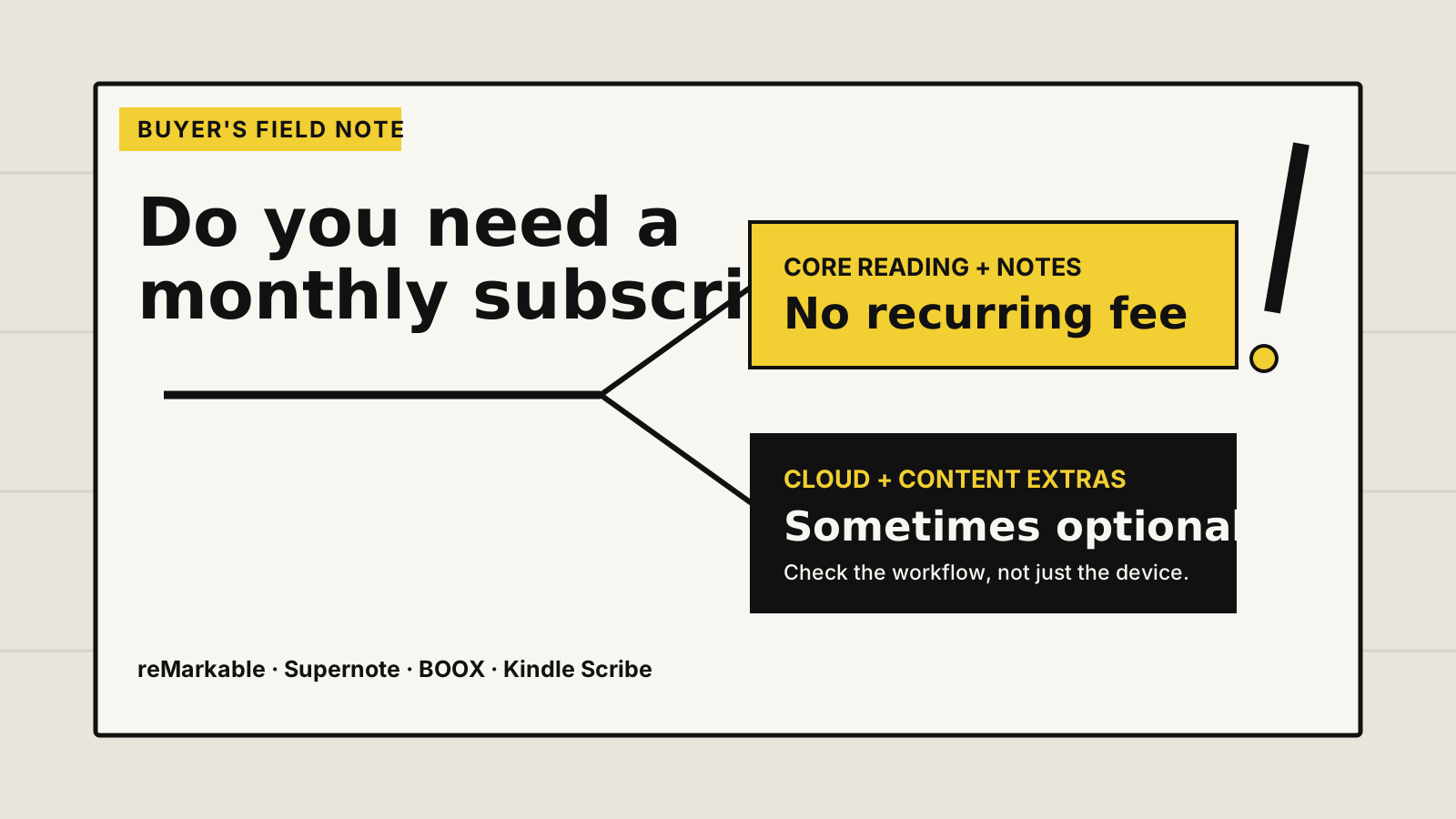
Do E-Ink tablets need a subscription?
Most E-Ink tablets work without a subscription. Compare reMarkable Connect, Supernote, BOOX and Kindle Scribe before paying for cloud or content extras.
All brands →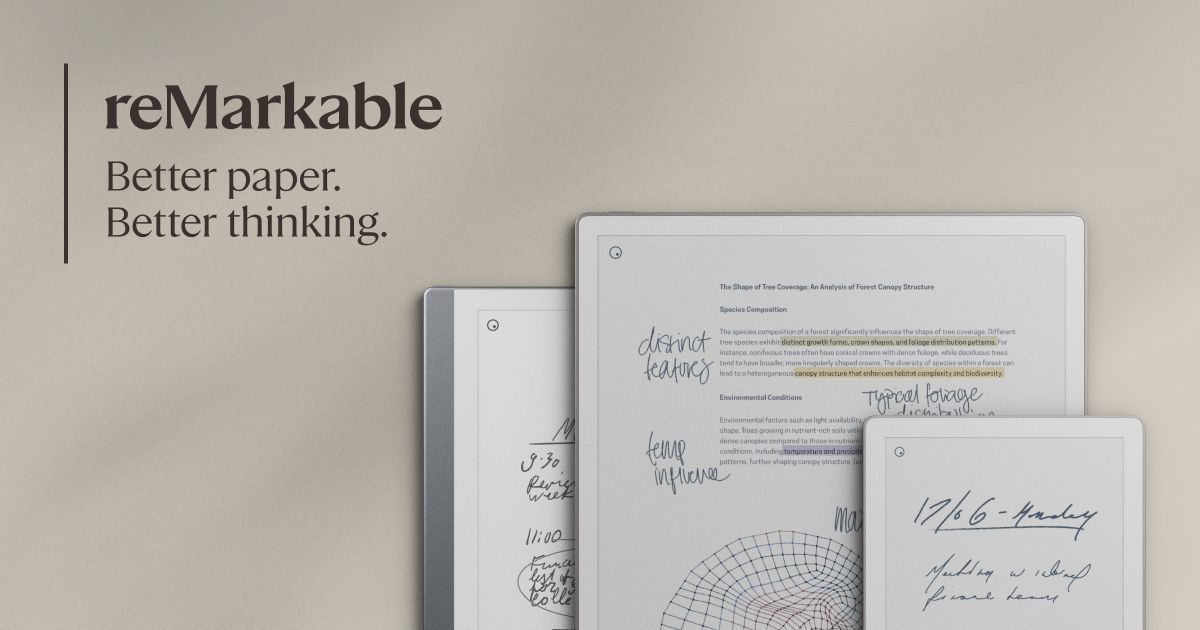
Best E-Ink tablet for writers in 2026
Choose the best E-Ink tablet for writing by planning, drafting, research, revision and export, with honest limits for each workflow.
All brands →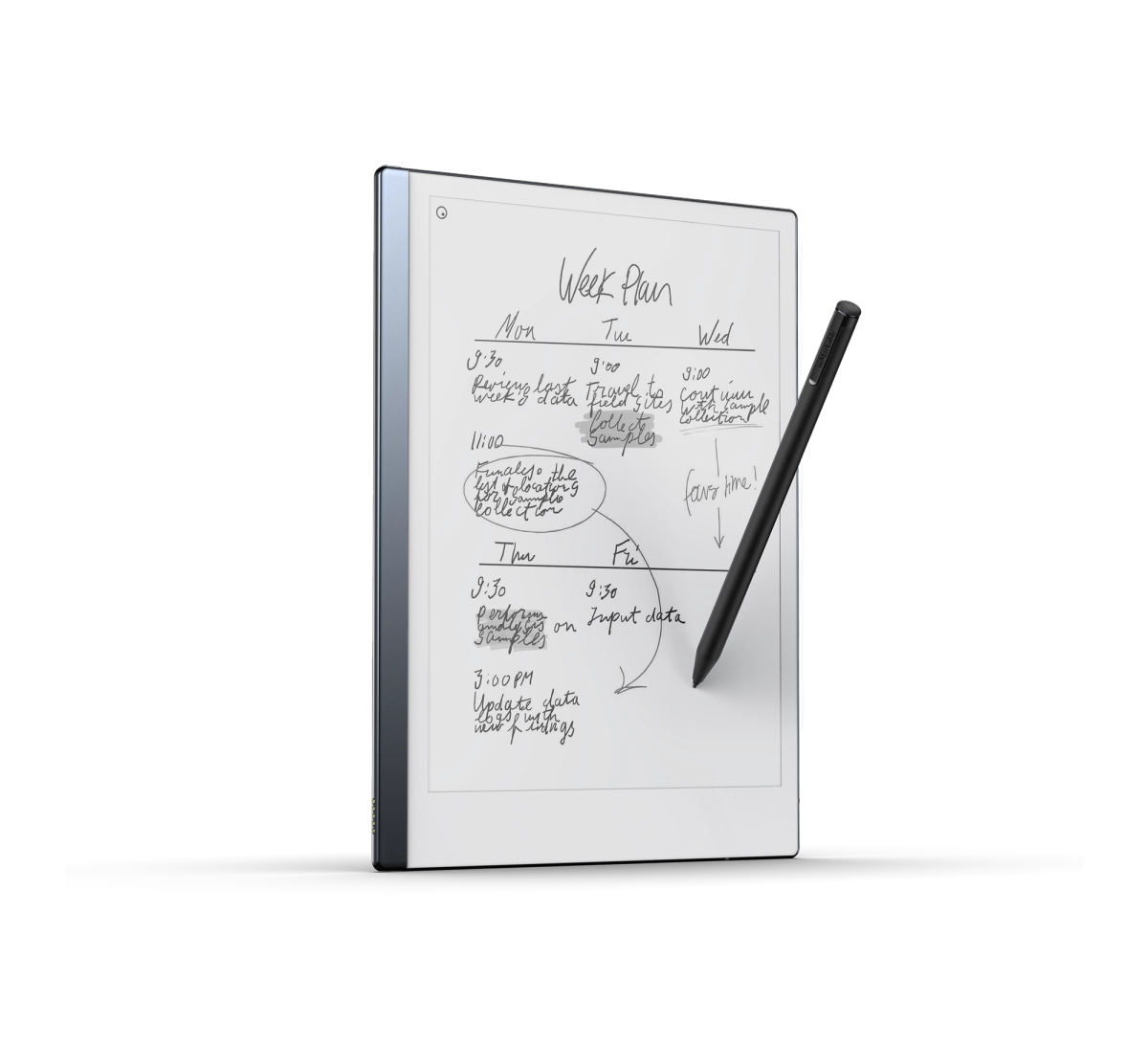
Is a used reMarkable 2 worth it in 2026?
A used reMarkable 2 can still be a good focused notebook, but only at the right complete-package price. Check the screen, battery, account reset and accessories before buying.
reMarkable →Best E-Ink tablet with a keyboard in 2026
Choose the best E-Ink tablet with a keyboard for focused writing, Android apps or handwriting-first notes, with honest weight and workflow trade-offs.
All brands →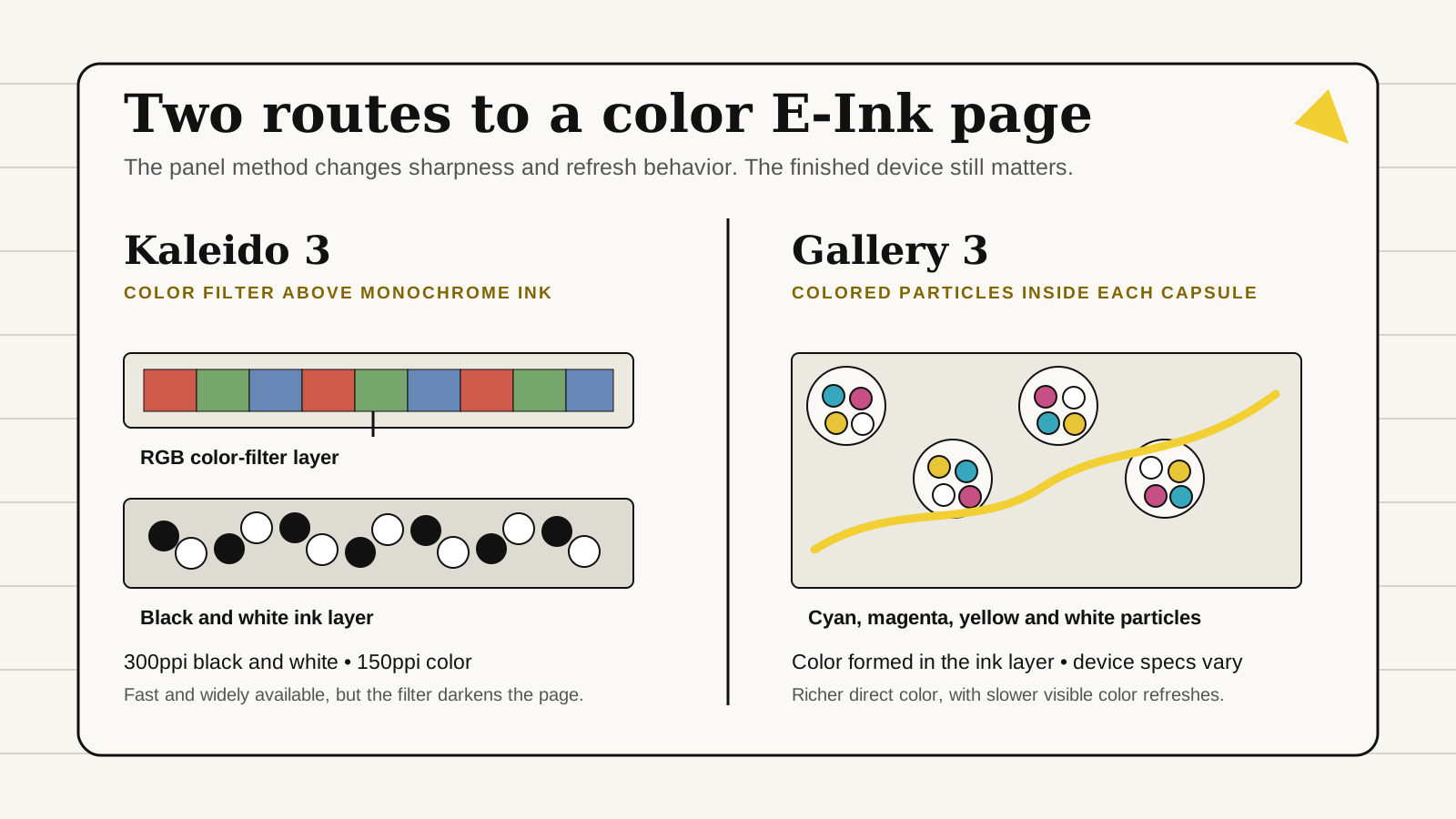
Kaleido 3 vs Gallery 3: E-Ink color explained
Compare Kaleido 3 and Gallery 3 color E-Ink by sharpness, color method, refresh behavior and the devices you can actually buy.
All brands →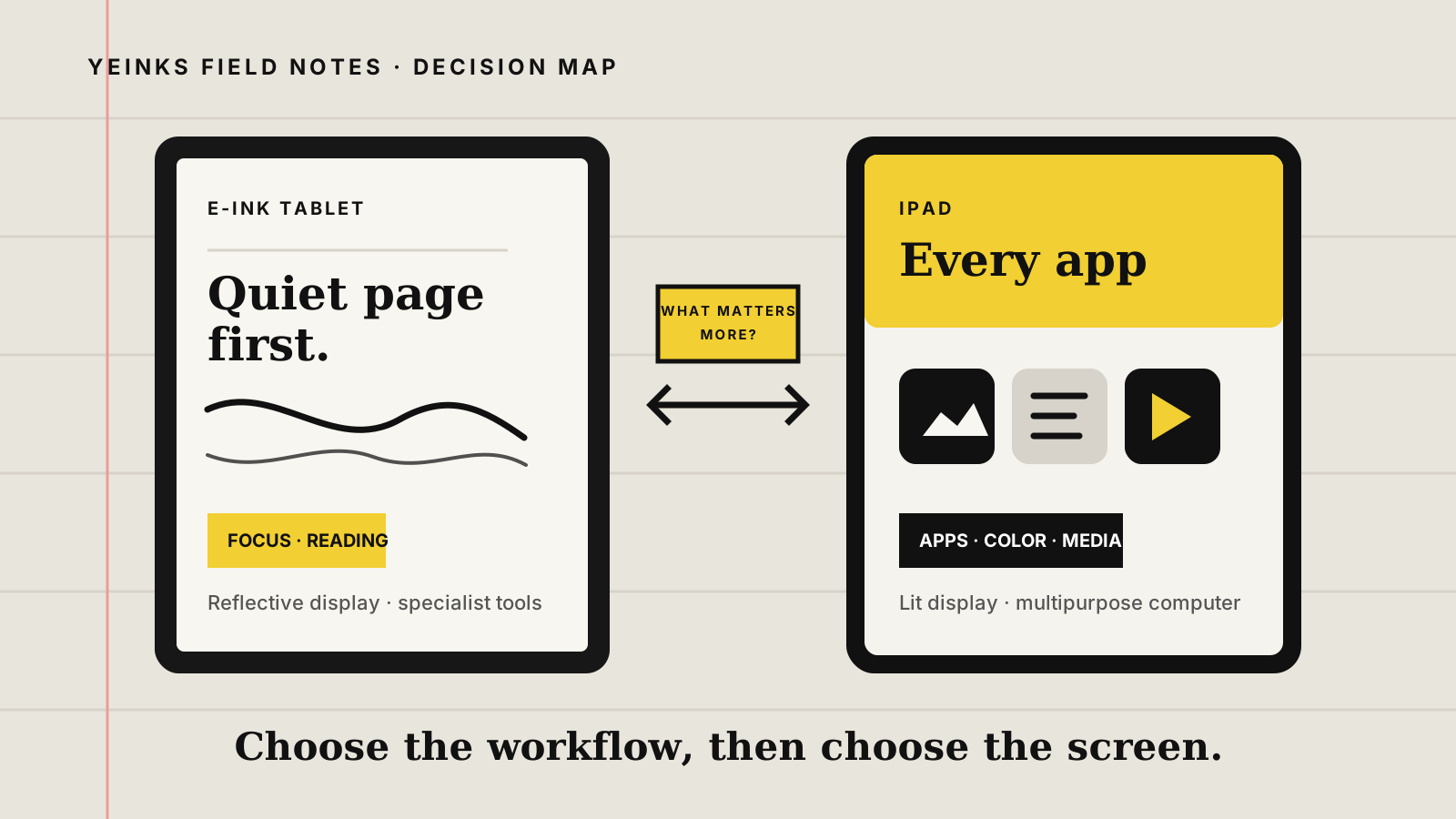
E-Ink tablet vs iPad for note-taking: which should you buy?
Compare an E-Ink tablet and iPad for handwritten notes, PDFs, apps, battery life and focus. Choose the screen that fits your real workflow.
All brands →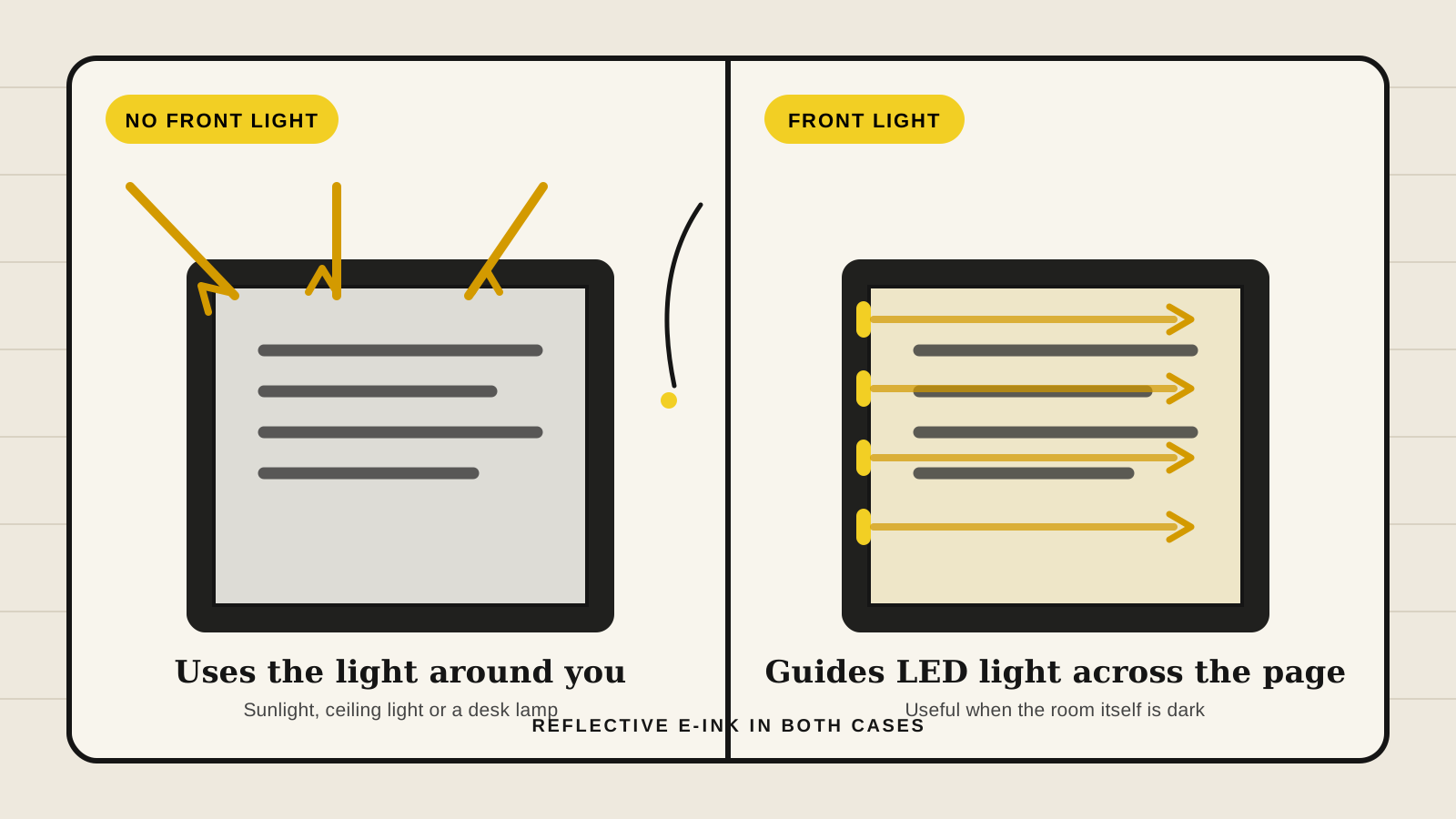
E-Ink front light vs no front light: which should you choose?
Choose an E-Ink tablet with a front light for flexible evening use, or without one for a simpler paper-like screen in good ambient light.
All brands →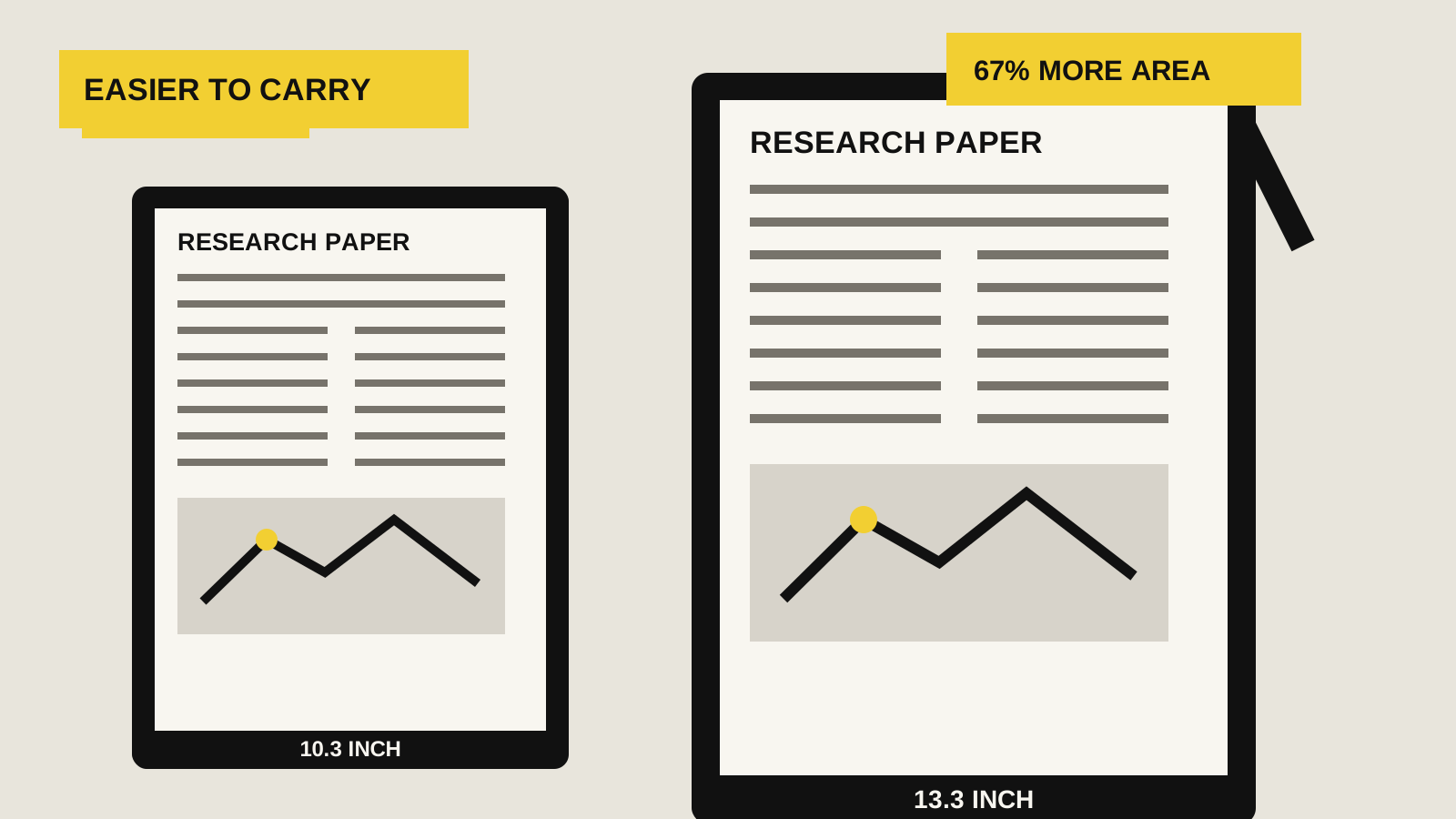
10-inch vs 13-inch E-Ink tablets for PDFs
Choose between a portable 10.3-inch E-Ink tablet and a document-sized 13.3-inch model by page scale, weight, lighting and split-screen use.
All brands →Best E-Ink tablet for work and meetings
Choose by meetings, cloud access, apps, handwriting search, security and export before buying an E-Ink tablet for work.
All brands →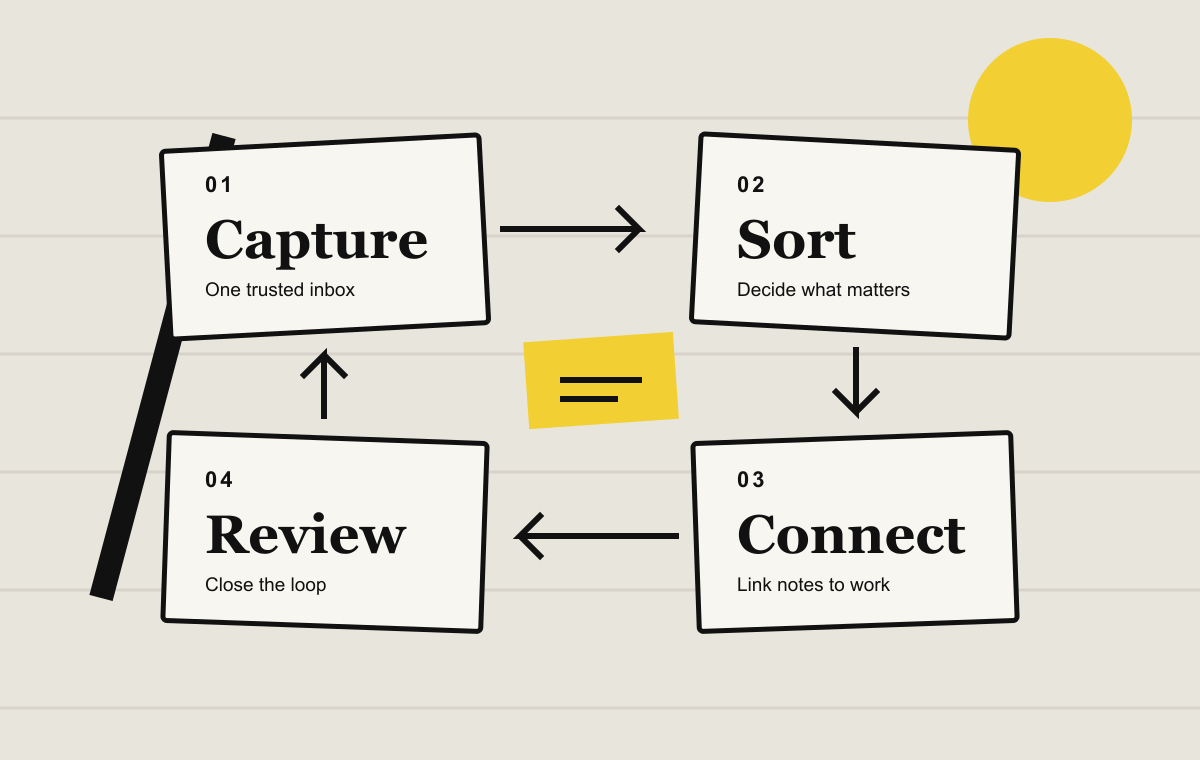
Best note-taking workflows for digital notebooks
Four practical systems for daily capture, projects, meetings and reading, with a simple review loop that keeps handwritten notes useful.
All brands →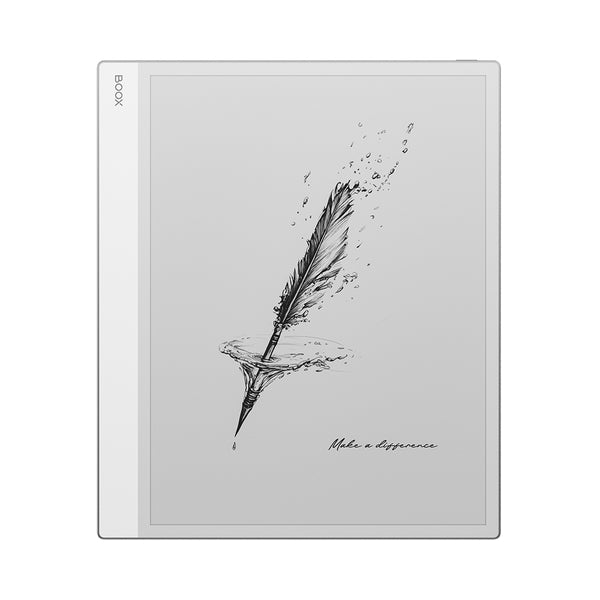
Best E-Ink tablet for PDFs and academic papers
Choose by page size, layout tools, annotations and export for your real academic PDFs.
All brands →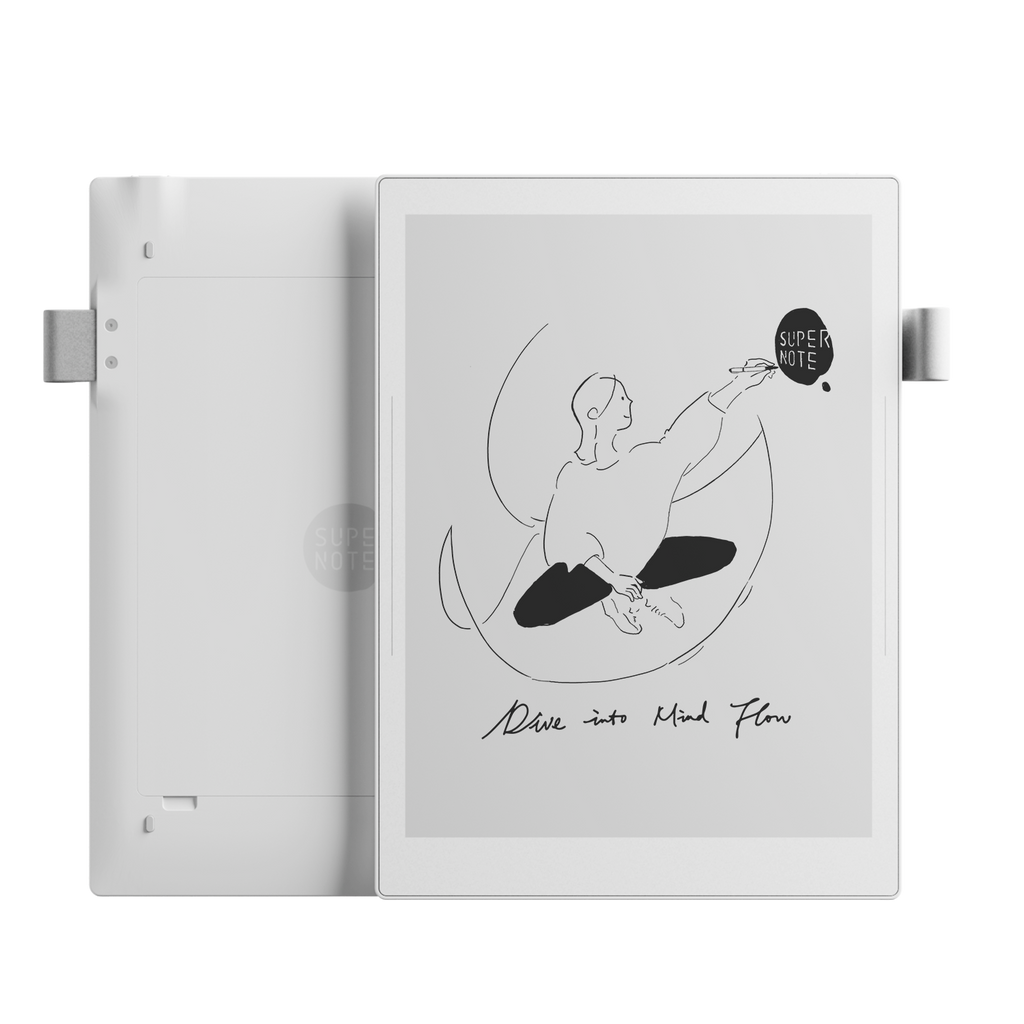
Supernote and on-device encryption: what work users should know
Supernote's screen lock is useful, but its public storage-encryption details differ from reMarkable's. Compare current E-Ink notebooks before storing confidential work notes.
Supernote →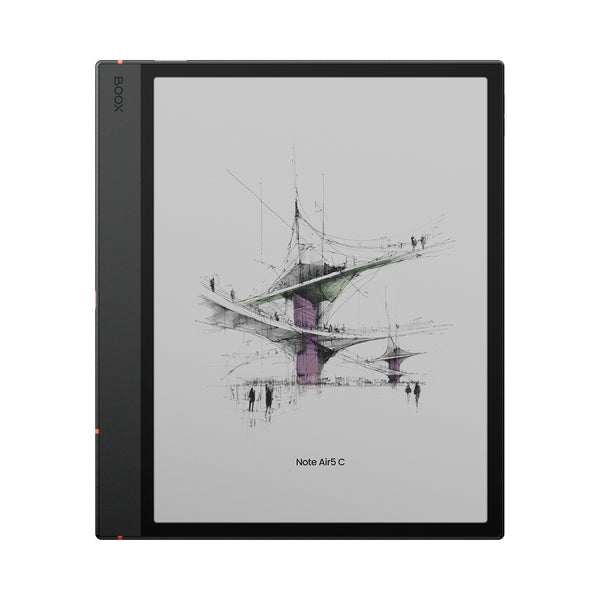
Color E-Ink vs black and white: is color worth it?
Compare color and monochrome E-Ink for text, PDFs, notes and comics before paying more.
All brands →How to transfer files from a PC to BOOX
Move PDFs, EPUBs and documents to a BOOX tablet with BOOXDrop, Send2BOOX or USB.
BOOX →Best E-Ink tablet for students: notes, textbooks and PDFs
Choose by course workload, PDF use, portability and total cost.
All brands →Can reMarkable send a refurbished warranty replacement?
reMarkable may use a refurbished tablet for a warranty replacement. Learn when a refund and new order may be the better route.
reMarkable →Does reMarkable Paper Pro support strikethrough text?
Manual strikethrough is not available for ordinary typed text, but completed checkbox items are crossed out automatically.
reMarkable →Best E-Ink tablets for note-taking and reading in 2026
Five strong digital notebooks compared by the job they do best, with clear trade-offs for notes, PDFs, apps and books.
All brands →Convert PDFs for E-Ink devices
Prepare documents for clearer reading and easier annotation.
Yeinks →Which Bigme notebook should you buy?
Choose between B1051C Pro, B1051 and the large-format X6.
Bigme →Which BOOX notebook should you buy?
A clear guide to Go 10.3, Note Air5 C and Note Max.
BOOX →Which Kindle Scribe should you buy?
Choose between Scribe, Scribe Colorsoft and Scribe without a front light.
Kindle →Which reMarkable should you buy?
Choose between Paper Pure, Paper Pro Move and Paper Pro.
reMarkable →Getting started with Supernote
Set up your notebook and learn the essentials.
Supernote →No matching guides. Try clearing the filters.