You want the core writing experience
The 10.3-inch monochrome screen, low-distraction software, PDF annotation and handwriting tools remain useful. You do not need color, a reading light or general tablet apps.

Yes, if you want a distraction-free monochrome notebook and the complete used package costs clearly less than a certified refurbished reMarkable 2 or new Paper Pure. Skip it if the battery, screen or account reset cannot be checked.
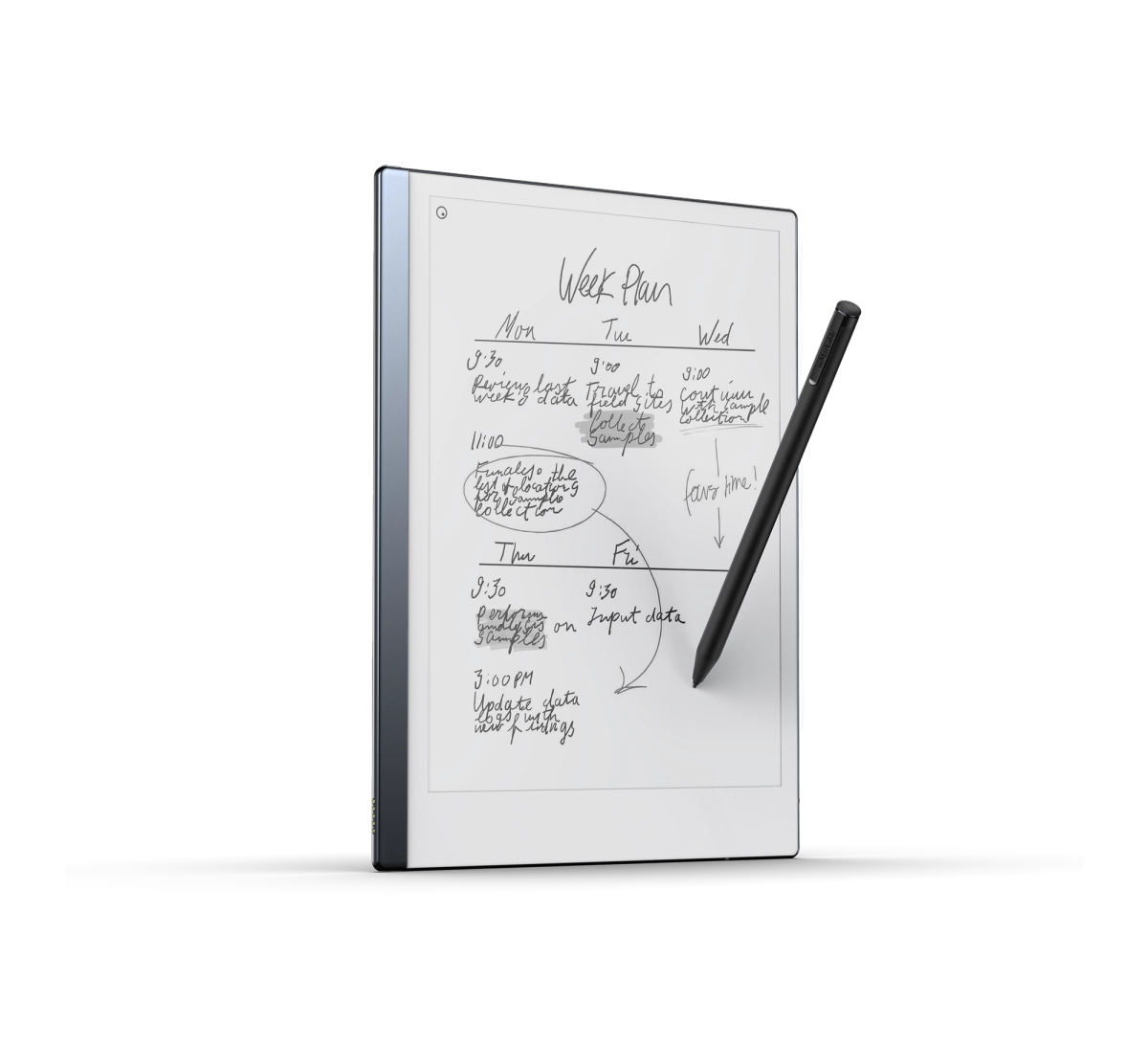
THE SHORT ANSWER
reMarkable discontinued the reMarkable 2 in 2026 and replaced it with Paper Pure. That does not make the older tablet useless. It still receives software updates, its official Marker and folio accessories remain available, and the same focused notes-and-PDF workflow still works.
The value question changed. Paper Pure is lighter, faster, holds four times the listed storage, has a larger battery and is designed for specialist repair. A private used reMarkable 2 therefore needs a meaningful price advantage after you add the pen, cover, fresh nibs and any missing cable. If the totals are close, buy the newer device or reMarkable’s certified refurbished option for the return window and warranty.
HOW THIS GUIDE WAS MADE
Yeinks checked reMarkable’s current product, support, software-update, reset, subscription and refurbished-store information on October 7, 2026. We have not inspected the device in your listing, measured its battery or verified a seller. Used prices vary too quickly by country, condition and included accessories for one fair universal price.
BUY OR SKIP
The 10.3-inch monochrome screen, low-distraction software, PDF annotation and handwriting tools remain useful. You do not need color, a reading light or general tablet apps.
Compare tablet, working Marker, folio, cable and delivery as one total. A cheap tablet with no pen can become an expensive collection of missing parts.
No reset, no full-screen pen test, no charging test or vague battery claims are reasons to walk away. E-Ink damage can stay visible even while the device is off.
THE BIG 2026 CHANGE
Paper Pure keeps the same 10.3-inch resolution and still has no reading light, so a used reMarkable 2 does not lose on basic page size. The newer model is about 43.5g lighter, has 32GB instead of 8GB storage, doubles the listed RAM, uses a faster processor and carries a larger, replaceable battery. reMarkable also says it has higher display contrast and faster performance.
There is a catch for anyone hoping to reuse accessories. reMarkable says reMarkable 2 Markers do not work with Paper Pure. The older Type Folio and Book Folio are also shaped for the older tablet. A complete used bundle can therefore be valuable, but those accessories do not create an upgrade path to Paper Pure.
AT A GLANCE
| Question | Used reMarkable 2 | Paper Pure |
|---|---|---|
| Status | Discontinued in 2026; official accessories and software updates continue | Current monochrome model |
| Display | 10.3-inch monochrome, 1872 × 1404, 226ppi, no reading light | 10.3-inch monochrome, 1872 × 1404, 226ppi, no reading light |
| Weight and thickness | About 403.5g and 4.7mm | About 360g and 6mm |
| Storage and memory | 8GB storage, about 6.5GB available; 1GB RAM | 32GB storage; 2GB RAM |
| Processor | 1.2GHz dual-core ARM | 1.7GHz dual-core Cortex-A55 |
| Battery claim | Up to two weeks when new; 3,000mAh built-in battery | Up to three weeks; 3,820mAh replaceable battery |
| Pen and folio | Works with reMarkable 2 Marker, Marker Plus, Book Folio and Type Folio | Uses a different active Marker and Sleeve Folio; old pens are not compatible |
| Buying protection | Depends on seller, marketplace and remaining proof-backed coverage | 50-day direct return window and one-year limited warranty when bought from reMarkable |
Manufacturer specifications and policies checked October 7, 2026. Battery runtime on an older unit depends on its history and cannot be inferred from the original claim.
PRICE IT PROPERLY
Do not judge a listing against the reMarkable 2’s old launch price. Check the current local price of Paper Pure with the pen and cover you would actually buy. Then check reMarkable’s certified refurbished store. Its reMarkable 2 bundles are inspected, include new accessories in the configurations shown, and come with a 50-day satisfaction guarantee plus the same one-year limited warranty as a new device.
A private-sale tablet has to compensate you for less certainty. Count delivery, marketplace fees, a replacement Marker, folio, nibs and cable. Ask for the original order details if the seller claims remaining warranty coverage, but do not assume that a private listing includes the same return rights as an official refurbished purchase.
BATTERY REALITY
reMarkable lists a 3,000mAh built-in battery and up to two weeks of use for reMarkable 2. A used battery may have seen years of charge cycles, long periods empty or heat. The menu percentage alone does not prove health.
Ask the seller to charge it, restart it and record the percentage before and after a normal writing session with Wi-Fi on. A short video is more useful than “battery is fine.” Look for sudden percentage drops, shutdowns above zero, unusual heat or a USB-C connection that only works at one angle. Paper Pure’s battery is larger and described as replaceable; reMarkable 2’s is built in, so battery uncertainty deserves a real discount.
SCREEN AND PEN
E-Ink can hold an image without power, which means a permanent line or dark patch may remain visible after a restart. Ask for a full refresh on a plain white page, then a photo in even daylight. Small cosmetic marks on the frame are different from cracks, pressure damage or display separation.
Next, draw slow horizontal and vertical lines from edge to edge. The stroke should appear under the pen tip across the page. Test touch gestures separately. A worn nib is cheap and normal; a missing Marker is not. Official reMarkable 2 Markers need no charging or pairing, while Marker Plus adds an eraser. Check which one is actually included.
ACCOUNT AND DATA
reMarkable recommends updating and factory-resetting an old tablet before it changes hands. The seller should first confirm their files are synced or exported, because a reset erases local content. You should receive the setup screen, not someone else’s notebooks or a locked device.
Pair the tablet with your own reMarkable account as soon as practical. The device can work without paying for Connect, but the subscription affects unlimited cloud storage, handwriting search, app editing and other cloud features. Budget from the workflow you need, not from the assumption that a seller’s subscription transfers with the hardware.
INSPECTION CHECKLIST
Accept: No cracks, bright pressure marks, dead areas or deep scratches. Pen strokes appear under the tip across the whole page.
Walk away: Any crack, expanding dark patch, line that remains after a full refresh or area where the pen stops registering.
Accept: Charges without cable pressure, restarts normally and survives a useful writing session without a sudden percentage drop.
Walk away: Gets unusually hot, shuts down while charged, drains rapidly at idle or only charges when the plug is held at an angle.
Accept: Seller has synced or exported their files, updated the tablet and completed a factory reset. Setup begins at the language screen.
Walk away: Device still opens the seller’s notebooks, is locked by an unknown passcode or cannot be paired to your account.
Accept: Marker writes without pairing, touch gestures work and the pen attaches securely. A fresh nib is included or budgeted.
Walk away: Missing pen unless the price reflects it, unreliable touch, bent Marker tip socket or unexplained offset between pen and ink.
Accept: Frame is straight, power button clicks normally and folio magnets hold without lifting the display edge.
Walk away: Bent chassis, separated layers, swollen body, damaged power button or signs of liquid entry.
BOTTOM LINE
A healthy used reMarkable 2 remains a calm, capable place to write. It is especially appealing when a working Marker and folio are included at a strong total price. Its software support and accessory availability make it a safer discontinued device than the word “discontinued” might suggest.
Paper Pure is the better long-term default for most new buyers. It is lighter, faster, roomier and easier to service. Choose the used reMarkable 2 only when you have verified the screen, battery, reset and accessories and the saving is large enough to justify losing the cleaner buying protection.
Official pages were checked October 7, 2026. Prices, refurbished stock, subscription features and policies can vary by region and change after publication.
REMARKABLEreMarkable 2 discontinuation, accessories and ongoing software updates ↗REMARKABLEreMarkable 2 specifications, battery, security and file support ↗REMARKABLEPaper Pure specifications, repair design and accessory compatibility ↗REMARKABLECertified refurbished reMarkable 2 inspection, bundles and coverage ↗REMARKABLEUpdate, sync, factory-reset and device-transfer guidance ↗REMARKABLEConnect features and current subscription terms ↗REMARKABLESoftware-update rollout for reMarkable tablets ↗