
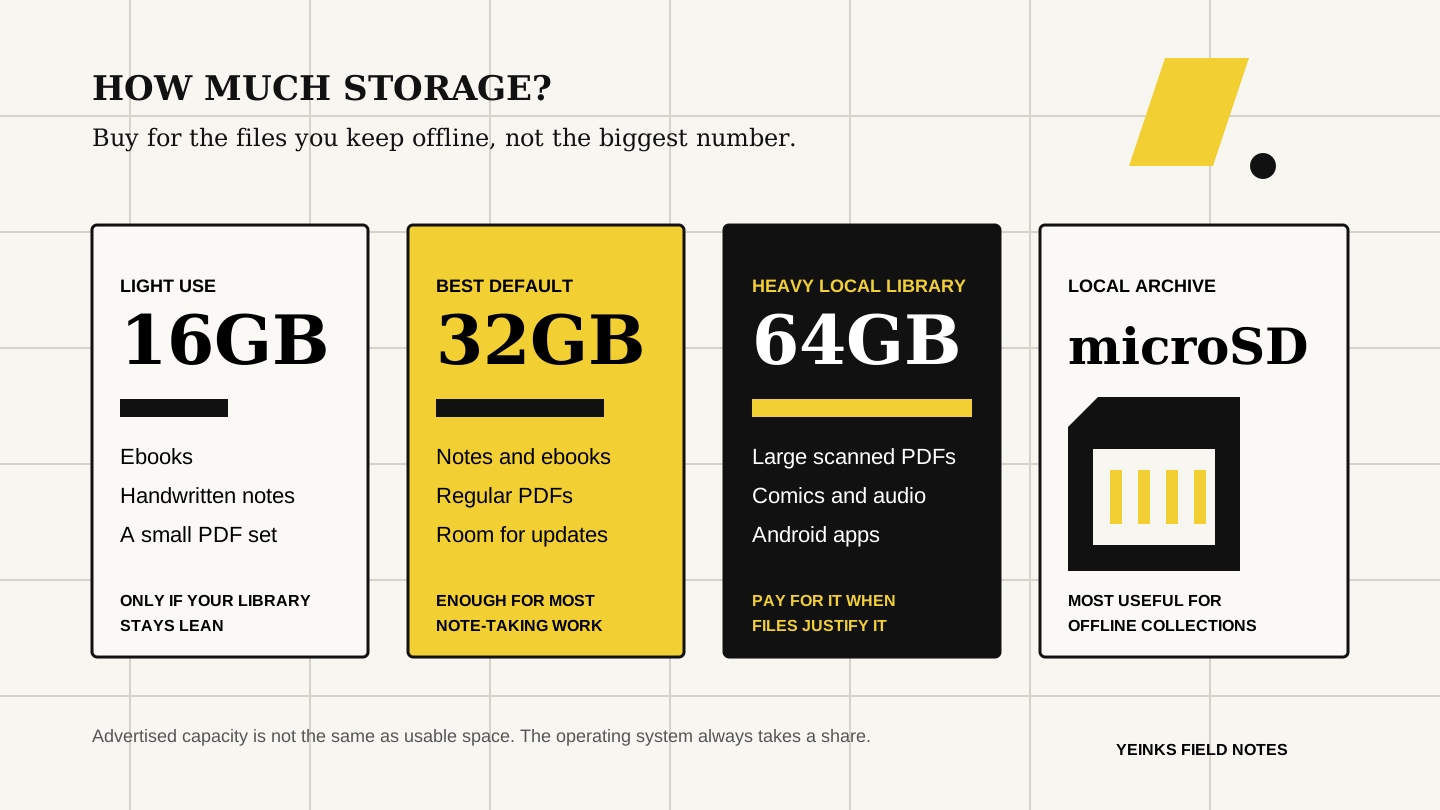
Enough for a reading-first device, handwritten notes and a small working set of PDFs. Amazon says its 16GB Kindle Scribe without a front light gives the user about 10GB after system space. That is the useful number to plan around.
How much storage do you need on an E-Ink tablet?
For most people, 32GB is enough for years of handwritten notes, ebooks and a practical PDF library. Choose 64GB when you keep large scanned documents, comics, audio or Android apps offline. Buy expandable storage when the tablet needs to carry an archive, not just your current work.
THE SHORT ANSWER
32GB is the sensible default. Storage expansion is the useful upgrade.
Buy 16GB only for a deliberately small library. It works for ebooks, handwritten notebooks and a rotating set of documents, but leaves less room for bulky scanned PDFs and audio. Choose 32GB for ordinary note-taking and document work. Move to 64GB if you use Android apps, keep many image-heavy PDFs or dislike clearing files.
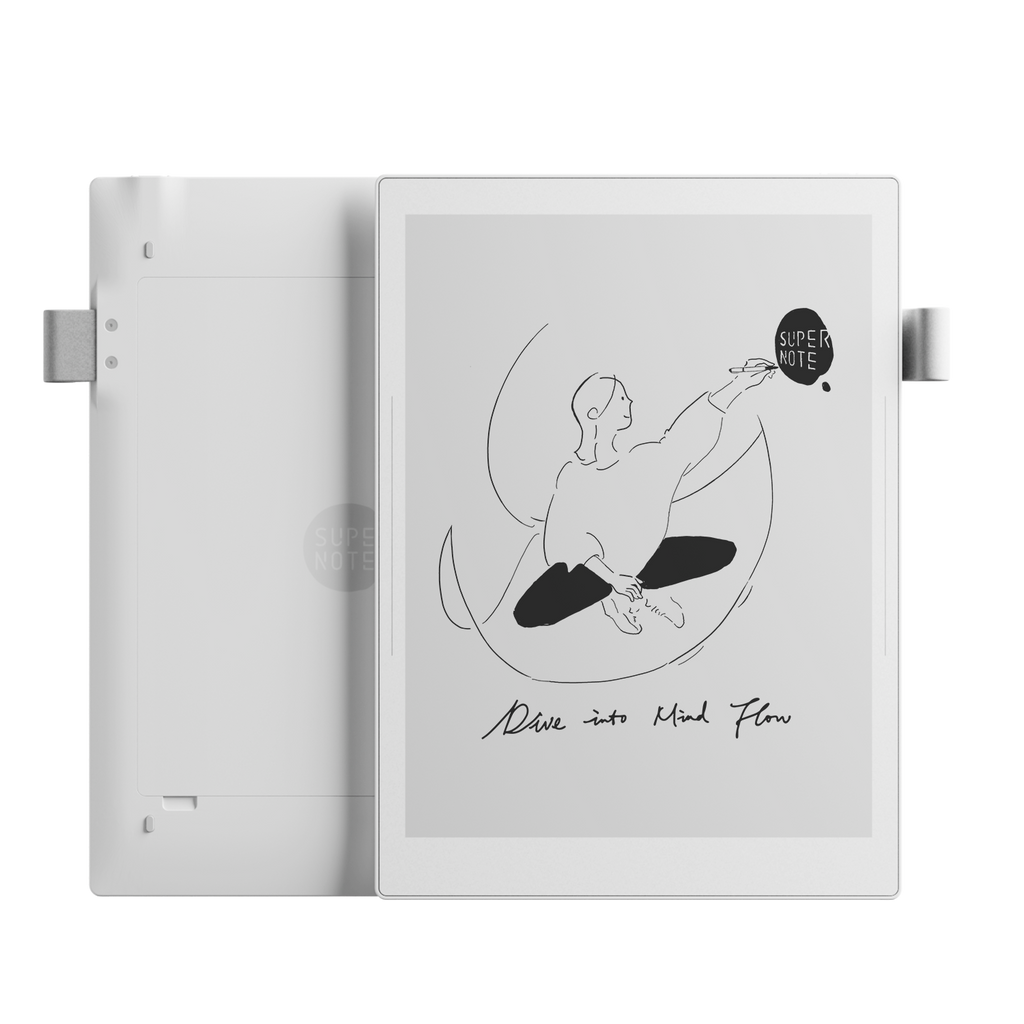
A microSD slot changes the decision more than another fixed 32GB. Supernote Manta and BOOX Note Air6 C can accept cards up to 2TB according to their manufacturers. That makes them better fits for offline archives, although a removable card is not a backup.
HOW THIS GUIDE WAS MADE
We compared advertised capacity, usable space and expansion.
Yeinks checked current manufacturer specifications and support pages on October 11, 2026. We have not filled these devices or measured their file capacity ourselves. File sizes vary dramatically, so this guide avoids promises such as a fixed number of PDFs. Amazon is unusually specific about user-available storage; other makers mainly publish the larger advertised capacity.
CHOOSE YOUR TIER
What 16GB, 32GB and 64GB mean in real use
The comfortable middle ground for notebooks, ebooks and regular document review. A 32GB third-generation Kindle Scribe exposes about 23.43GB to the user. Supernote Manta starts at 32GB and lets you add a card later.
Worth choosing for large scanned PDFs, comics, audiobooks or a BOOX app library. Amazon lists about 52.19GB as user-available on its 64GB third-generation Scribe, which shows why advertised and usable capacity should not be treated as equal.
A clean text ebook may be tiny, while a scanned textbook or illustrated document can be hundreds of megabytes. Check the size of ten files you genuinely use, then multiply by the number you want offline. That is more useful than a generic “thousands of books” claim.
CURRENT EXAMPLES
Storage on six E-Ink tablets
| Device | Advertised storage | User-available space | Expansion | Best fit |
|---|---|---|---|---|
| Kindle Scribe without front light | 16GB | About 10GB | Not advertised | Light reading, notes and a small document library |
| Supernote Manta | 32GB | Less than 32GB | microSD up to 2TB | Notes and PDFs, with a card for a large local archive |
| Kindle Scribe (3rd generation) | 32GB or 64GB | About 23.43GB or 52.19GB | Not advertised | Choose 64GB for many large documents or audio |
| reMarkable Paper Pro | 64GB | Not stated | Not advertised | Plenty for focused notes and PDF review |
| BOOX Go 10.3 Gen II | 64GB | Not stated | Not advertised | Apps, books and documents on a fixed-capacity model |
| BOOX Note Air6 C | 64GB | Not stated | microSD up to 2TB | Android apps plus a large offline PDF or comics library |
“Not advertised” means the cited product specification does not offer a card slot as a storage feature. It does not include cloud storage. Capacity and regional configurations can change.
BEST FOR A LOCAL ARCHIVE
Expandable storage is useful, but it is not a safety net
Supernote Manta's 32GB headline looks modest next to fixed 64GB tablets. Its microSD slot is the more important fact. You can add capacity when you need it instead of paying for it on day one. BOOX Note Air6 C pairs 64GB internally with expansion up to 2TB, which suits a large local collection and Android apps.
Do not confuse capacity with protection. A lost tablet, damaged card or accidental deletion can still take the archive with it. Keep a second copy on a computer or a trusted backup service. Supernote's own update guidance tells owners to back up files before updating, and its changelog shows that storage-related software details can matter.
Also check where each app stores its data. A card may hold documents while an Android app, database or downloaded content remains in internal storage. If apps are the reason you need space, 64GB internally is safer than assuming every app can move to microSD.
Read our Supernote Manta evidence review →FIXED STORAGE
64GB is generous, but it cannot grow later.
reMarkable Paper Pro and BOOX Go 10.3 Gen II both advertise 64GB. For focused handwritten notes and ordinary PDF review, that is comfortably above our 32GB default. The downside is not immediate capacity. It is that the specification does not advertise removable storage if your needs grow.
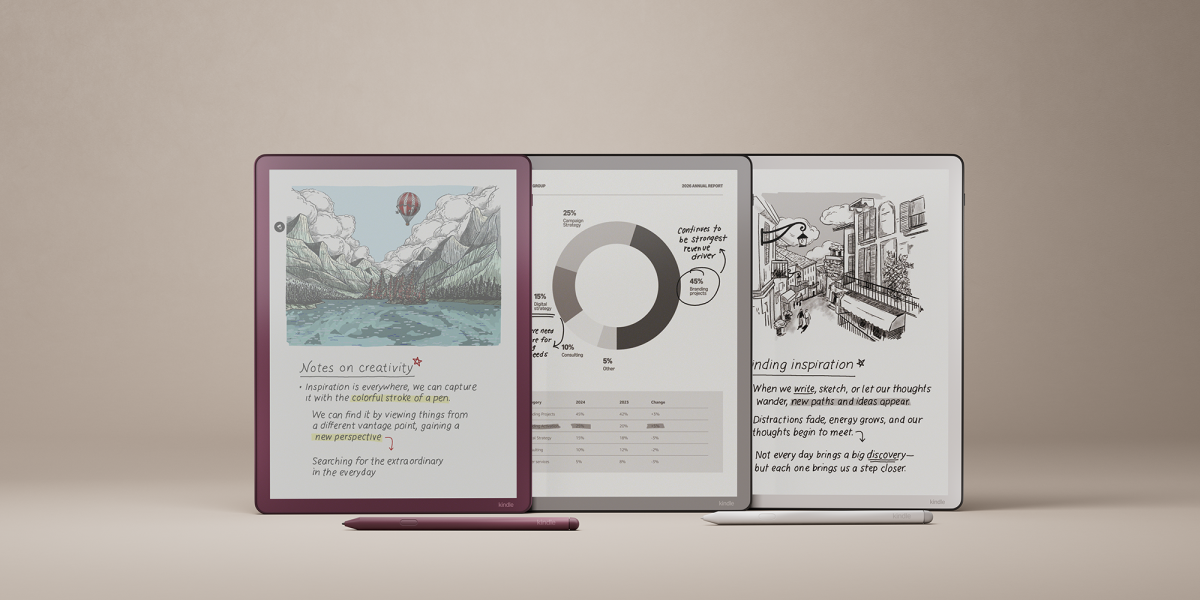
Kindle Scribe gives buyers a clearer choice. The third-generation model comes in 32GB and 64GB configurations, while the model without a front light uses 16GB. Pay for 64GB when you already know that large personal documents, audiobooks or an offline library are central to the purchase. Otherwise, storage alone should not push you into the more expensive configuration.
BEFORE YOU BUY
Use a five-minute storage check
- Open the folder you will actually carry. Check the total size of your active PDFs, ebooks and reference files.
- Add app space. On BOOX, include downloaded app content, audio, caches and offline cloud folders.
- Plan with usable storage. Do not spend every advertised gigabyte. The operating system, updates and temporary files need room.
- Decide what stays offline. Keeping this semester or current project on the tablet needs far less space than carrying a lifetime archive.
- Choose a backup route. USB, desktop sync, cloud storage or a second drive protects files. A larger tablet does not.
BOTTOM LINE
Buy 32GB for the work in front of you, 64GB for heavy files, and microSD for an archive.
Most note-takers do not need to choose a tablet by storage first. Screen size, writing tools, file transfer and export matter more once you reach 32GB. A 16GB model is reasonable when reading and light notes are the whole job. A fixed 64GB model gives breathing room. Expandable storage is the strongest long-term option for people who keep many large documents offline.
If you are still comparing the wider trade-offs, start with our best E-Ink tablets for note-taking, then use the storage check above to choose the right configuration.
Primary sources checked
Checked October 11, 2026. Manufacturers describe their own products. Storage configurations, available capacity and supported card sizes can change.
AmazonKindle model identification and user-available storage ↗reMarkablePaper Pro specifications and 64GB internal storage ↗SupernoteManta specifications, 32GB storage and microSD expansion ↗BOOXGo 10.3 Gen II specifications and 64GB storage ↗BOOXNote Air6 C specifications and storage expansion ↗SupernoteManta and Nomad release notes, including microSD behavior ↗