Menu
KEYBOARD BUYER'S GUIDE

Best E-Ink tablet with a keyboard in 2026

An E-Ink keyboard setup can be excellent for first drafts and light editing, but it is not automatically a lighter laptop. Choose the writing system first, then check the full carried weight and the files or apps you need.

By YeinksPublished October 6, 202610 min read
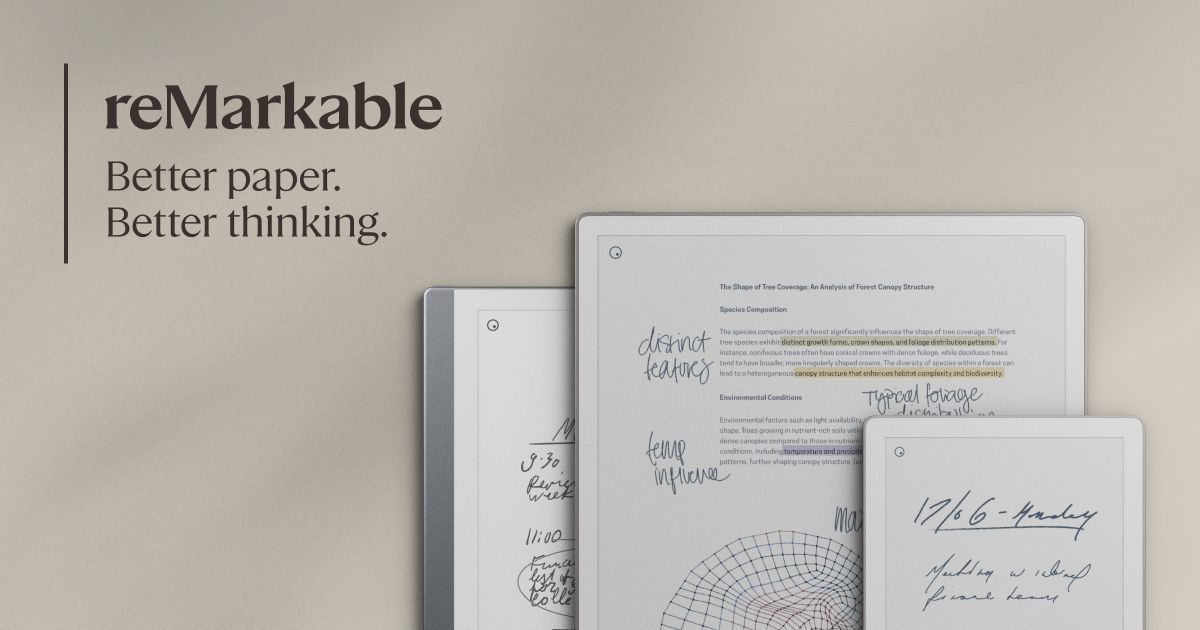
reMarkable Paper Pro, the best focused E-Ink tablet to pair with its official keyboard cover
Official product image: reMarkable. The Type Folio is sold separately or in selected bundles.

THE SHORT ANSWER

reMarkable Paper Pro with Type Folio is the best focused E-Ink keyboard setup.

Its keyboard attaches without charging or pairing, has backlit full-size keys and lets typed text share a page with handwriting. Choose BOOX Note Air5 C instead if you need Android apps, a trackpad and familiar office tools. Supernote Manta works with Bluetooth keyboards and is the better note-first choice, but it is less convincing as a compact laptop substitute.

HOW THIS GUIDE WAS MADE

This is an evidence-led buying guide, not a keyboard test.

Yeinks has not tested these three keyboard combinations side by side. We checked current manufacturer product pages and support documentation on October 6, 2026, then compared connection method, software, document workflow, weight and the role of handwriting. Prices and regional keyboard layouts can change, so confirm the exact accessory in your country before ordering.

QUICK COMPARISON

Choose by what happens after you press a key

SetupBest forKeyboard routeCombined weightMain drawback
reMarkable Paper Pro + Type FolioFocused drafts, meeting notes and marked-up documentsMagnetic accessory port, no pairing or chargingAbout 1.01 kgNo conventional app store and limited document formatting
BOOX Note Air5 C + Magnetic Keyboard CoverAndroid apps, email and light office editingPogo pins, trackpad and pass-through USB-C chargingAbout 925 gHeavier software, more distractions and uneven app behavior on E-Ink
Supernote Manta + Bluetooth keyboardHandwritten projects with occasional Word or text entryBluetooth keyboard or computer keyboard sharing375 g plus your keyboard and caseNo first-party keyboard folio and a narrower typing environment

Combined weights are calculated from the manufacturers' listed tablet and keyboard-cover weights. They exclude the pen and cables and may vary slightly.

Official image of reMarkable Paper Pro
Official image: reMarkable
BEST FOR FOCUSED WRITING

reMarkable Paper Pro with Type Folio

Pick this when you want the simplest route from handwritten notes to a clean first draft.

Type Folio is made only for Paper Pro. It connects through the tablet's magnetic accessory port, so there is no Bluetooth menu, battery or separate charging cable. The keyboard has a full-size layout, 1.3 mm key travel, adjustable backlighting and a palm rest. It can sit upright for typing, lower for handwriting or fold away for reading.

reMarkable's strongest trick is mixing typed and handwritten material on the same page. Handwriting anchors to nearby typed text as the text moves, which makes this setup useful for drafting, marking up and reorganizing ideas without maintaining separate notebook and document files.

The limits are deliberate. There is no conventional app store, the editing tools are much simpler than Microsoft Word or Google Docs, and the current Type Folio is compatible only with Paper Pro. Paper Pro weighs about 525 g and Type Folio about 485 g, so the complete setup is roughly 1.01 kg. That is focused, but not featherweight.

Read our reMarkable Paper Pro evidence review →
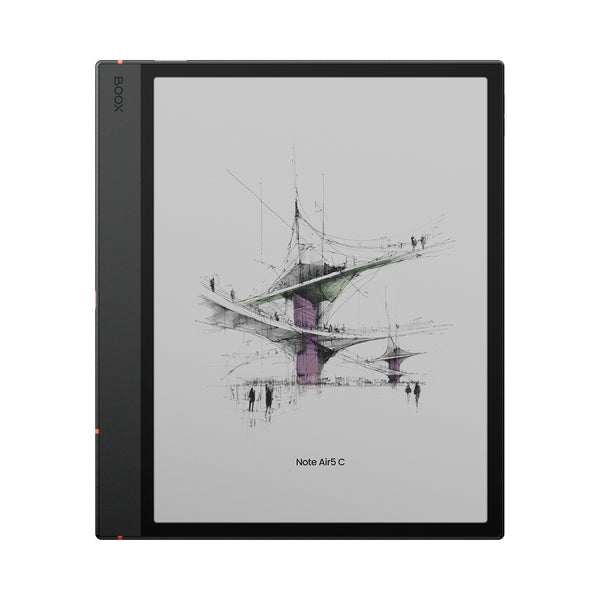
Official image of BOOX Note Air5 C
Official image: BOOX
BEST FOR APPS

BOOX Note Air5 C with Magnetic Keyboard Cover

Pick this when your keyboard needs to work inside Android apps, not just a distraction-free notebook.

Note Air5 C runs Android 15 and includes the Google Play Store. BOOX positions its keyboard cover for emails, short reports, spreadsheets and presentations. The accessory connects through pogo pins, adds a trackpad and 14-key function row, and has a USB-C port for pass-through charging.

That flexibility is the reason to buy it. You can install writing, reference and cloud apps, use split screen and work with DOCX, PPTX and many other file types. It is also the only setup here with a built-in trackpad, which matters when an app expects pointer-style navigation.

It is also the setup most likely to remind you that E-Ink is not an LCD. Scrolling, animations and web apps can feel slower or leave refresh artifacts. BOOX recommends the latest firmware and Speed refresh mode for its keyboard. The 440 g tablet and 485 g cover total about 925 g, so test the complete bundle rather than judging the bare tablet.

Read our BOOX Note Air5 C evidence review →
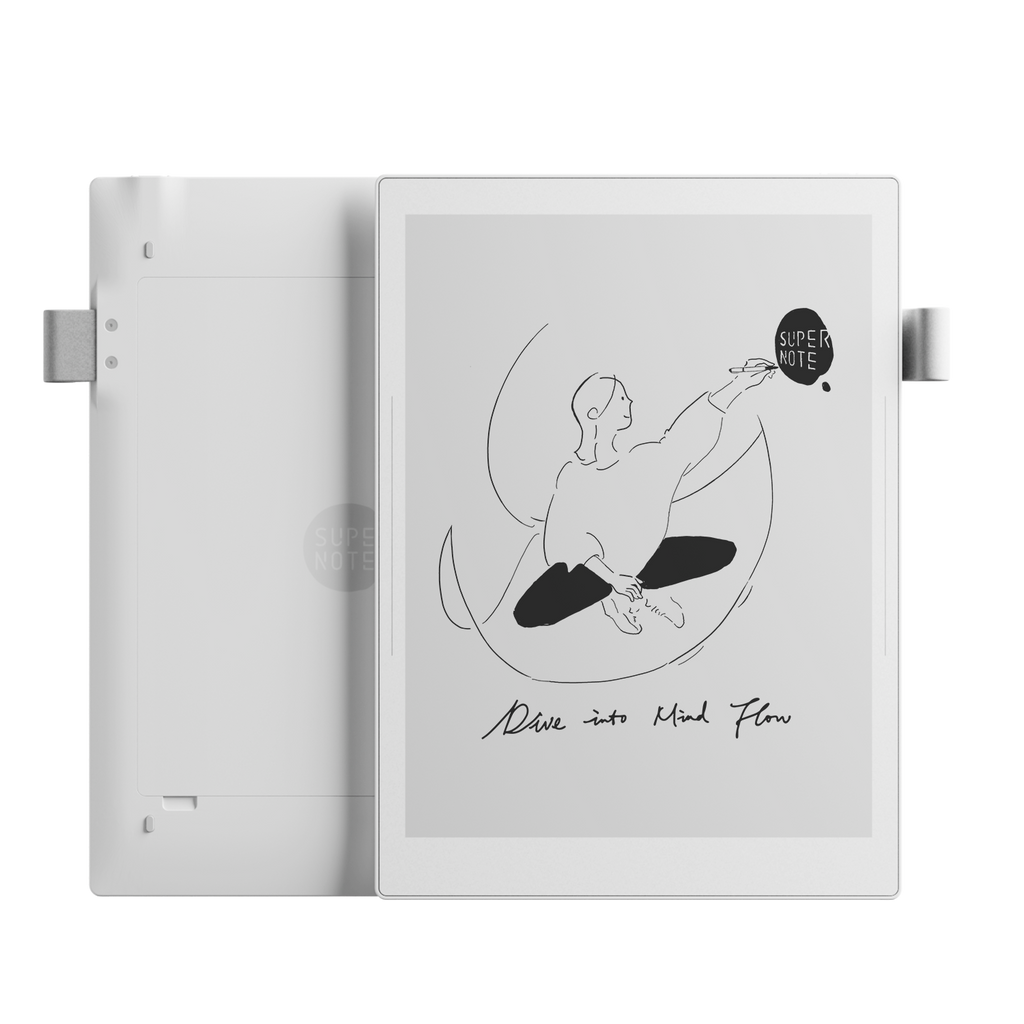
Official image of Supernote Manta
Official image: Supernote
BEST WHEN NOTES COME FIRST

Supernote Manta with a Bluetooth keyboard

Pick this when headings, links and handwritten project notes matter more than an integrated laptop-style cover.

Manta supports Bluetooth keyboards. Supernote also lets its desktop Partner app share a computer keyboard with the tablet while the Supernote window remains in the foreground. You can type into Word documents, revise text with common shortcuts and add typed text boxes to notes.

The handwriting system remains the main reason to choose it. Headings, links, keywords and note-linked tasks help long projects stay navigable, while the replaceable battery and microSD storage support a long ownership plan. A keyboard is an extra input method rather than the center of the product.

There is no official Manta keyboard folio, so you must choose, charge and carry a separate keyboard and stand. That can be lighter or heavier than the integrated options, but it is less tidy on a train or a small table. Supernote's Word tools are useful for basic drafting and editing, not a full desktop Word replacement.

Read our Supernote Manta evidence review →

THE FIVE-MINUTE BUYING TEST

Follow one real document from idea to delivery.

  1. Choose a typical job: a 1,000-word draft, meeting minutes, a marked PDF or an email reply.
  2. Write down the exact final format and where it must go, such as DOCX in OneDrive or plain text in a content system.
  3. Check whether the E-Ink device can complete that route or only create the first draft.
  4. Add the tablet, keyboard, cover and pen weights. Compare that total with the laptop you already own.
  5. Use the returns window to test cursor movement, shortcuts, export and one long typing session.

WHEN A LAPTOP IS STILL BETTER

Buy the keyboard setup for focus, not because E-Ink makes every office task better.

Long formatted documents

Footnotes, comments, tracked changes, complex styles and reference tools remain easier on a laptop.

Spreadsheets and web apps

A trackpad helps, but frequent scrolling, tiny controls and animation work against E-Ink's strengths.

Video calls and multitasking

These tablets are better beside a meeting than hosting the whole meeting and several live apps.

If your priority is meetings rather than typing, our best E-Ink tablet for work guide compares security, cloud access and note organization. For broader handwriting choices, see the best E-Ink tablets for note-taking.

Primary sources checked

Checked October 6, 2026. Manufacturer pages describe their own products. Confirm current price, stock, keyboard layout and compatibility before buying.

reMarkablePaper Pro Type Folio features and specifications ↗reMarkablePaper Pro specifications and workflow features ↗BOOXNote Air5 C specifications and keyboard workflow ↗BOOXMagnetic Keyboard Cover specifications ↗SupernoteManta specifications and Bluetooth keyboard support ↗SupernoteWord document typing and editing ↗SupernoteDesktop keyboard sharing ↗