Sync
Let notebooks finish uploading while you still have a trusted connection.

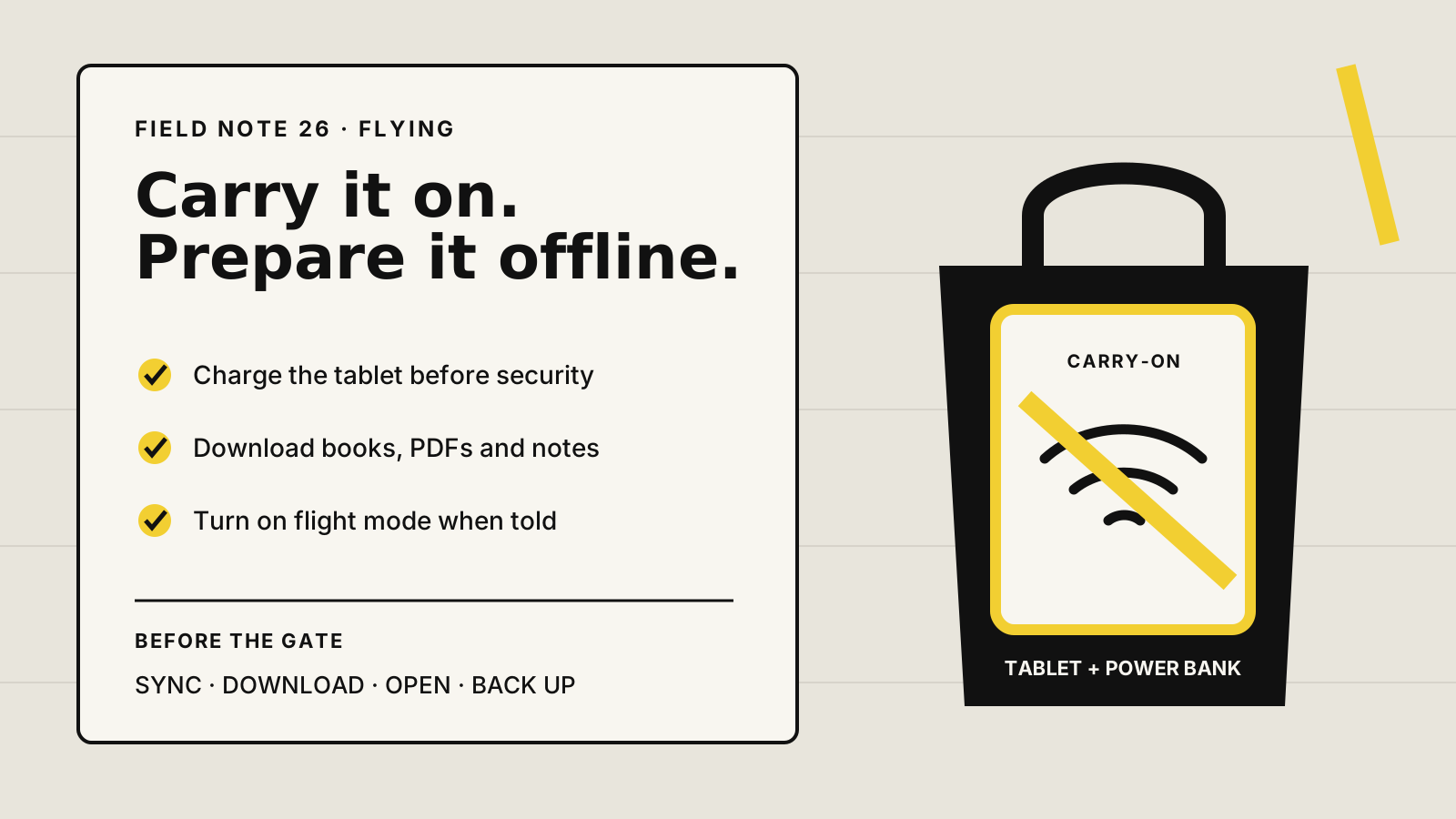
Yes. An E-Ink tablet is normally treated like any other tablet or e-reader. Keep it in your carry-on, use flight mode when instructed, and download everything before departure. Power banks need stricter handling.
THE SHORT ANSWER
FAA, IATA, EASA and UK guidance all treat tablets and e-readers as portable electronic devices. They recommend carrying battery-powered devices in hand baggage. Spare lithium batteries and power banks must not go in checked baggage.
Small E-Ink tablets sit well below the battery sizes that usually need airline approval, but the airline and the countries on your route can set stricter rules. Follow the crew's instructions on storage, flight mode and use during taxi, take-off and landing.
HOW THIS GUIDE WAS MADE
Yeinks checked current FAA, IATA, EASA, UK Civil Aviation Authority, GOV.UK and manufacturer guidance on October 27, 2026. We did not test every airport, airline or aircraft. Security instructions and airline policies take priority over this guide, especially for power banks and bags checked at the gate.
PACKING RULES
| Item | Where to pack it | What matters |
|---|---|---|
| E-Ink tablet or e-reader | Carry-on is the safest choice | Keep it protected and accessible. If an airline accepts it in checked baggage, it must be fully off and protected from damage and accidental activation. |
| Power bank | Carry-on only | Do not leave it in a bag that is gate-checked. Check airline limits and rules on using or charging it in flight. |
| USB charger and cable | Carry-on recommended | A charger without a battery is not a spare lithium battery, but keeping it with you helps after delays. |
| Stylus and spare nibs | Usually carry-on | Pack the pen so it cannot snap or press against the screen. Follow local security instructions if staff ask to inspect it. |
If a carry-on is taken at the gate for the aircraft hold, remove the tablet, power bank and any spare lithium batteries first.
THE BATTERY RULE THAT MATTERS
The FAA and IATA require spare lithium batteries and power banks to stay in carry-on baggage with their terminals protected from short circuits. A damaged, swollen, recalled, smoking or unusually hot battery should not travel. Tell cabin crew immediately if a device becomes hot, expands, smokes or burns.
IATA's 2026 passenger guidance limits passengers to two power banks of no more than 100Wh and advises against charging them from the aircraft or keeping them in an overhead locker. UK CAA rules also restrict using a power bank to charge another device on board. Airlines can be stricter, so check the carrier before packing one.
AT AIRPORT SECURITY
In a standard US screening lane, TSA guidance says personal electronics larger than a phone, including tablets and e-readers, should be placed in a separate bin with nothing above or below them. TSA PreCheck and airports using newer scanners may give different instructions. UK guidance also tells passengers to remove tablets and other electrical items for separate screening.
Do not assume every checkpoint works the same way. Listen to the staff in front of you. Keep the tablet near the top of your bag, rather than under a heroic knot of cables. GOV.UK also advises arriving with electronic devices charged because an item that cannot switch on when requested may not be allowed onto the aircraft.
ON THE PLANE
UK CAA guidance says some airlines allow tablets and e-readers throughout the flight, including take-off and landing, when they are in flight mode. EASA likewise says electronic devices can normally be used on board but must follow airline rules. The cabin crew has the final word, and a larger tablet may need to be stowed for take-off or landing.
Writing, reading downloaded books and annotating local PDFs should continue without a connection on current reMarkable, Supernote, BOOX and Kindle Scribe devices. Cloud sync, fresh downloads, online sharing and some app features wait for Wi-Fi. Our offline E-Ink tablet guide explains those platform differences in more detail.
SIX CHECKS BEFORE LEAVING
Let notebooks finish uploading while you still have a trusted connection.
Save every book, PDF, itinerary and reference file locally. A cloud thumbnail is not an offline file.
Open each important file once and confirm the full document is present, not just its cover or listing.
Keep a readable PDF copy of essential notes somewhere else in case the tablet is lost or damaged.
Arrive with enough power to switch the device on if security staff request it.
Enable flight mode at home and repeat the exact reading or writing task you plan to do.
Airport and hotel Wi-Fi can use browser-based sign-in pages. reMarkable says its tablets do not support captive-portal networks, which are common in public places. A phone hotspot can be a fallback where local rules and your mobile plan allow it, but the safer plan is still to finish your cloud transfers before leaving home.
SMALL THINGS THAT SAVE THE TRIP
BOTTOM LINE
Pack it in your carry-on, charge it, switch to flight mode when instructed and keep the power bank out of checked baggage. Then test the offline workflow before you leave. The device's long battery life and calm screen are genuinely useful on a journey, but only if the book, PDF or notebook is already on it.
Checked October 27, 2026. Airline, airport, national security and battery rules can change. Confirm the rules for every carrier and country on your itinerary.
FAAPortable electronic devices, checked-baggage precautions and damaged-battery guidance ↗FAACarry-on treatment for tablets, spare batteries and power banks ↗IATAPassenger guidance for lithium devices, power banks and airline-specific rules ↗EASAPortable electronics, flight mode and battery packing guidance ↗UK CAAUse of tablets and e-readers in flight mode ↗GOV.UKTablet packing and charged-device advice for UK airports ↗TSAStandard-lane screening for tablets and e-readers ↗reMarkablePublic captive-portal Wi-Fi limitation and hotspot guidance ↗SupernoteDocumented fully offline use and local transfer ↗AmazonKindle internet requirements for synchronization ↗