Menu
MANGA & COMICS GUIDE

Are E-Ink tablets good for manga and comics?

Yes for manga, often for comics, and rarely for anyone expecting iPad-like color. The right choice depends on page size, library access and whether your collection lives in a store or in local files.

By Yeinks11 min read
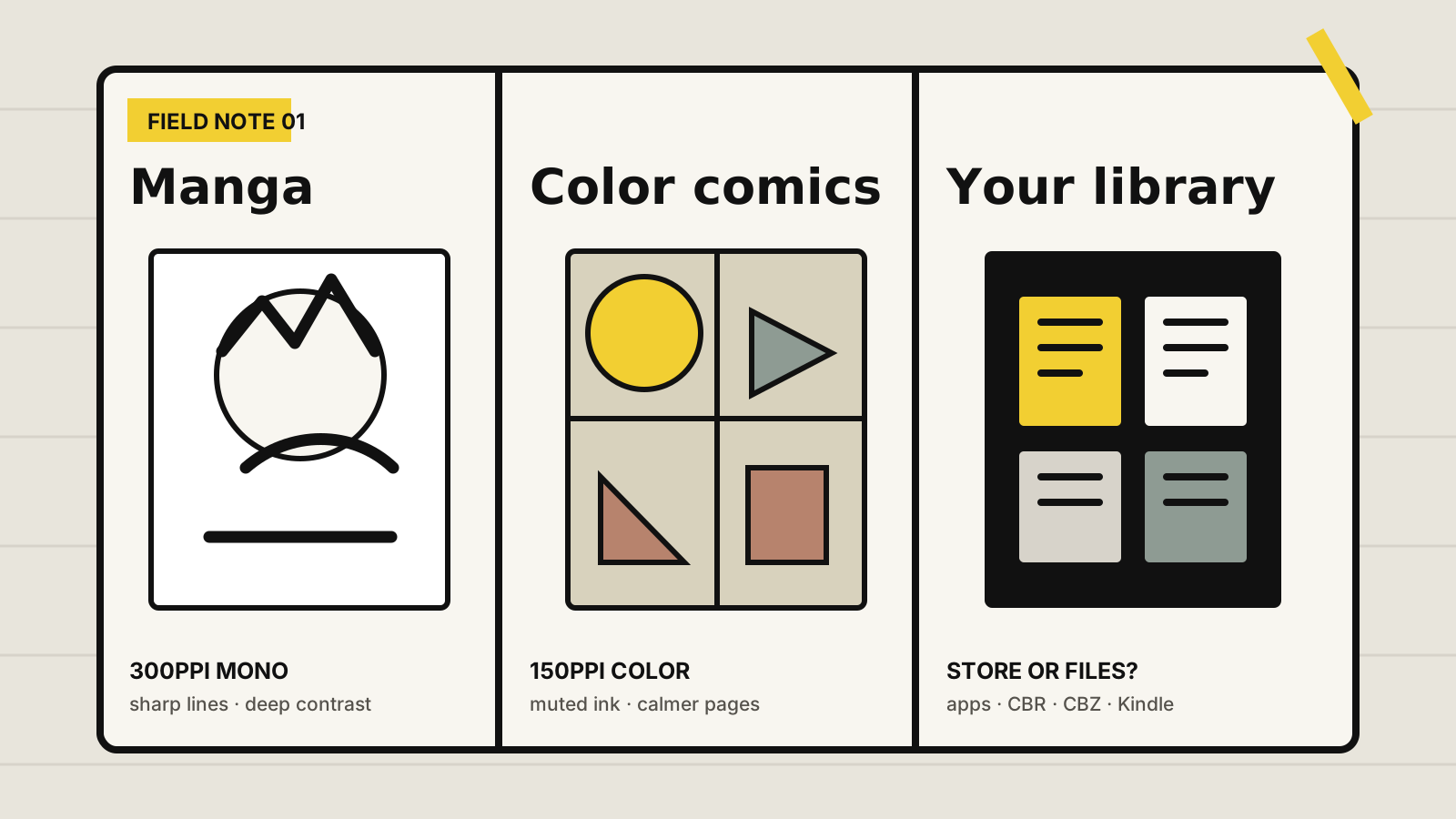
Field-note diagram comparing sharp monochrome manga, muted color comics and store or local-file access on E-Ink tablets
Manga rewards sharp monochrome screens. Color comics ask you to trade saturation for a calmer display. Diagram: Yeinks.

THE SHORT ANSWER

E-Ink is a natural fit for manga. Color comics need more compromise.

A 300ppi monochrome E-Ink tablet is excellent for black-and-white manga because line art stays sharp, the page remains readable in bright light and long sessions feel closer to reading paper than watching a screen. A 10.3-inch device gives artwork more room, while a 7-inch reader is easier to carry.

Color E-Ink works for comics when you value a calm, reflective screen more than vivid artwork. Current Kaleido 3 panels show black-and-white content at 300ppi but color at 150ppi. Colors look softer and more print-like than they do on an OLED or LCD tablet. If saturated art, fast zooming or animation matters most, buy a conventional tablet instead.

HOW THIS GUIDE WAS MADE

This is a source-led buying guide, not a side-by-side comic test.

Yeinks has not tested these devices together with the same manga and comic library. We checked current manufacturer specifications and support pages on October 20, 2026, then used the site's existing evidence reviews for independent context. The comparison focuses on screen size, monochrome and color resolution, front lighting, apps, storage, CBR and CBZ support, and the practical route from a purchased or local library to the device.

START WITH YOUR LIBRARY

The file or store matters as much as the screen

Your readingBest starting pointWhy
Mostly black-and-white mangaMonochrome, 300ppiSharper line art, cleaner screentones and a brighter background
Color comics plus mangaKaleido 3, 10.3 inchesUseful color without giving up a page-sized canvas
Kindle comic libraryKindle Scribe ColorsoftThe simplest route to Kindle purchases on a large color screen
Local CBR and CBZ filesBOOX with microSDNative archive support, expandable storage and reader-app choice
Full-page art at a desk13.3-inch monochromeThe least scaling, but more weight and no easy one-handed reading

CBR and CBZ are common comic-book archives. BOOX lists both as supported formats. Kindle's supported personal-document list includes EPUB, PDF and common image formats, but not CBR or CBZ.

THE DECIDING TRADE-OFF

For manga, choose pixels and page size before color.

Manga pages rely on fine line work, small dialogue and screentones. A 300ppi monochrome screen preserves those details better than a 150ppi color layer. Color becomes worthwhile when covers, maps and full-color panels are part of the experience rather than a small bonus.

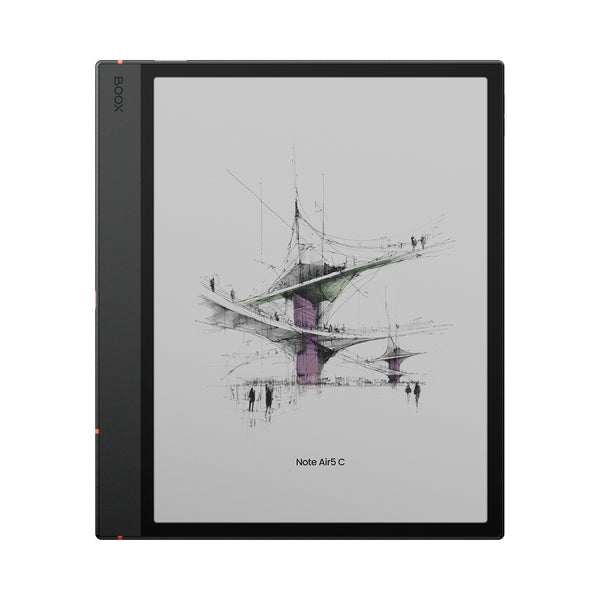
Official image of the BOOX Note Air5 C
Official product image: BOOX.
BEST FLEXIBLE ALL-ROUNDER

BOOX Note Air5 C

The strongest choice when one library is not enough.

The Note Air5 C combines a 10.3-inch Kaleido 3 screen with Android 15, Google Play and a microSD slot that supports cards up to 2TB. BOOX lists CBR and CBZ alongside PDF, EPUB and other document formats, so local comic archives can sit beside Kindle, Kobo or other Android reading apps.

Black-and-white panels render at 300ppi, while color renders at 150ppi. That is the core compromise. Manga text and line art remain sharp, but color pages look softer, darker and less saturated than on a normal tablet. The adjustable front light helps indoors, while BOOX's per-app display controls can improve page turns and reduce distracting animations.

At about 440g, it is better on a lap or table than in one hand. Android flexibility also brings setup and background activity that a dedicated reader avoids. Choose it when app choice, local files and expandable storage matter more than simplicity.

Read our BOOX Note Air5 C evidence review →
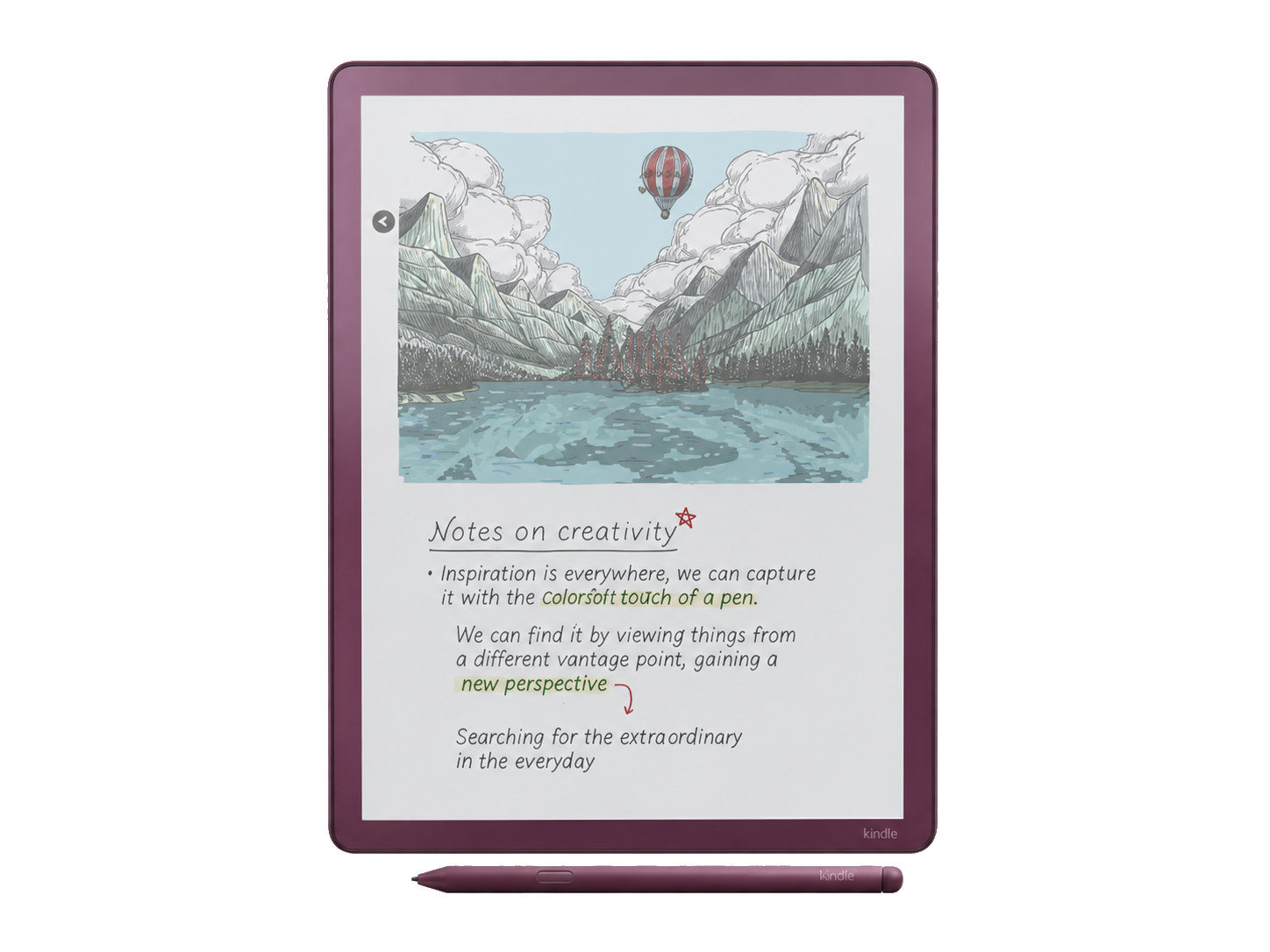
Official image of Kindle Scribe Colorsoft
Official product image: Amazon.
BEST FOR KINDLE COMICS

Kindle Scribe Colorsoft

The easy large-screen answer for a library already bought from Amazon.

Scribe Colorsoft puts an 11-inch color display around the Kindle store and library. Black-and-white content is shown at 300ppi and color at 150ppi, so manga remains crisp while color comics have the same muted, newspaper-like character as other modern color E-Ink devices. The front light makes evening reading straightforward.

Amazon offers 32GB and 64GB versions, with about 21GB and 50GB available to the user. That is plenty for many downloaded books, but there is no microSD slot. Personal documents can arrive through Send to Kindle in formats including EPUB, PDF and common images. Amazon does not list CBR or CBZ, and its help page says handwriting is not currently supported inside EPUB comics and manga.

This is the calmest option here if your collection is mainly Kindle purchases. It is a poor fit for someone managing several comic stores or a large local archive in comic-book formats.

Read our Kindle Scribe Colorsoft evidence review →
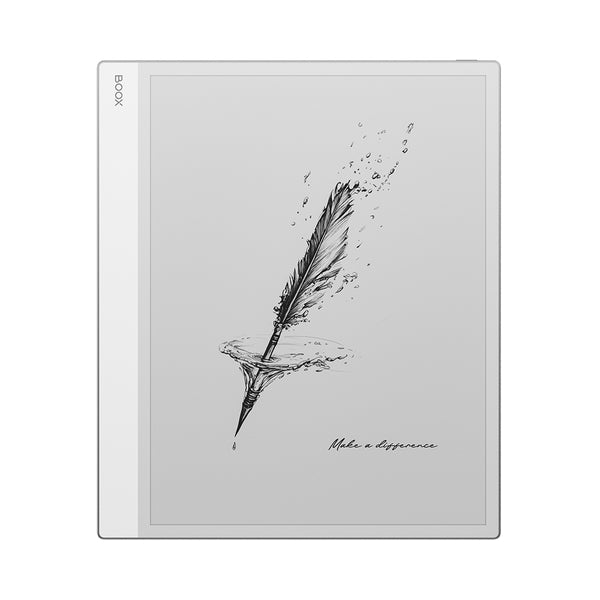
Official image of the BOOX Note Max
Official product image: BOOX.
BEST LARGE MONOCHROME PAGE

BOOX Note Max

A manga desk for readers who hate pinching and zooming.

The 13.3-inch Note Max has a 300ppi monochrome screen, Android 13, 128GB of storage and support for CBR, CBZ and third-party apps. The large canvas can show a manga page with less scaling than a 7-inch or 10.3-inch reader, and two-page spreads have more room in landscape.

It is also a specialist. The device weighs about 615g, has no front light and is too large for comfortable one-handed reading. A 3,700mAh battery and BOOX Super Refresh processing mean it should not be treated like a small Kindle that disappears into a bag for weeks.

Buy Note Max only if page scale solves a real problem, such as small dialogue, dense artwork or long desk-based sessions. For commuting or reading in bed, its impressive screen quickly becomes a very large object to hold above your face.

Read our BOOX Note Max evidence review →

7 INCHES OR 10.3?

Portable readers win the commute. Larger tablets win the page.

7 inches

Easy to carry and hold, with page-turn buttons on devices such as BOOX Go Color 7 (Gen II). Expect more zooming and smaller dialogue. It suits single pages better than wide spreads.

10.3 to 11 inches

The useful middle ground for manga and comics. Pages are easier to read without zooming, but the device becomes a two-handed reader and costs more.

13.3 inches

Excellent page scale at a desk. The price, weight and lack of pocketability make it hard to justify unless large artwork is the whole reason to buy.

BEFORE YOU BUY

Run a five-minute library audit

  1. Name the store or app. Kindle purchases are easiest on Kindle. Several stores and reader apps point toward Android.
  2. Check the actual files. PDF and EPUB are broadly supported. CBR and CBZ need explicit support or a suitable app.
  3. Choose single pages or spreads. A 7-inch screen is portable; 10.3 inches is more forgiving; 13.3 inches belongs on a desk.
  4. Decide how much color matters. If artwork must be vivid and accurate, E-Ink is the wrong screen. If gentle color is enough, Kaleido 3 can work well.
  5. Test your hardest book during the return window. Check small text, double-page spreads, right-to-left page order, zooming and offline access before moving a large library.

For the display trade-off in more detail, read our color E-Ink vs black-and-white guide. If store access is the uncertainty, our E-Ink ebook compatibility guide explains DRM and platform limits.

BOTTOM LINE

Manga is one of E-Ink's best jobs. Color comics are a qualified yes.

Choose a sharp monochrome screen for manga, especially when line detail and long reading sessions matter. Choose BOOX Note Air5 C when color, comic apps and local CBR or CBZ files need to coexist. Choose Kindle Scribe Colorsoft when the library is already inside Kindle and simplicity matters more than file freedom. Choose Note Max only when the largest, sharpest monochrome page is worth desk-sized hardware.

An E-Ink tablet should make a comic library calmer, not harder to reach. Start with the library, then the page size, then color.

Primary sources checked

Checked October 20, 2026. Manufacturer pages describe their own products. Yeinks's linked evidence reviews add independent testing and owner context. Confirm current app compatibility, regional store access and storage options before buying.

E InkKaleido 3 monochrome and color resolution ↗BOOXNote Air5 C screen, formats, apps and microSD support ↗BOOXNote Max screen, formats, storage and weight ↗BOOXGo 7 series size, formats, controls and storage ↗AmazonCurrent Kindle Scribe Colorsoft storage and hardware ↗AmazonKindle personal-document transfer and supported formats ↗AmazonNotes support limits for comics and manga ↗