
Prioritise comfortable long-form reading, quick marginal notes and a reliable way to export annotated PDFs.
Best E-Ink tablet for students: notes, textbooks and PDFs
The right device depends on your course. Start with the material you read, the way you organise notes and the services your university expects you to use.
THE SHORT ANSWER
Supernote Manta is our note-first pick. BOOX Note Air5 C is the more flexible study tablet.
Choose the Manta for a focused handwritten knowledge system. Choose the Note Air5 C if your course depends on colour PDFs, split-screen reading or Android apps. reMarkable Paper Pro is the cleanest premium experience, while Kindle Scribe makes the most sense when assigned books matter more than advanced notebooks.
COURSE-WORK MATRIX
Match the device to your heaviest weekly task
| Your priority | Best starting point | Why | Check before buying |
|---|---|---|---|
| Lecture notes and revision links | Supernote Manta | Focused organisation on a large monochrome page | You can study without a front light |
| Academic PDFs and study apps | BOOX Note Air5 C | Flexible Android workflow, colour and split screen | Your required apps work well on E-Ink |
| Distraction-free writing | reMarkable Paper Pro | Large canvas and deliberately simple software | The device, pen, cover and optional services fit your budget |
| Textbooks and Kindle books | Kindle Scribe | Reading is central rather than an add-on | Your course files support the annotation workflow you need |
| Portable daily notes | Supernote Nomad | Easy to carry between classes | Your PDFs remain readable on a smaller screen |
CHOOSE BY COURSE
Different degrees expose different weaknesses
Large diagrams, equations and colour-coded material favour more screen space. Confirm that specialist apps and file formats behave well.
Colour helps with markup, but E-Ink colour is muted. Do not buy one as a replacement for a colour-accurate tablet or laptop.
Fast retrieval and structured revision matter. Check your institution's privacy rules before putting sensitive information on any personal device.
01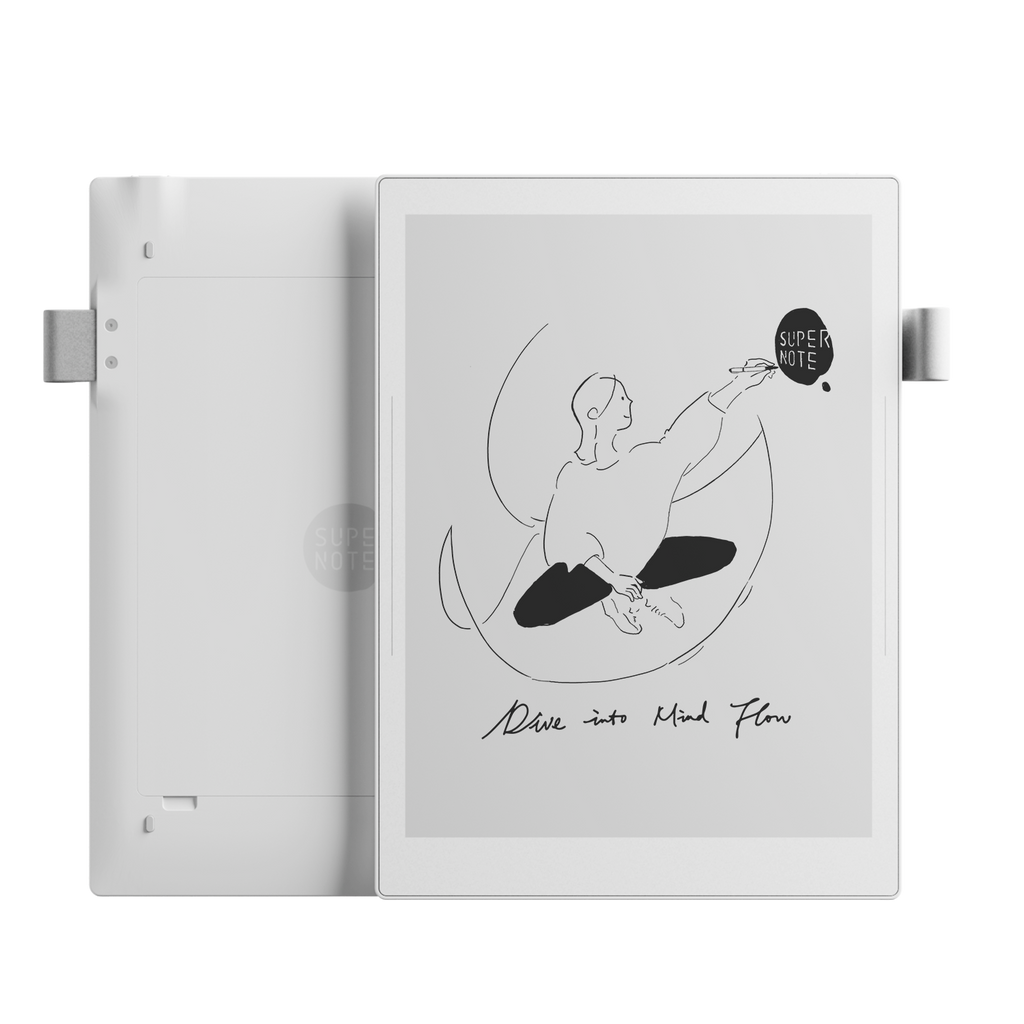
BEST FOR ORGANISED LECTURE NOTESRead the full Supernote Manta review →
Supernote Manta
Choose it when handwritten notes, links and long-term organisation matter more than a front light or colour.
Good for students
- 10.7-inch monochrome screen
- Focused note organisation
- Replaceable battery and microSD support
Check first
- No front light
- No colour
- Not designed around a full app store
02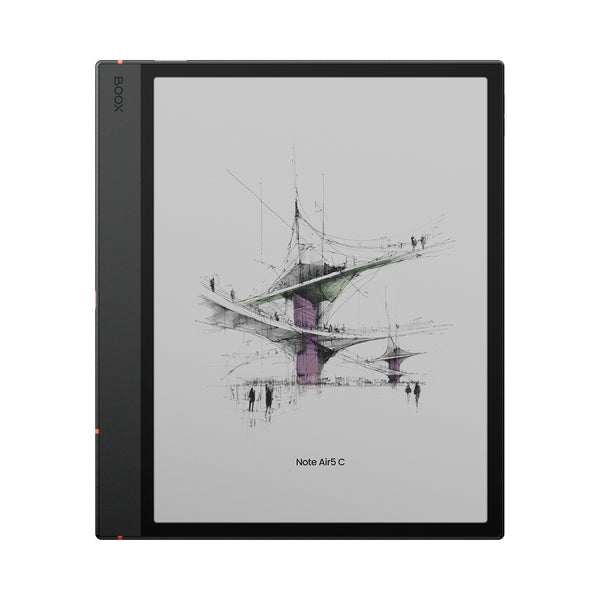
BEST FOR PDFS, APPS AND COLOURRead the full BOOX Note Air5 C review →
BOOX Note Air5 C
Choose it for textbooks, journal articles and study apps when you are comfortable managing a more complex Android device.
Good for students
- 10.3-inch colour screen
- Google Play and split screen
- Strong document tools and microSD support
Check first
- More settings and distractions
- Colour content is lower resolution than black text
- Battery varies more with apps and refresh settings
03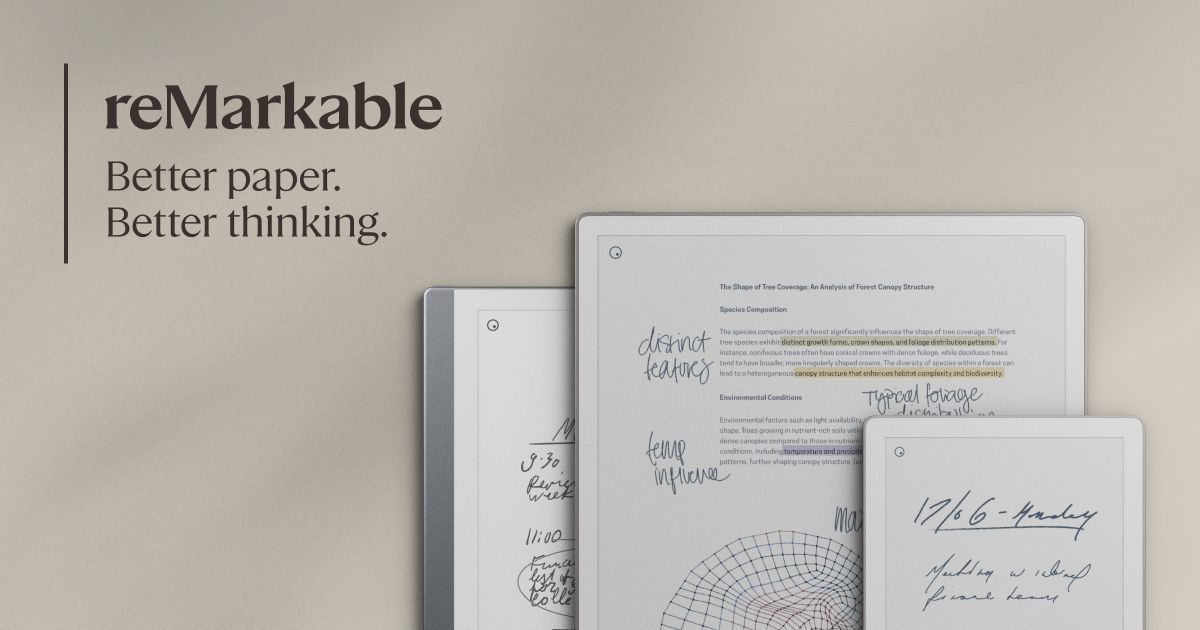
BEST FOCUSED PREMIUM OPTIONRead the full reMarkable Paper Pro review →
reMarkable Paper Pro
Choose it for distraction-free writing and large colour documents when the higher total cost fits your budget.
Good for students
- Large 11.8-inch colour display
- Adjustable reading light
- Simple writing-first software
Check first
- Premium device and accessory cost
- No conventional app store
- Some cloud features sit behind Connect
04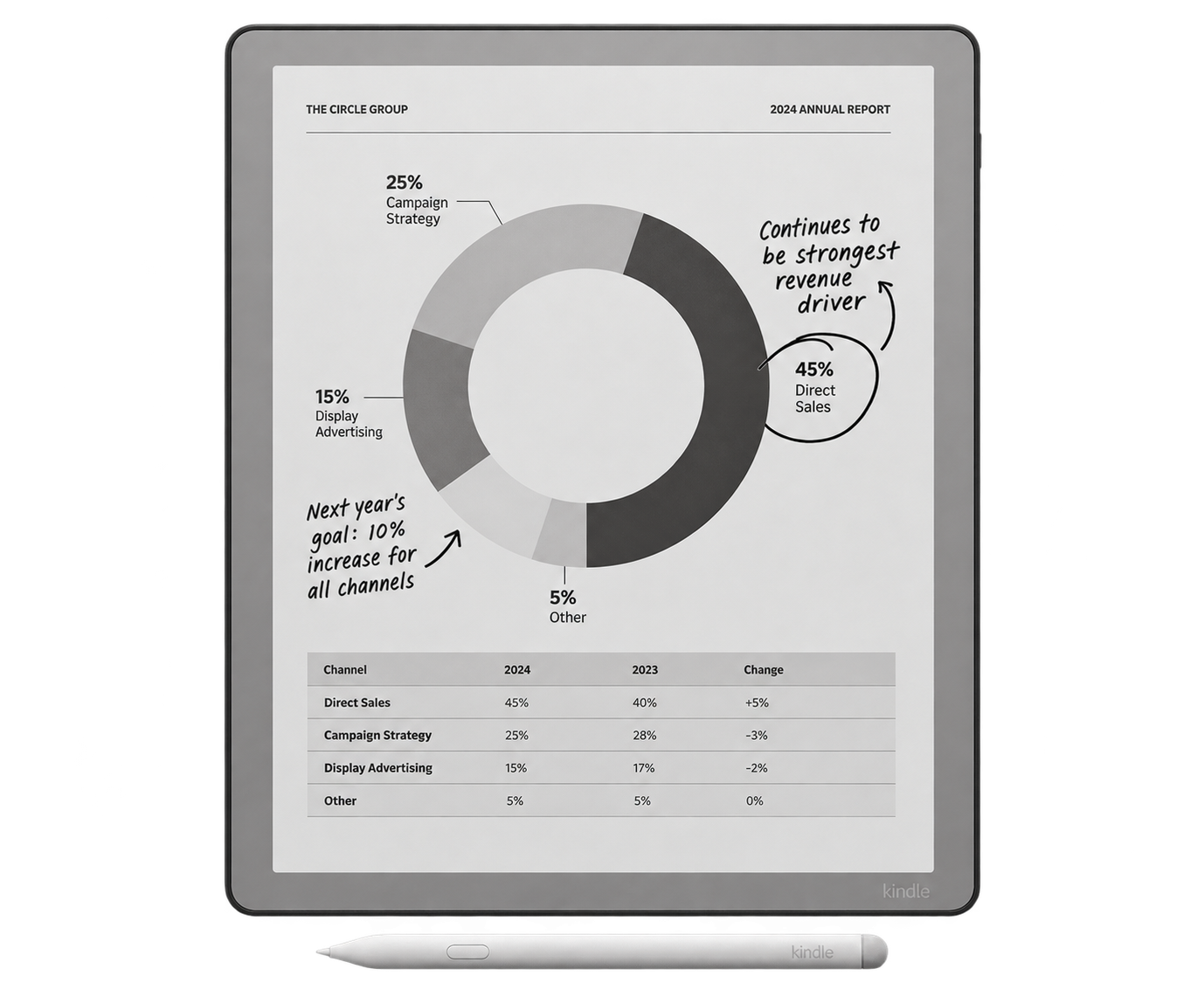
BEST WHEN BOOKS COME FIRSTRead the full Kindle Scribe review →
Kindle Scribe
Choose it when Kindle reading is the main job and handwritten notebooks are a useful secondary feature.
Good for students
- Direct Kindle library access
- Large monochrome reading screen
- Front light for late study
Check first
- Less advanced note organisation
- Amazon-centred workflow
- Check document annotation needs carefully
BUDGET REALITY
Compare the complete first-year cost, not the tablet alone.
Essential
Tablet, compatible pen and any charger or adapter you genuinely need.
Protection
A cover adds cost but is sensible for a device carried between lectures every day.
Ongoing
Check cloud subscriptions, storage and paid apps. Separate useful extras from features your course actually requires.
Student discounts and bundles change. Check the manufacturer and your university purchasing scheme on the day you order.
BEFORE CHECKOUT
Run this five-minute compatibility check
- Open a typical course PDF and note its page size, columns and colour use.
- List the three services you use most, such as OneDrive, Google Drive, Kindle or a university app.
- Confirm how annotations export and whether lecturers can open the result.
- Check the returns window, warranty route and the full accessory cost.
- Keep a laptop for tasks that need fast web research, specialist software or colour accuracy.
For a broader comparison, read our best E-Ink tablets for note-taking and reading. If documents are the problem, learn how to prepare PDFs for E-Ink devices.