Menu
WRITER'S BUYER GUIDE

Best E-Ink tablet for writers in 2026

reMarkable Paper Pro is the best focused drafting system. Supernote Manta is better for planning a book by hand, BOOX suits research-heavy writers, and Kindle Scribe makes the most sense when reading comes first.

By Yeinks12 min read
WRITER'S FIELD NOTE № 01Choose the stage
that needs less noise.
PLAN · DRAFT · RESEARCH · REVISE
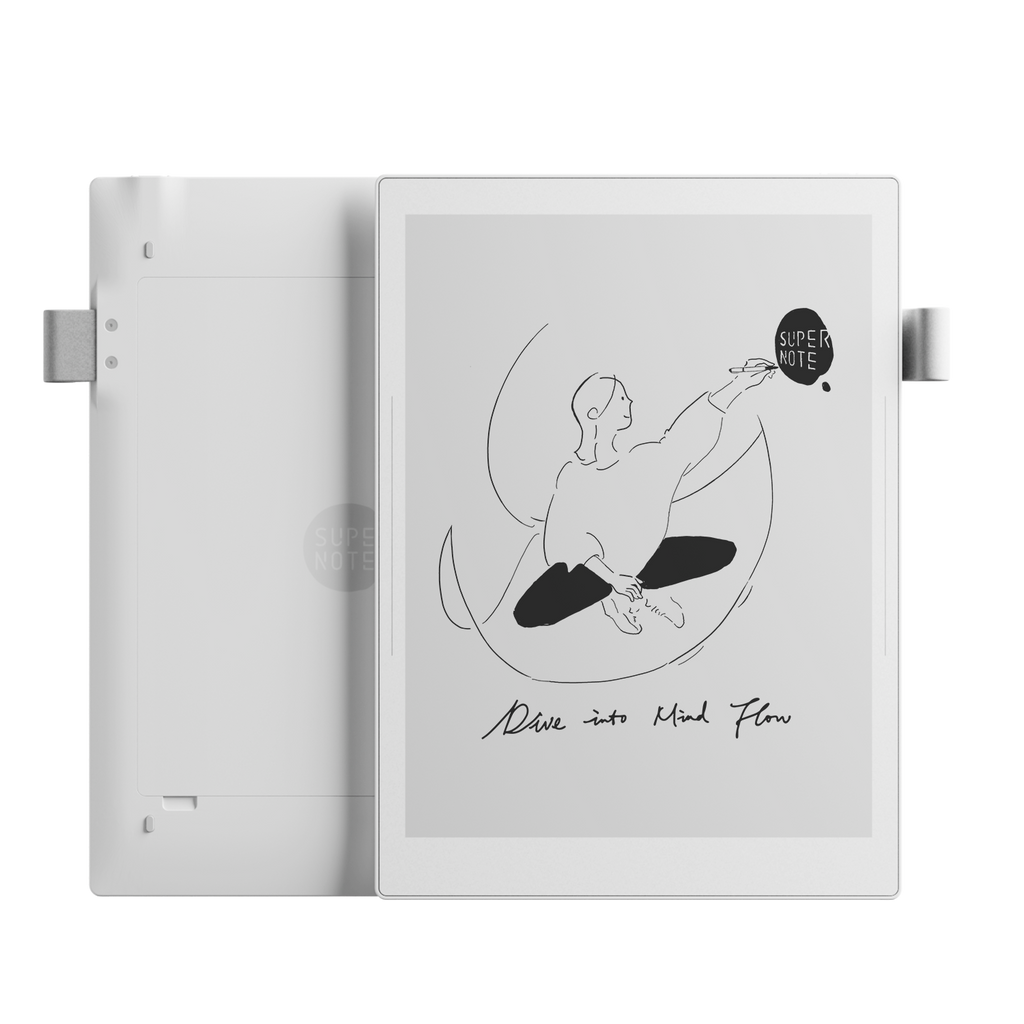
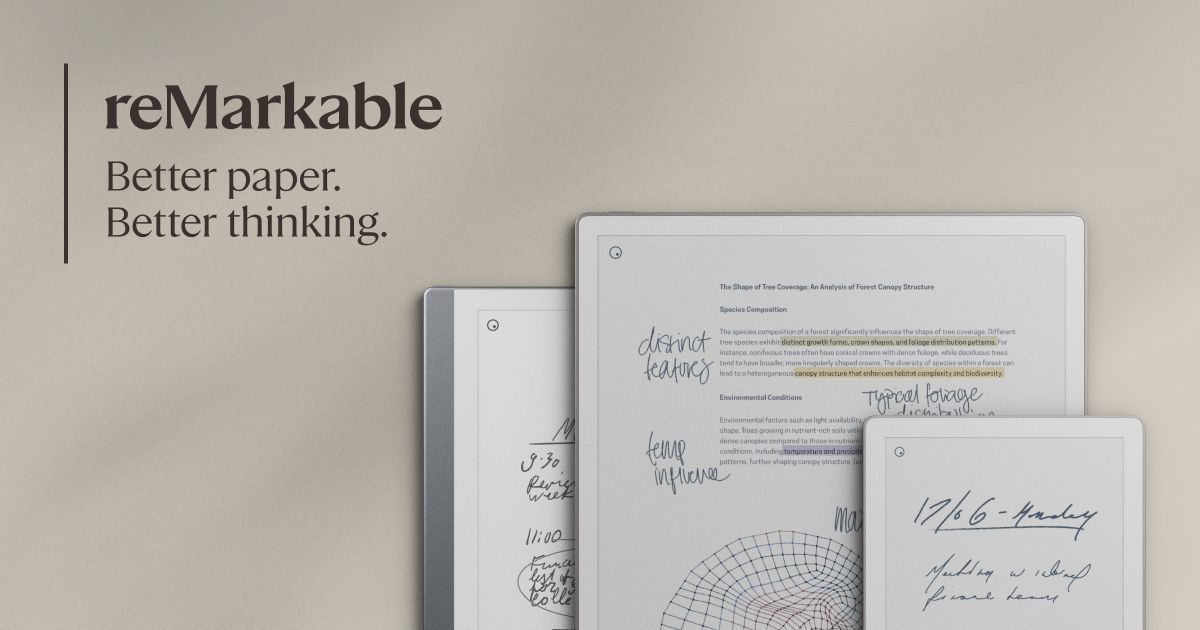
Official image of reMarkable Paper ProOfficial image of Supernote Manta
Official product images: reMarkable and Supernote. Composition: Yeinks.

THE SHORT ANSWER

Buy an E-Ink tablet for one part of writing, not every part.

reMarkable Paper Pro with Type Folio is our best overall choice for writers because it moves cleanly between handwritten thinking and distraction-free typed drafts. Choose Supernote Manta if your real work is outlining, world-building, research notes or linked character files. Choose BOOX Go 10.3 Gen II if you need Android writing and reference apps. Kindle Scribe is the reading-first option for annotating books and documents.

None replaces a laptop for tracked changes, complex formatting, citations or final publishing. The useful question is simpler: which device removes friction from the stage where your writing usually stalls?

HOW THIS GUIDE WAS MADE

This is a source-led workflow comparison, not a four-device typing test.

Yeinks has not tested these tablets side by side. We checked current manufacturer specifications and support pages on October 8, 2026, then used our existing evidence reviews to compare repeated findings from professional reviews and owners. We judged planning, drafting, research, revision, export and distraction control. Prices, app compatibility and cloud features can change, so confirm the exact model and region before ordering.

START WITH THE JOB

The best writing tablet changes with the page in front of you

Writing stageBest fitWhy it worksWhat gets in the way
Capture and planSupernote MantaLinked notes, headings, keywords and handwriting-first organizationNo front light and only basic typed-document tools
Draft without distractionsreMarkable Paper Pro + Type FolioHandwriting and typing can share a page; the keyboard needs no pairing or chargingExpensive and deliberately limited beside a laptop
Research while writingBOOX Go 10.3 Gen IIAndroid apps, broad file support, split workflows and Bluetooth accessoriesMore setup, more distractions and visible E-Ink refresh limits
Read and annotateKindle ScribeExcellent large-screen Kindle reading, document markup and simple notebook exportNotebook structure is basic and it is not a long-form typing machine
Official image of reMarkable Paper Pro
Official image: reMarkable
BEST OVERALL FOR WRITERS

reMarkable Paper Pro with Type Folio

The cleanest bridge between a notebook and a first draft.

Paper Pro lets handwriting and typed text share the same page. Notes stay anchored beside typed passages as the text moves, and handwriting can be converted to text. The Type Folio connects through the tablet rather than Bluetooth, so there is no keyboard battery, cable or pairing step. Its backlit full-size layout makes late drafting more practical than it is on an unlit notebook.

This works best for writers who want a quiet drafting surface and are happy to move the document to a computer later. reMarkable OS has no conventional app store. That removes many distractions, but it also removes full desktop word processing, reference managers and flexible browser research. Paper Pro and Type Folio weigh about 1.01 kg together, so this is focused rather than ultralight.

Color can help separate structural notes, revisions and research, while the 11.8-inch page gives outlines and PDFs room. The drawbacks are the high bundle cost, visible color refreshes and a document editor designed for ideas rather than final production.

Read our reMarkable Paper Pro evidence review →
Official image of Supernote Manta
Official image: Supernote
BEST FOR PLANNING BY HAND

Supernote Manta

A writer's room made from linked handwritten pages.

Manta is the strongest choice here for people who think with a pen. Handwritten headings create a table of contents, while links, keywords and stars can connect scenes, characters, research and unresolved questions. Those tools make a long project easier to navigate without forcing it into somebody else's template.

Its 10.7-inch monochrome screen is sharp, the ceramic pen nib does not need routine replacement, and the tablet weighs about 375 g without a folio. The replaceable battery and microSD slot also suit writers who want one notebook to last through several projects.

Typing is the compromise. Manta supports Bluetooth keyboards and can create and edit Word documents, including converting handwriting into typed text. Those tools are useful for rough copy and corrections, but they are not a full desktop Word environment. There is no front light, and our evidence review found repeated cautions about responsiveness, typing and gesture reliability. Choose it for deep handwritten organization, not because it looks like a laptop replacement.

Read our Supernote Manta evidence review →
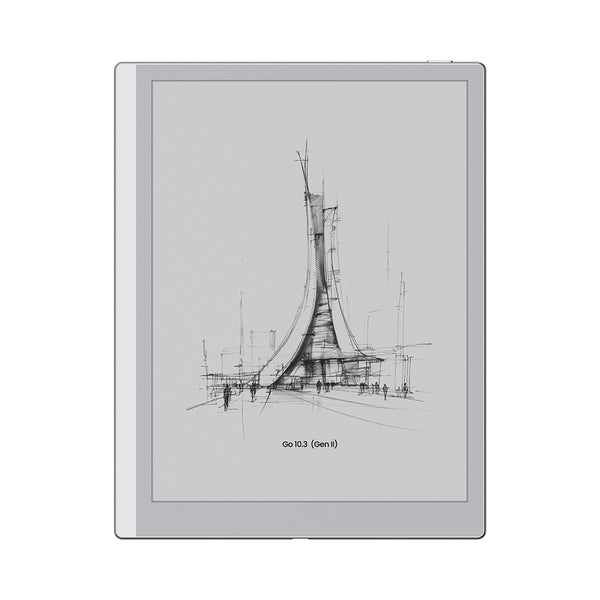
Official image of BOOX Go 10.3 Gen II
Official image: BOOX
BEST FOR RESEARCH AND APPS

BOOX Go 10.3 Gen II

The flexible choice when your writing cannot live inside one notebook app.

BOOX combines a 10.3-inch 300ppi monochrome display with Android 15, Google Play, broad document support and Bluetooth 5.1. That makes it the easiest option here for installing a preferred drafting app, cloud service, ebook store or research tool. BOOX notes support outlines, tags and handwriting conversion, while Google Drive, Dropbox, OneDrive and BOOXDrop cover several transfer routes.

The Classic model has no front light and weighs about 350 g. Lumi adds warm and cool lighting and weighs about 364 g. Both can work with a Bluetooth keyboard. That flexibility is valuable for writers who move between source material, notes and a draft, but every app deserves a test during the return window. Interfaces designed for LCD screens can scroll slowly, animate awkwardly or leave more ghosting on E-Ink.

BOOX is also the easiest device to overconfigure. Notifications, accounts, refresh settings and app choices can recreate the noise you were trying to escape. Pick it when access to your existing tools matters more than having the calmest possible writing system.

Read our BOOX Go 10.3 Gen II evidence review →
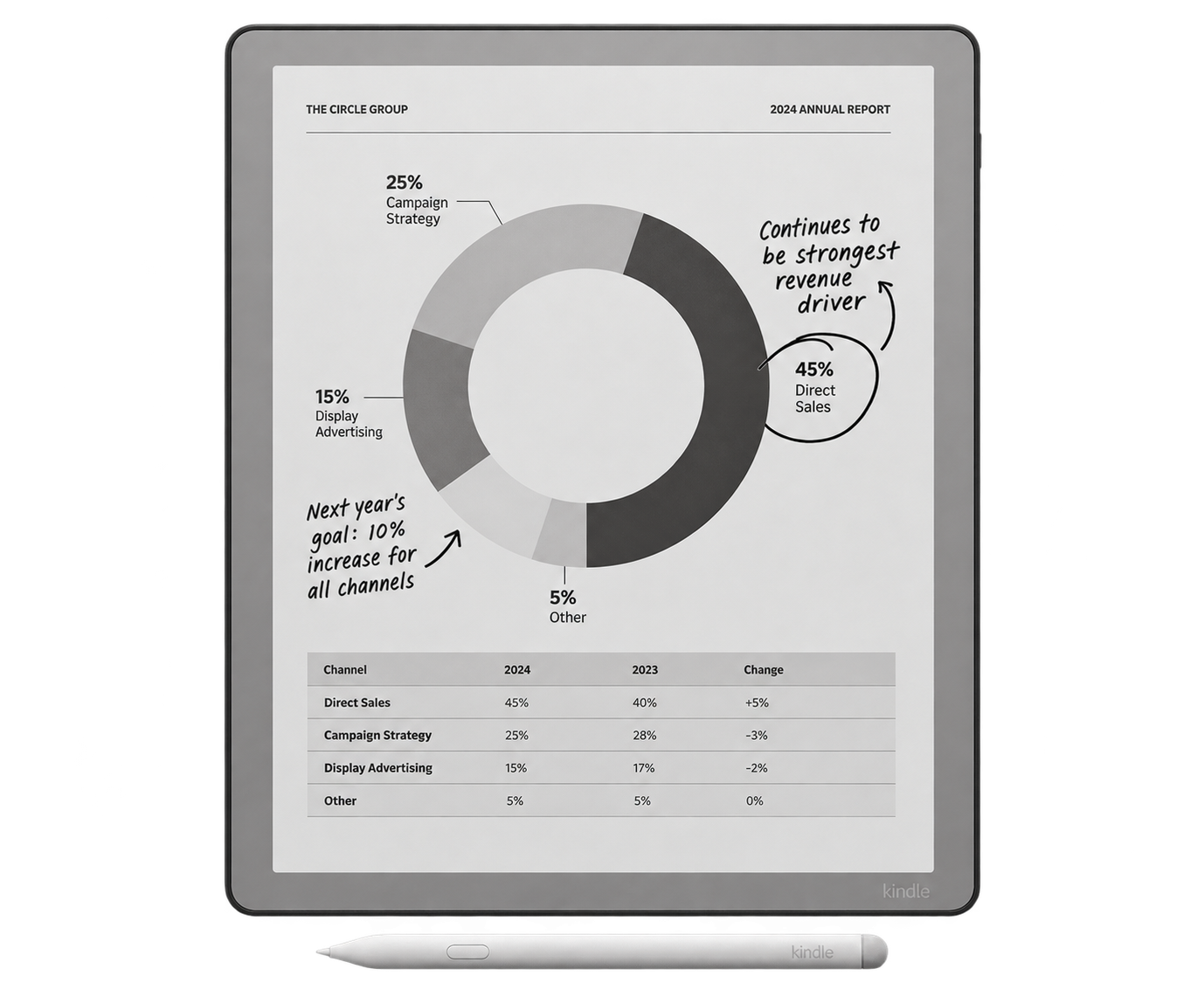
Official image of the third-generation Kindle Scribe
Official image: Amazon
BEST FOR READING-LED WRITING

Kindle Scribe (3rd generation)

The right answer when books and source documents take more time than drafting.

The current monochrome Scribe has an 11-inch 300ppi display, an adjustable front light and direct access to the Kindle library. It is the simplest recommendation for a writer who reads heavily, marks passages and keeps supporting notes beside the material.

Amazon now lets 2025-and-later Scribes organize books, documents and notebooks together in Workspace. Notebooks can be converted to text, shared as a searchable PDF, or exported manually to Google Drive and OneDrive. Those connections are useful, but they do not automatically sync changes back and forth. Kindle notebooks also lack Supernote's deeper linking and table-of-contents tools.

There is no proper keyboard-drafting route. Amazon's summarize and refine tools require an internet connection, work only in supported regions and languages, and limit how many pages they process at once. Treat them as optional helpers, not the reason to buy. Scribe wins because reading is excellent and note-taking is close at hand.

Read our Kindle Scribe evidence review →

A PRACTICAL WRITING LOOP

Keep the E-Ink stage deliberately small

  1. Capture: write scenes, questions and fragments without formatting them.
  2. Shape: use headings, links, tags or a simple outline to expose the structure.
  3. Draft: type only if the device makes this calmer than your computer.
  4. Export early: prove that the file reaches your main editor before committing a whole project.
  5. Finish elsewhere: use a computer for tracked changes, references, collaboration and final layout.

BEFORE YOU BUY

Run these three tests with your real project

Export one chapter

Create a page, convert any handwriting you need and send it to the editor you actually use. Check paragraphs, special characters, page order and annotations.

Carry the complete setup

Add the folio, pen, keyboard and charger. A bare tablet can be light while the writing kit approaches laptop weight.

Work offline for an hour

Confirm the core writing and file access you need still work. Cloud-dependent conversion or AI features should be a bonus, not the only route out.

If your priority is specifically typed drafting, compare the current options in our E-Ink tablet with keyboard guide. If handwritten notes are the main job, start with our broader E-Ink note-taking buyer guide.

BOTTOM LINE

reMarkable is the best focused draft desk. Supernote is the best writer's notebook.

Choose reMarkable Paper Pro with Type Folio if you want to move between handwriting and clean typed drafts without opening a general-purpose tablet. Choose Supernote Manta when the hard part is organizing a long project, not typing it. BOOX Go 10.3 Gen II earns its place when research apps and flexible files are essential. Kindle Scribe is for writers whose next sentence usually begins with reading.

The best E-Ink tablet for writers is not the one that promises to replace every tool. It is the one that makes one valuable stage quieter, then lets your work leave cleanly.

Primary sources checked

Checked October 8, 2026. Manufacturer pages describe their own products. Yeinks's linked evidence reviews add independent testing and owner context. Confirm current software, accessory compatibility and regional features before buying.

reMarkablePaper Pro specifications, handwriting conversion and file support ↗reMarkableType Folio connection, weight and mixed handwriting workflow ↗SupernoteManta display, weight, files and Bluetooth keyboard support ↗SupernoteWord creation, handwriting conversion and keyboard editing ↗BOOXGo 10.3 Gen II specifications, notes, apps and cloud routes ↗AmazonKindle Scribe notebook sharing and searchable PDF export ↗AmazonKindle Scribe Workspace organization ↗AmazonGoogle Drive and OneDrive import and export limits ↗