Menu
PAPER REPLACEMENT GUIDE

Can an E-Ink tablet replace a paper notebook?

Yes, for many everyday note-taking jobs. The switch works when finding, moving and backing up pages matters more than paper's instant start, physical permanence and complete freedom from accounts and batteries.

By Yeinks8 min read
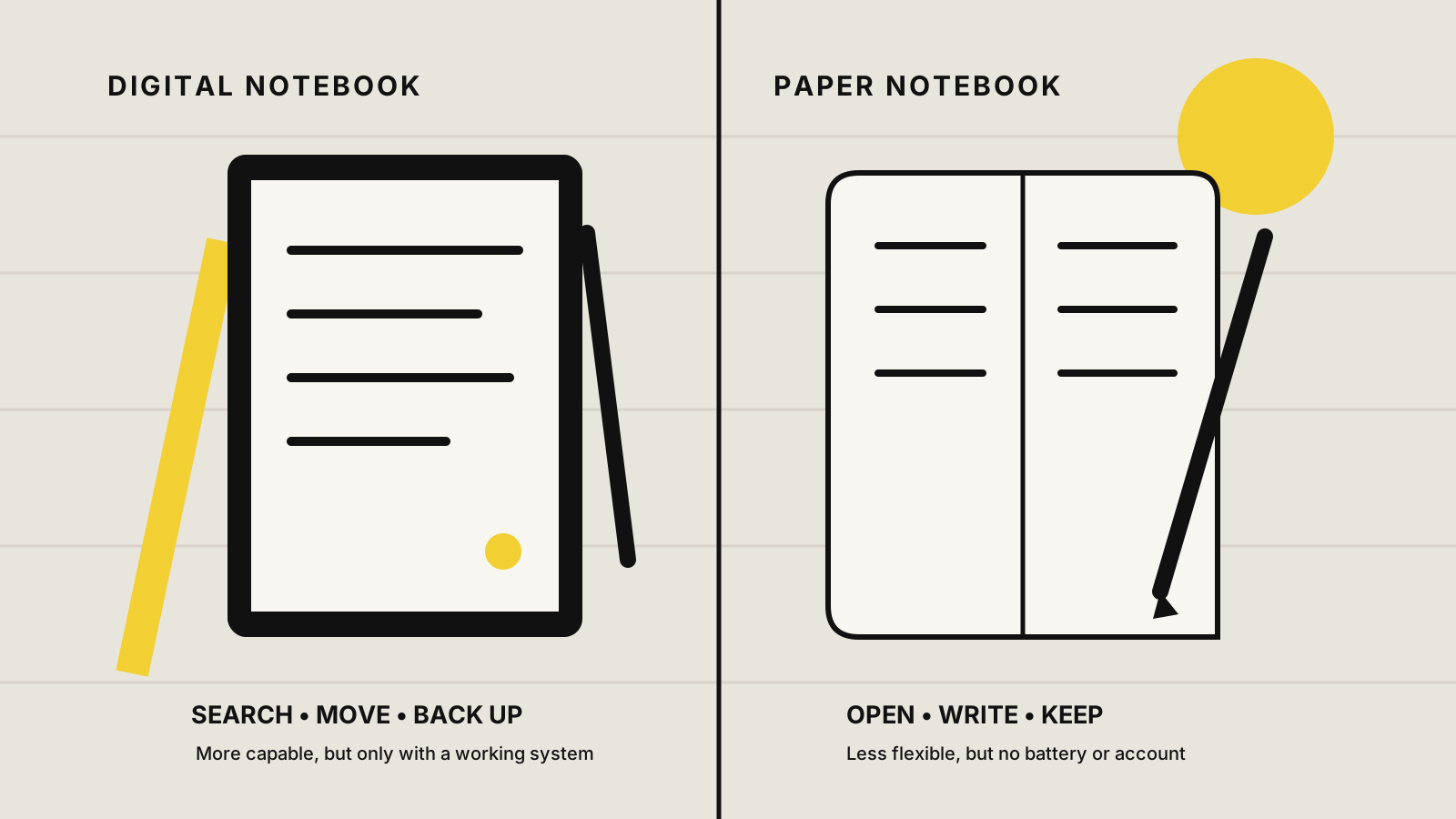
Comparison showing an E-Ink tablet for searchable, movable and backed-up notes beside a paper notebook that opens instantly and needs no account or charging
An E-Ink tablet adds useful systems around handwriting. Paper removes the system entirely. Illustration: Yeinks.

THE SHORT ANSWER

An E-Ink tablet replaces a notebook better than it replaces paper.

If you use one notebook for meeting notes, project thinking, journaling or marked-up documents, a good E-Ink tablet can take over most of that job. You still write by hand, but pages can be moved, duplicated, searched, exported and backed up. The value appears after you have filled fifty pages, not on the first blank one.

Paper remains better when you want the cheapest possible tool, instant access, physical originals or no digital account at all. It also fails more gracefully. A flat battery cannot lock you out of a paper notebook, and a discontinued cloud service cannot change how its pages work.

HOW THIS GUIDE WAS MADE

We compared documented note tools, not simulated paper feel.

Yeinks checked current manufacturer documentation on October 14, 2026. We did not conduct a new side-by-side handwriting test for this article. The comparison focuses on what happens around the handwriting: finding it later, organizing it, sharing it and recovering it. Those are the practical reasons to replace paper, and they can be verified without pretending that a glass or plastic screen feels identical to a favorite notebook.

AT A GLANCE

E-Ink tablet vs paper notebook

JobE-Ink tabletPaper notebook
Start writing immediatelyGood after wake-upBest: open it and write
Find an old ideaBest when handwriting search or tags are set upDepends on your index and memory
Rearrange or reuse notesMove, duplicate, link and export pagesRewrite, photocopy or cut pages out
Work without power or an accountBattery required; some extras need an account or Wi-FiBest: no setup, charging or login
Protect against lossSync or export can create a second copyA separate scan or photocopy is needed
Keep sensitive notes simpleRequires a deliberate local, cloud and lock-screen policyStays physical, but anyone holding it can read it

WHERE DIGITAL WINS

The strongest advantage is not infinite paper. It is useful old paper.

01

Find the thought again

Searchable handwriting, keywords and tags can turn months of notes into a working reference. The details matter. reMarkable reserves full handwriting search for Connect subscribers, while Supernote searches handwriting that has been recognized correctly. Kindle's current notebook search applies to 2025-or-later Scribe models and requires registration plus an internet connection.
02

Repair the page

A lasso can move a paragraph, duplicate a diagram or clear a mistake without rewriting the page. Supernote and BOOX also support links between notes or pages, which can turn a set of notebooks into a small personal wiki.

03

Make a second copy

Digital notes can sync to a companion service or leave the device as a PDF, image, text file or native backup. That is an advantage only after you set it up. A tablet holding the sole copy is not safer than the notebook left on the train.

04

Carry less

One device can hold separate notebooks, templates and a large reading library without making your bag thicker every month. The trade-off is a charger, a pen you can lose and a screen that deserves a protective folio.

WHERE PAPER STILL WINS

Paper has no onboarding.

A paper notebook wakes the moment it opens. It accepts any pen, never changes its menus and remains readable without a vendor account. You can hand over an original page, leave a notebook in a drawer for twenty years or spread several books across a desk at once.

Paper is also pleasantly bad at being everything. It will not tempt you into configuring sync providers or trying a new app halfway through a meeting. If your notes are short-lived, rarely revisited and already easy to file, an E-Ink tablet may add expense and maintenance without solving a real problem.

CHOOSING A SYSTEM

Four current approaches to replacing paper

PlatformWhy it can replace paperCatch to understand
reMarkableSimple notebook feel, handwriting search and desktop continuityFull handwriting search is a Connect feature and new notes need Wi-Fi to sync and index
SupernoteLinks, headings, keywords and local export suit long-lived notebooksIts best organization tools reward a deliberate system rather than loose pages
BOOXFlexible notes, tags, recognition, links and Android appsMore menus, settings and app choices than a paper notebook
Kindle ScribeReading and notebook features live together in a simple deviceCurrent handwriting search requires a 2025-or-later Scribe, an Amazon account and internet connection
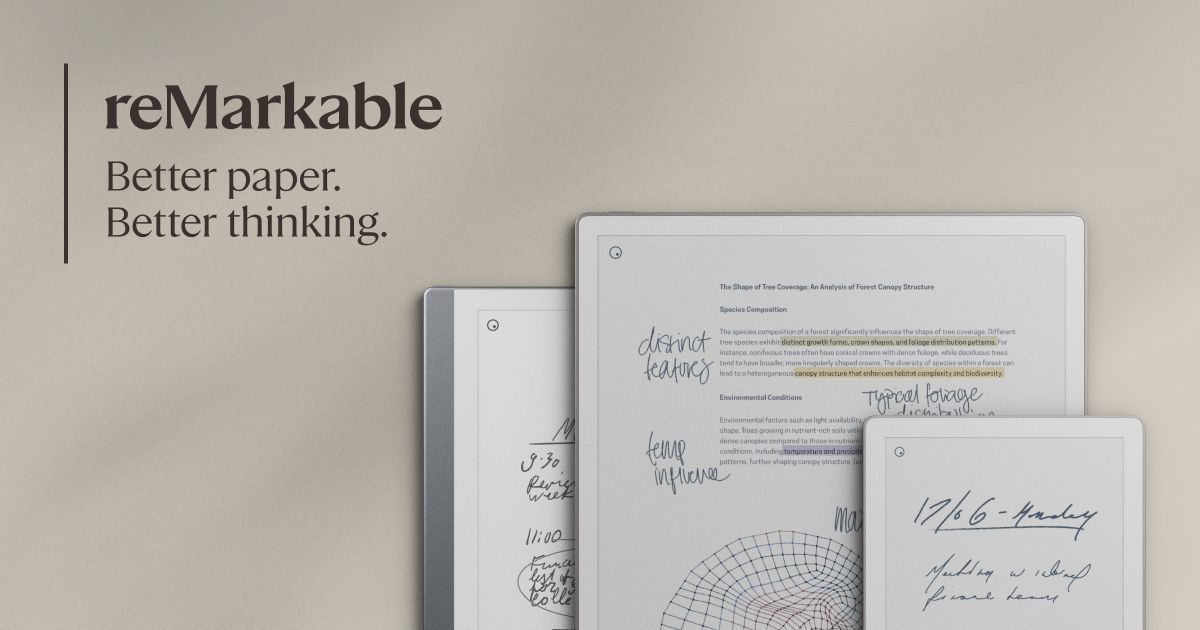
Official image of the reMarkable Paper Pro
reMarkable keeps the interface focused. Official image: reMarkable.
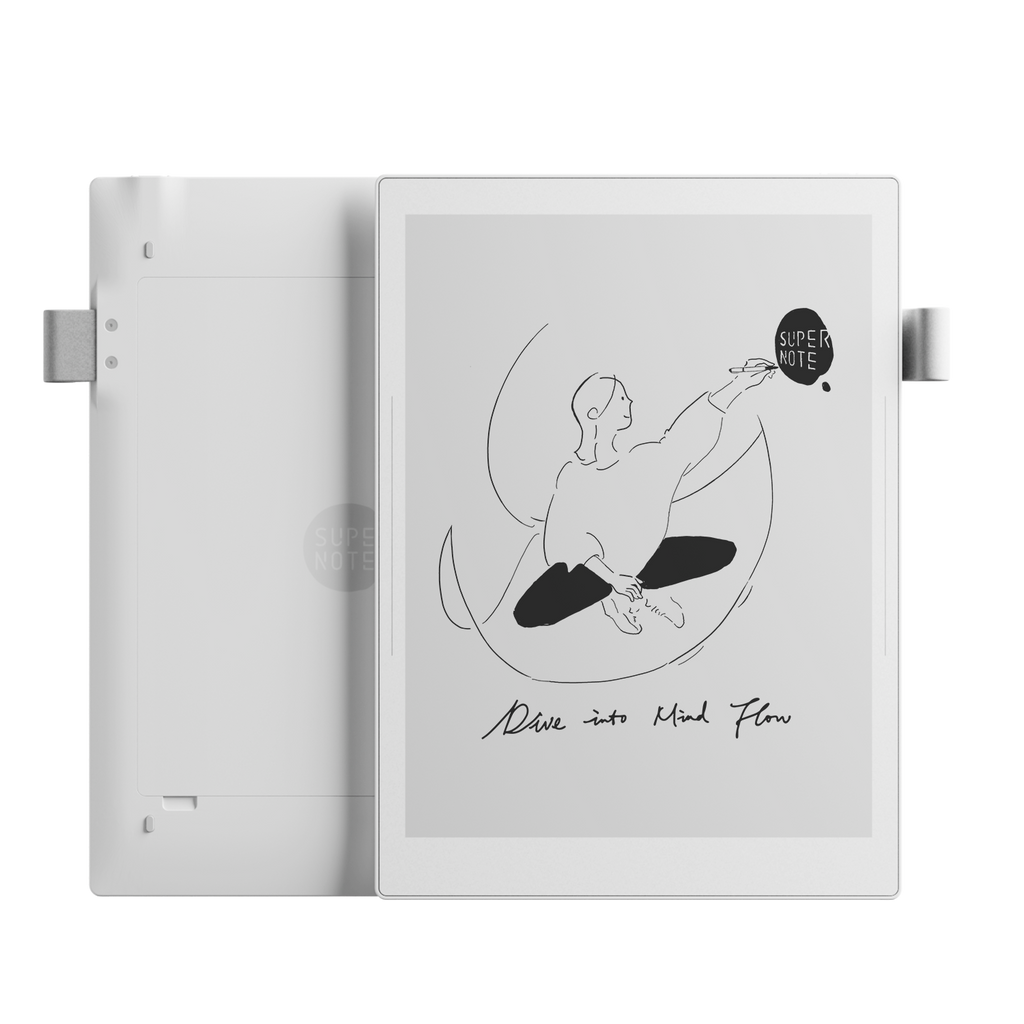
Official image of the Supernote Manta
Supernote emphasizes linked, organized notebooks. Official image: Supernote.
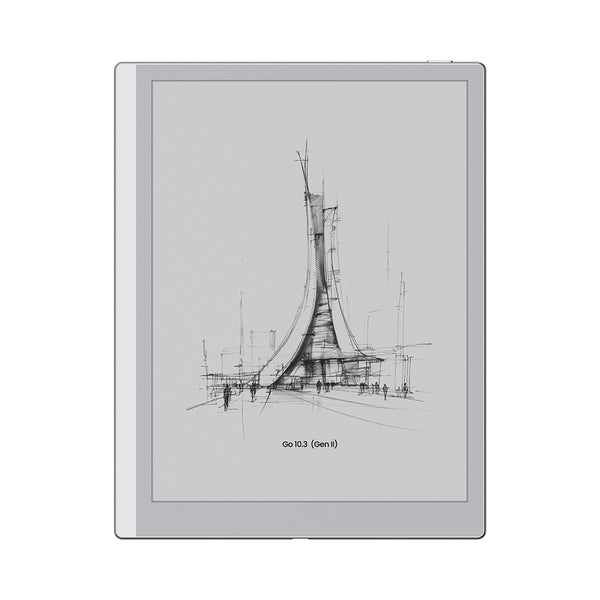
Official image of the BOOX Go 10.3 Gen II
BOOX adds Android flexibility. Official image: BOOX.
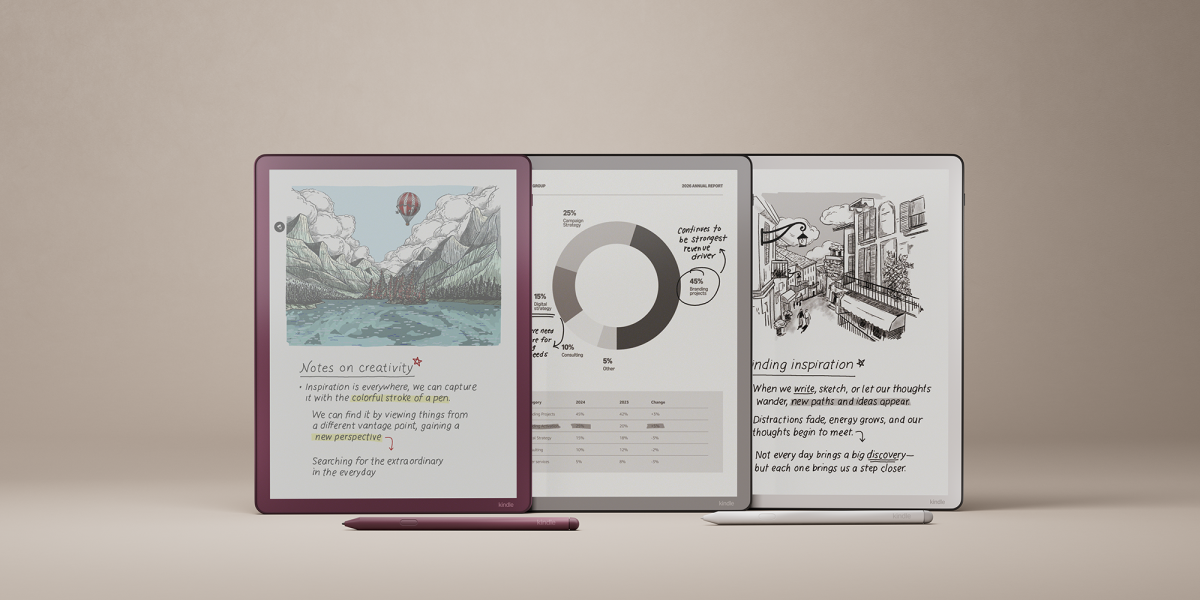
Official image of the current Kindle Scribe family
Kindle Scribe combines reading and notebooks. Official image: Amazon.

TRY THIS FIRST

Run a seven-day replacement test before moving your archive.

  1. Pick one active notebook. Do not migrate every old page. Give the tablet one real job for a week.
  2. Create the smallest useful structure. One folder, a few clear notebook names and one marker for actions are enough.
  3. Find three old notes. Test search, keywords or links before trusting the system with more material.
  4. Export a page. Open the copy on another device and check that handwriting, layers and annotations arrived as expected.
  5. Prove the backup. Sync or copy the notebook, then confirm the second copy actually exists.

If you keep reaching for paper because the tablet is slower for the real job, believe the behavior. A hybrid setup is not a failed migration. Many people are better served by an E-Ink tablet for durable project notes and a cheap pocket notebook for instant capture.

BOTTOM LINE

Replace the notebook that causes a problem, not every sheet of paper.

Buy an E-Ink tablet when lost notes, fixed page order, heavy bags or poor access to old handwriting are already frustrating you. Keep paper when simplicity, permanence, cost or unrestricted access matters more. The best replacement is the one whose backup and organization habits you will actually maintain.

If cloud dependence is a concern, read how E-Ink tablets work offline. If recurring fees are the concern, see which E-Ink tablet features need a subscription.

Primary sources checked

Checked October 14, 2026. Search, recognition, export and sync features can change with software versions, subscriptions and device generations. Confirm the current rules for the exact model before buying.

reMarkableHandwriting search requirements, indexing and offline behavior ↗reMarkableFree features, tags, conversion, integrations and limited cloud sync ↗SupernoteRecognition, search and TXT or DOCX export behavior ↗SupernoteLinks, headings and keywords inside notebooks ↗SupernoteCloud, email and USB transfer options ↗BOOXCurrent handwriting search and note workflow features ↗BOOXFolders, outlines, recognition, tags and links ↗AmazonKindle Scribe notebook search requirements and supported models ↗AmazonNotebook page management, sharing and text conversion ↗