
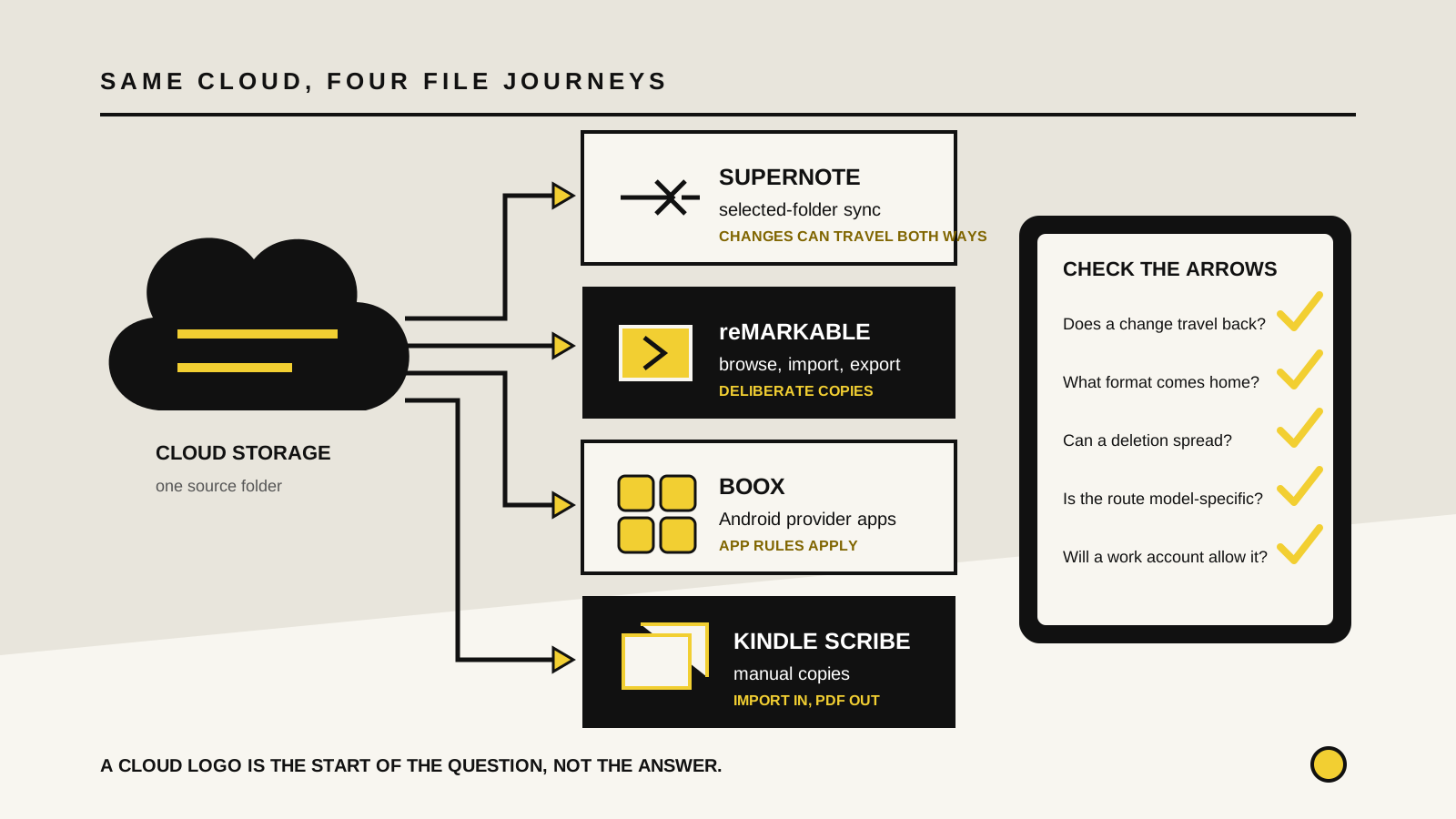
reMarkable: clean integrations, deliberate transfers
reMarkable documents direct integrations with Google Drive, Dropbox and OneDrive. You can browse those services on the tablet, copy compatible files into My files and export notes, PDFs and ebooks to a connected account. It supports up to five linked accounts, and its OneDrive integration can expose SharePoint drives when the account permits it.
The key word is copy. Imported files are placed in reMarkable's own file area so you can work offline. Exports are saved to the cloud as PDFs. That is tidy for reading a source document, marking it up and returning a stable review copy. It is not a live mount where edits on either side continually update one master file.
Basic Google Drive, Dropbox and OneDrive integration is available without Connect. Some conversion workflows are different: reMarkable says importing Word files and Google Docs as editable notebooks requires Connect. Check the format you use, not only the provider name.