Menu
COST GUIDE

Do E-Ink tablets need a subscription?

No. You can read, write and keep notes on the leading E-Ink tablets without a monthly fee. The real difference is what happens when you want unlimited cloud sync, editing in companion apps, paid Android apps or a large ebook catalog.

By Yeinks9 min read
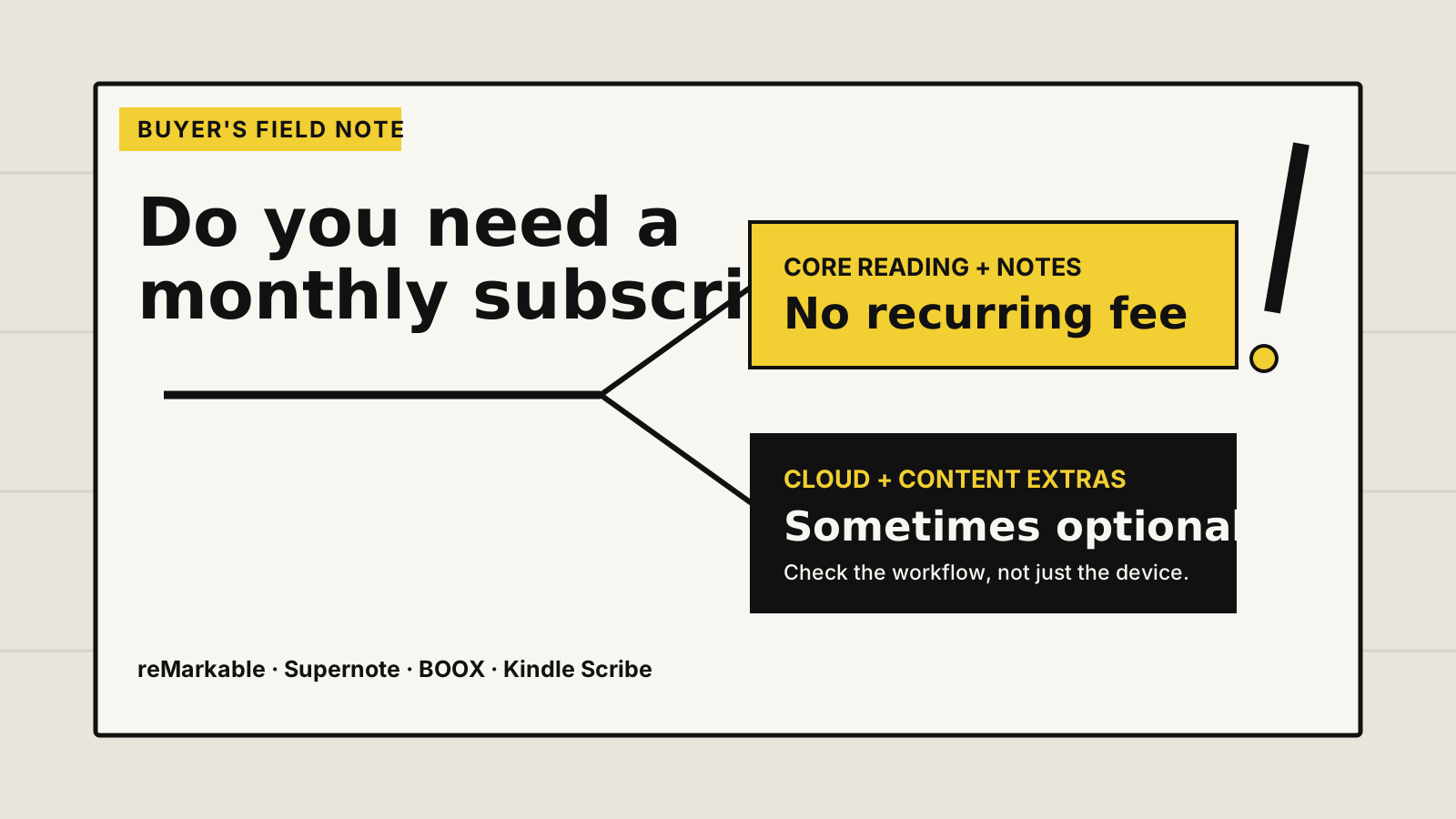
Decision diagram: core reading and notes need no recurring fee, while cloud and content extras can be optional subscriptions
Core tablet use is subscription-free. Cloud and content services are where optional fees appear. Illustration: Yeinks.

THE SHORT ANSWER

You do not need a subscription to use an E-Ink tablet.

All four major systems covered here let you use the tablet's basic reading and note-taking tools after buying the hardware. Supernote is the clearest subscription-free choice because it promises no subscription charge for its advanced features and can work fully offline. BOOX includes 10GB of Onyx cloud storage. Kindle Scribe backs up notebooks through an Amazon account without requiring Kindle Unlimited.

reMarkable also works without Connect, including local reading, writing and a limited cloud service. Connect matters if you want unlimited sync, handwriting search, editing in mobile and desktop apps, and its newer integrations. That makes reMarkable the one to inspect most closely if you dislike ongoing costs.

HOW THIS GUIDE WAS MADE

We checked the current service terms, not old forum answers.

Yeinks checked current manufacturer pricing and support pages on October 10, 2026. We have not tested every account tier or regional offer. Trials, prices and bundled services can change, so use this guide to understand the structure, then confirm the checkout terms in your country.

AT A GLANCE

What works without another bill?

PlatformPaid plan required?Included cloud routeWhat can cost extra
reMarkableNoLimited cloud syncConnect adds unlimited sync, handwriting search, app editing and newer workflow tools
SupernoteNoFree Supernote Cloud, plus Google Drive and Dropbox optionsNo paid Supernote feature plan advertised
BOOXNo10GB Onyx cloud includedThird-party Android apps and cloud plans may charge separately
Kindle ScribeNoNotebook backup and Send to Kindle includedKindle Unlimited is an optional reading catalog, not a Scribe requirement

“Included” does not mean you must use a manufacturer's cloud. USB or local network transfer is available on several devices, and third-party services have their own terms.

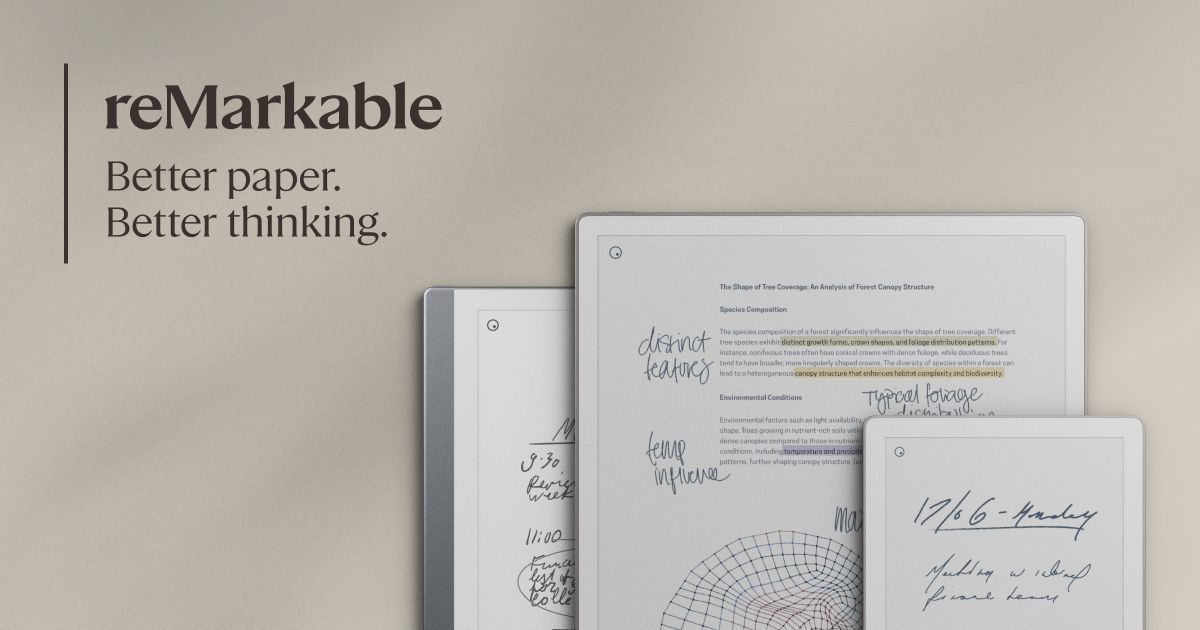
Official image of reMarkable Paper Pro
Official image: reMarkable
THE PLAN TO CHECK CLOSELY

reMarkable: useful without Connect, broader with it

reMarkable's free tier keeps the paper tablet's built-in writing and reading tools. You can pair the device, use the companion apps to view and organize notes, and use limited cloud storage and sync. The important limit is activity: reMarkable says files that have not been opened and synced for more than 50 days stop syncing on the free plan, although they remain on the tablet.

Connect currently costs $3.99 per month or $39.90 per year on the US plan page. It adds unlimited cloud storage and sync, handwriting search, creating and editing notes in the apps, and newer tools such as Convert to Notebook, Meeting Notes and service integrations. Trial length and purchase promotions vary, so read the renewal line before entering payment details.

The decision is not “does the tablet switch off without Connect?” It does not. Ask whether old notebooks must remain continuously available across your phone and computer, and whether app editing or handwriting search is part of your weekly work. If the answer is no, start on the free tier.

Compare the current reMarkable range →
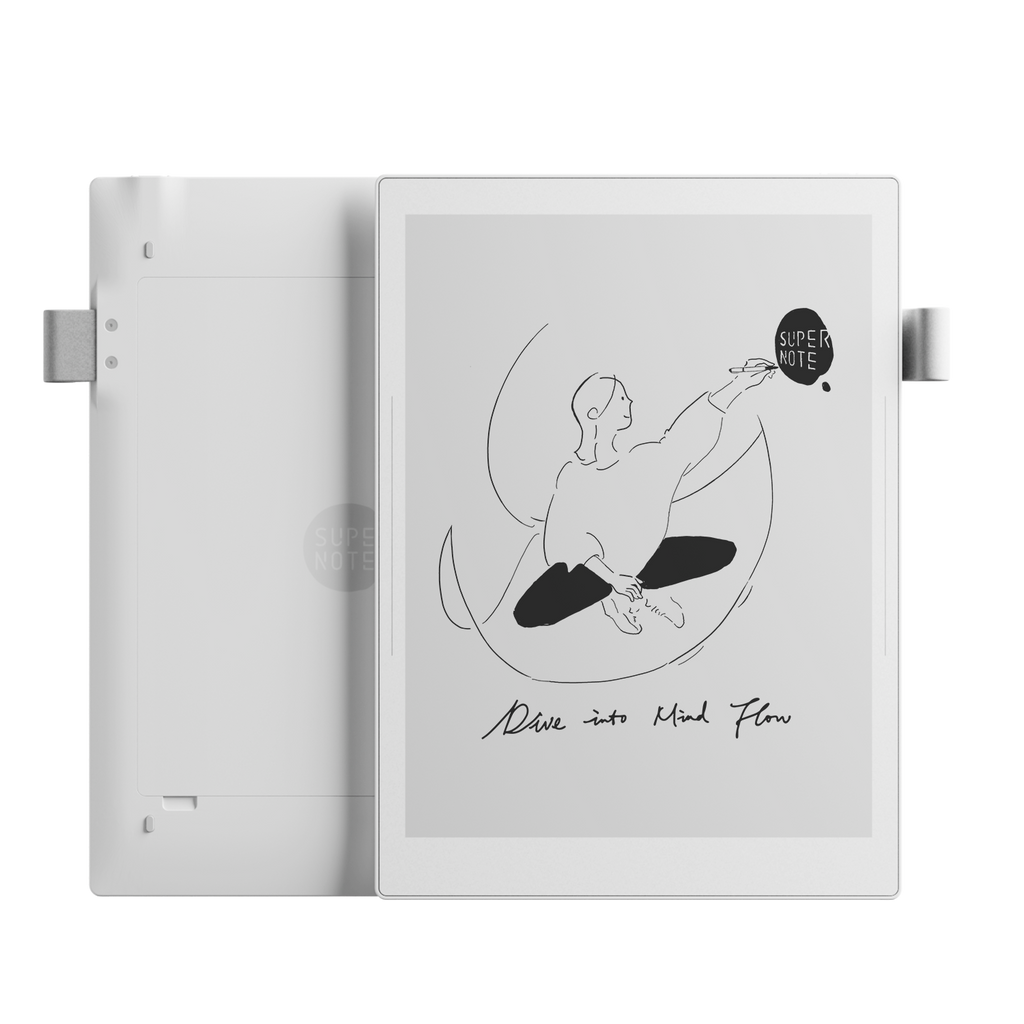
Official image of Supernote Manta
Official image: Supernote
BEST FOR AVOIDING A PLAN

Supernote: advanced notes without a paid tier

Supernote explicitly says its advanced features have no subscription charge. The built-in note system, handwriting recognition, headings, links and export are part of the device rather than a monthly plan. A Supernote account makes you eligible for Supernote Cloud at no charge, and the tablet can also sync selected folders with Google Drive or Dropbox.

You can skip cloud use entirely. Supernote's support material says the device can work fully offline, with notes moved to a computer through USB or a USB drive. That is valuable if your goal is both predictable cost and tighter control over where files travel.

The trade-off is not a hidden fee. It is a more focused ecosystem with fewer conventional apps than BOOX. Also remember that Google Drive or Dropbox may charge for their own storage tiers even though Supernote does not charge for the connection.

Read our Supernote Manta evidence review →
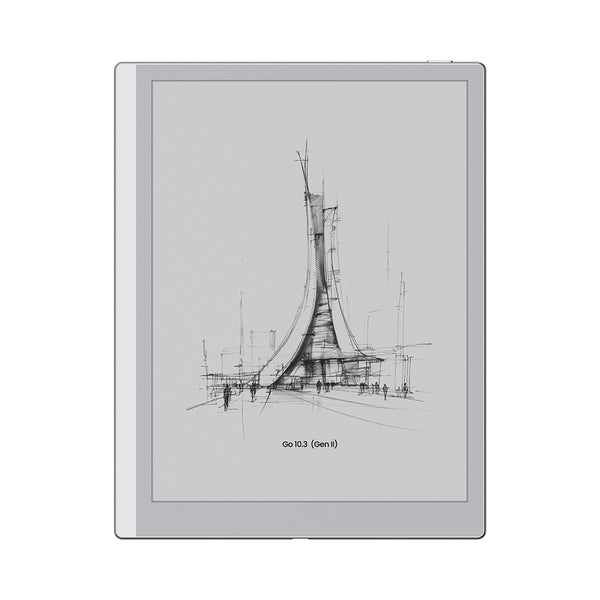
Official image of BOOX Go 10.3 Gen II
Official image: BOOX
FREE CORE, VARIABLE APPS

BOOX: no device plan, but Android can bring its own bills

An Onyx account includes 10GB of cloud space for notes, reading data and transfers. BOOX's native reading and note tools do not require a monthly hardware subscription. You can also use BOOXDrop, USB and supported third-party cloud connections.

BOOX runs Android and Google Play on current note tablets, which changes the calculation. The tablet itself may be subscription-free while the apps you install are not. A Readwise, Microsoft 365, cloud-storage or specialist writing plan belongs to that third party, just as it would on a phone or conventional tablet.

This flexibility is a strength if you already pay for services you want to keep using. It can also make total cost less obvious. List the exact Android apps you need and check their pricing before treating BOOX as the “no monthly fee” option.

Choose the right BOOX notebook →
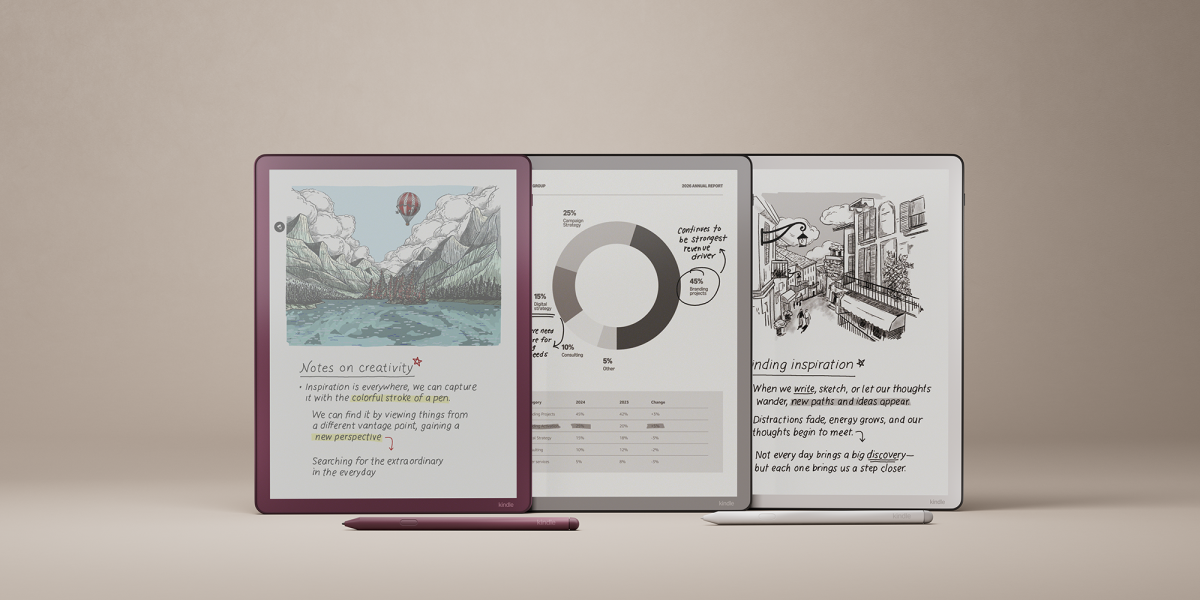
Official image of the Kindle Scribe family
Official image: Amazon
BOOK PLAN IS OPTIONAL

Kindle Scribe: an Amazon account, not Kindle Unlimited

Kindle Scribe needs an Amazon account for its connected features, but it does not need a paid Kindle Unlimited membership. Notebook backup and sync are part of the Kindle service when Sync is enabled. Amazon also says Send to Kindle accepts personal documents at no additional cost.

Kindle Unlimited is a separate monthly reading catalog. It gives access to eligible ebooks, audiobooks and magazines, but it is not required to buy Kindle books individually, read your existing library, send personal documents or make notebooks. Prime membership is separate too.

Scribe is therefore simple on recurring device costs. Its limitation is workflow depth rather than fees: notebook organization and export are less flexible than on Supernote, while app choice is far narrower than on BOOX.

Compare the current Kindle Scribe models →

THE FIVE-MINUTE COST CHECK

Test the service before the return window closes

  1. Create a real note. Use headings, handwriting conversion or document markup, whichever matters to you.
  2. Move it without paying. Try the included cloud route, USB or local transfer and confirm the exported format opens elsewhere.
  3. Leave one old file alone. Check whether the free sync tier keeps inactive work available on every device.
  4. Turn Wi-Fi off. Make sure the core reading, writing and search tools you rely on still work.
  5. Price the whole workflow. Include third-party apps, cloud storage, book catalogs and any annual plan, not only the tablet.

BOTTOM LINE

Buy the workflow you can keep using for free.

If you want the clearest promise of advanced note tools without a paid plan, choose Supernote. BOOX also avoids a device subscription and includes cloud storage, but your chosen Android apps may add fees. Kindle Scribe's notebook features do not depend on Kindle Unlimited. reMarkable remains usable without Connect, but the paid plan has the biggest effect on long-term sync and companion-app features.

Before buying, imagine canceling every optional plan on day one. If the device still handles your main note, reading and export loop, the subscription is genuinely optional. If that loop breaks, include the annual fee in the purchase price.

Primary sources checked

Checked October 10, 2026. Manufacturer pages describe their own services. Regional prices, promotions and feature availability can change.

reMarkableFree and paid Connect plan comparison ↗reMarkableConnect features and current standard pricing ↗SupernoteNo subscription charge for advanced features ↗SupernoteAccount setup and free Supernote Cloud eligibility ↗SupernoteCloud, USB and local-network transfer routes ↗BOOXOnyx account and included 10GB cloud space ↗BOOXCurrent firmware page and free cloud statement ↗AmazonKindle Scribe notebook backup and sync ↗AmazonSend to Kindle at no additional cost ↗AmazonKindle Unlimited is a separate content membership ↗