It fits mixed days
A 10.3-inch tablet can move from a desk to a meeting, lecture hall or train without feeling like a document tray. Covers still add weight, but the device remains easier to pack and hold.

Choose a 13.3-inch screen when preserving a full PDF page matters most. Choose a 10.3-inch screen when the tablet has to leave your desk.
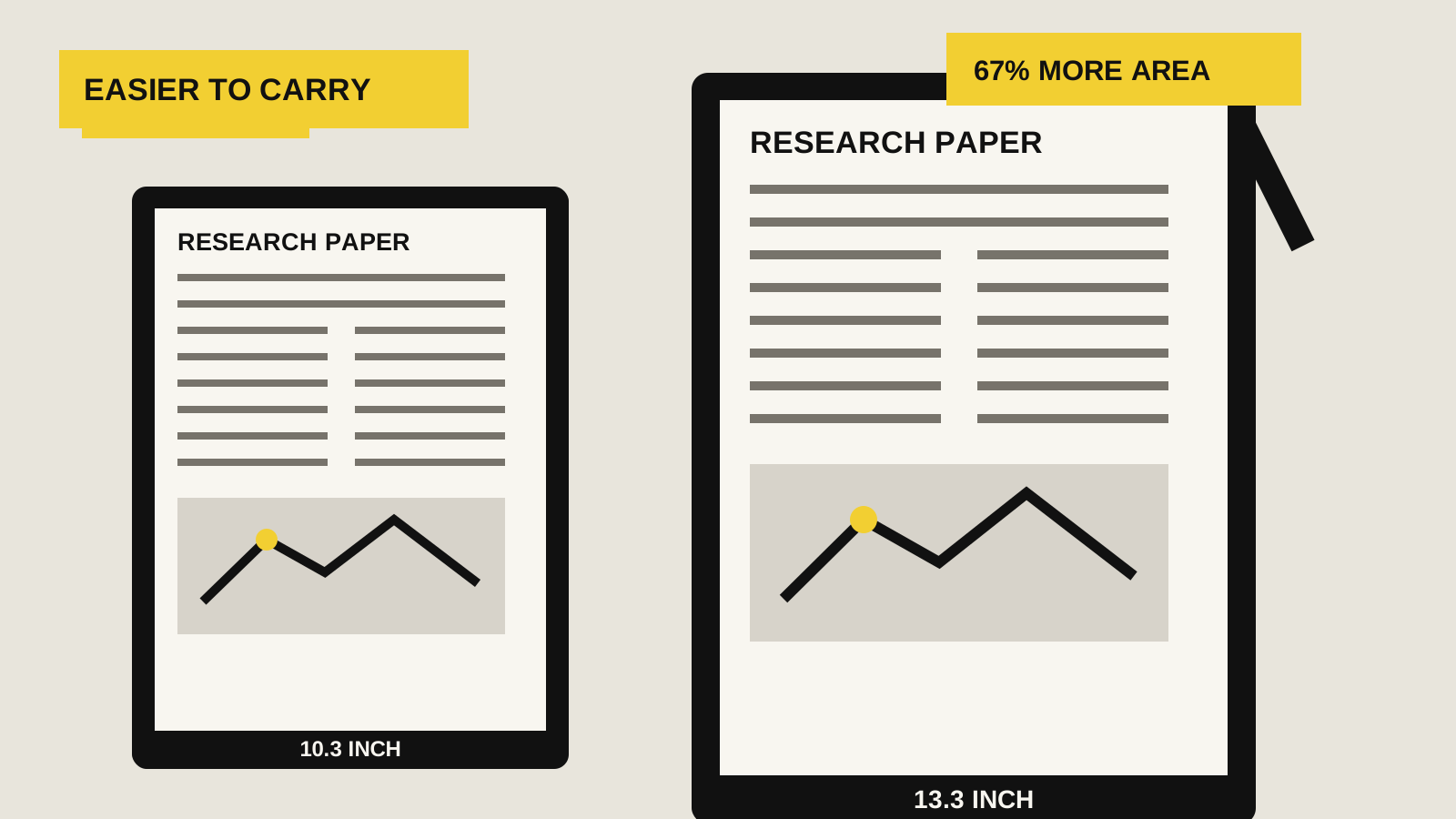
THE SHORT ANSWER
A 13.3-inch E-Ink screen makes academic papers, contracts, sheet music and technical drawings meaningfully easier to read at once. It is also heavier, harder to hold and less convenient in a bag. A 10.3-inch tablet is the better general-purpose size for notes, travel and mixed reading, provided you are willing to crop margins, rotate the page or zoom on dense documents.
The useful middle ground is 10.7 to 11.8 inches. Supernote Manta gives a little more monochrome room without much weight, while reMarkable Paper Pro offers an 11.8-inch color canvas and reading light. Those devices do not make the 10-versus-13 trade-off disappear, but they soften it.
HOW THIS GUIDE WAS MADE
Yeinks has not tested these devices side by side. The comparison uses current manufacturer specifications, documented PDF features and our existing evidence reviews. The 67% area figure compares two 4:3 displays by diagonal size: 13.3 squared divided by 10.3 squared. Bezels, software controls and PDF aspect ratio reduce the usable page area in practice.
DECISION TABLE
| Your regular task | Better starting size | Why |
|---|---|---|
| Dense A4 or Letter PDFs at a desk | 13.3-inch | The page stays closer to its intended size, so two columns, footnotes and chart labels need less zooming. |
| Papers mixed with meetings and travel | 10.3-inch | It is easier to carry and hold. Margin crop or landscape view can rescue difficult pages when needed. |
| A PDF beside handwritten notes | 13.3-inch | Split screen uses space quickly. On a 10.3-inch display, each half can feel closer to a small reader. |
| Mostly reflowable books and simple reports | 10.3-inch | Adjustable text does not need a paper-sized canvas, so the larger device adds weight without solving much. |
| Color charts and highlighted documents | Choose color separately | Screen size controls scale. Display technology controls color, contrast and refresh. One does not replace the other. |
PAGE SCALE
Screen sizes are measured corner to corner, so the area grows faster than the diagonal. If both panels have the same 4:3 shape, moving from 10.3 to 13.3 inches adds about 29% to the diagonal but about 67% to the display area. That is why a 13.3-inch tablet feels closer to a document desk than a slightly enlarged notebook.
An A4 sheet still does not appear at exact physical size on most 13.3-inch tablets. BOOX calls Note Max A4-sized, but its 13.3-inch 4:3 screen and the taller A-series paper shape are not identical. It is close enough to make fine layouts more practical, not a promise that every page maps one-to-one.
If the source has generous margins, use software crop controls before buying new hardware. Our guide to preparing PDFs for E-Ink covers cropping, compression and when conversion helps.
REAL DEVICE EXAMPLES
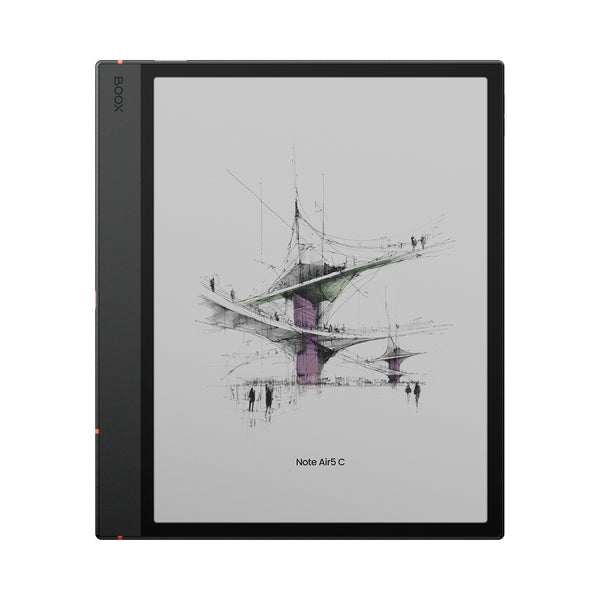
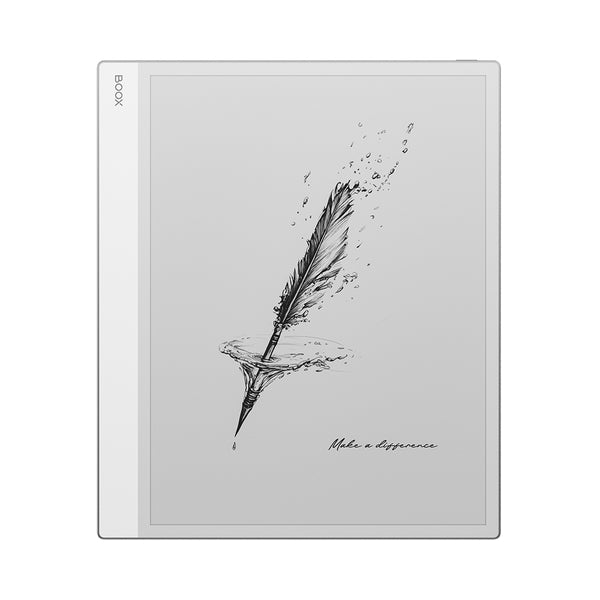
These two devices also differ in display technology, software emphasis and lighting. Their weights show the portability trade-off, not a controlled product shootout. Read our Note Air5 C review and Note Max review for the wider evidence.
10-INCH STRENGTHS
A 10.3-inch tablet can move from a desk to a meeting, lecture hall or train without feeling like a document tray. Covers still add weight, but the device remains easier to pack and hold.
Margin crop, landscape view, column navigation and reflow can make many PDFs comfortable. They work best on text-led files and less well on scans, complex tables or pages where position matters.
The size appears across color and monochrome devices, focused notebooks and Android tablets. That makes it easier to prioritize a front light, apps, writing feel or price after deciding the page can be smaller.
13-INCH STRENGTHS
Two-column papers, footnotes, music staves and engineering labels have room to remain visible together. You spend less time zooming and more time following the document.
A PDF beside notes or two documents side by side needs width. The same feature can exist on a smaller tablet, but each pane may become too cramped for sustained work.
Annotation is easier when the original page and its blank edges remain visible. The advantage matters most for fixed-layout files, not ordinary ebooks with adjustable type.
THE MIDDLE GROUND
Supernote Manta uses a 10.7-inch, 300ppi monochrome display and weighs about 375g with its pen loop, according to Supernote. It is a strong example of a notebook that adds some page room without becoming a 13.3-inch desk device. Its drawback for reading is the lack of a front light.
reMarkable Paper Pro has an 11.8-inch color display, an adjustable reading light and an official weight of about 525g. It gives PDFs noticeably more room than a 10.3-inch tablet while staying smaller than Note Max. Its closed, focused software suits readers who do not need Android research apps.
Neither is automatically better. The Manta prioritizes light monochrome handwriting. Paper Pro prioritizes a larger color document canvas. Our PDF tablet buyer guide compares the wider workflow, including annotations and export.
TRY THIS BEFORE BUYING
This is not a display-quality test. It is a cheap way to learn whether scale solves your problem before you compare brands or spend more.
BOTTOM LINE
Choose 10.3 inches for a tablet that travels, takes notes and handles ordinary PDFs with occasional cropping or zoom. Choose 13.3 inches when full-page documents are central to your work and the device will usually sit on a desk. If you cannot name the document that needs the larger canvas, you probably do not need to carry it.
Checked September 27, 2026. Specifications and software can change, so confirm the exact model before ordering.
BOOX Note Air5 C specifications ↗BOOX Note Max specifications and PDF features ↗Supernote Manta size, weight and display specifications ↗reMarkable Paper Pro specifications ↗