Menu
BUYER'S GUIDE

Best E-Ink tablets for note-taking and reading in 2026

The best choice depends on the work you actually do. We rank five strong options for organised notes, Android apps, focused colour work, Kindle reading and portability.

By YeinksPublished August 29, 2026Updated September 11, 202614 min read

OUR EVIDENCE AND LIMITS

This is a workflow ranking, not a laboratory test.

We checked current manufacturer specifications and software positioning, then used our existing reviews to compare what each device is designed to do. We have not personally tested every model side by side, so we do not invent battery scores, pen-latency measurements or durability claims. Prices and software can change; verify both before buying.

Our picks at a glance

DECISION TABLE

Start with the feature you cannot compromise on

DeviceDisplayFront lightThird-party appsBest fit
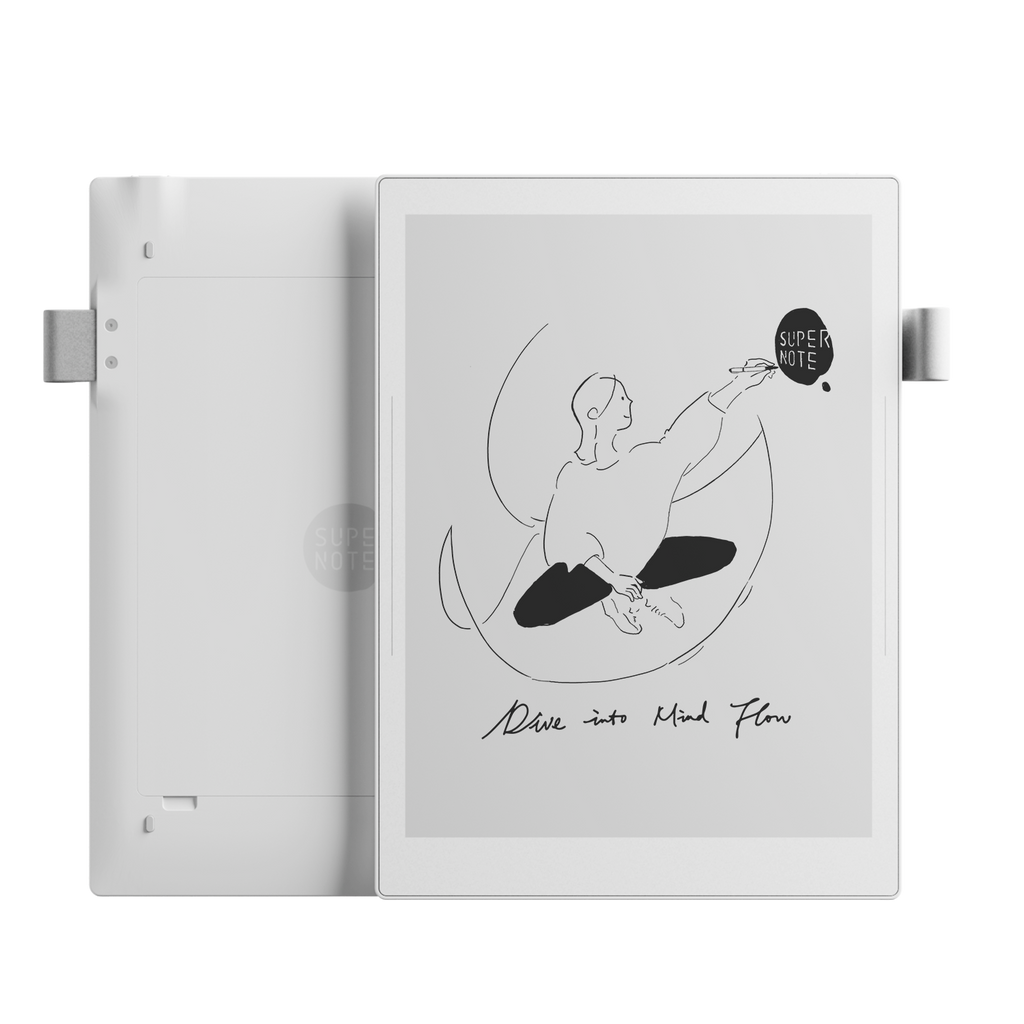
Supernote Manta10.7-inch monochromeNoLimitedLinked, organised handwritten notes
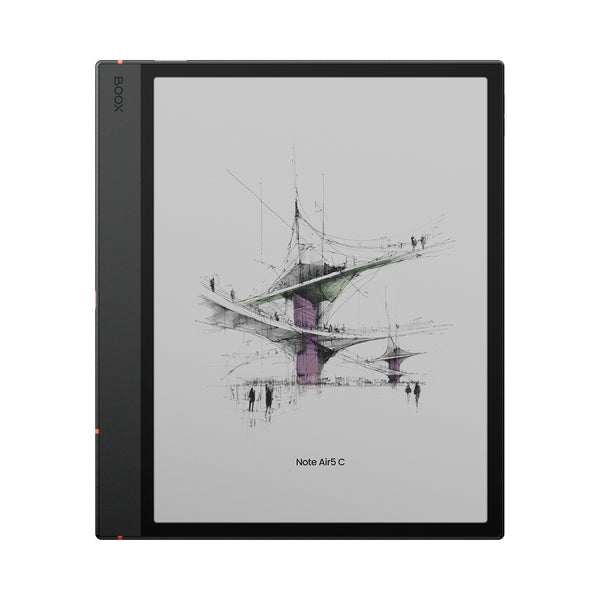
BOOX Note Air5 C10.3-inch colourYesGoogle PlayApps, PDFs and flexible workflows
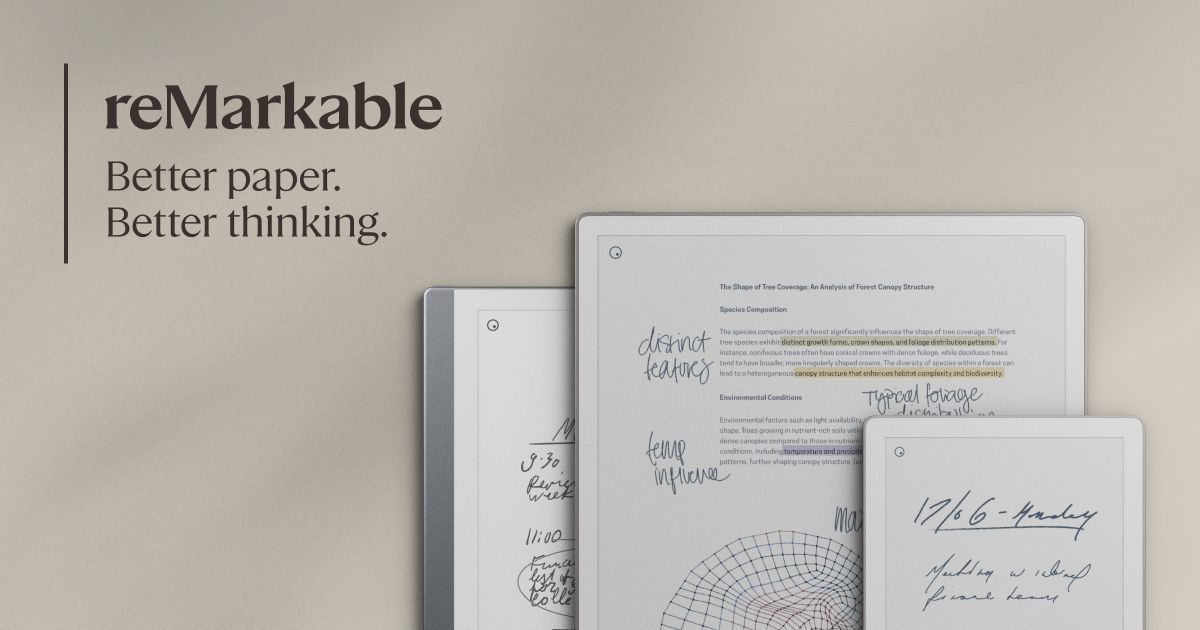
reMarkable Paper Pro11.8-inch colourYesNo app storeFocused writing and large documents
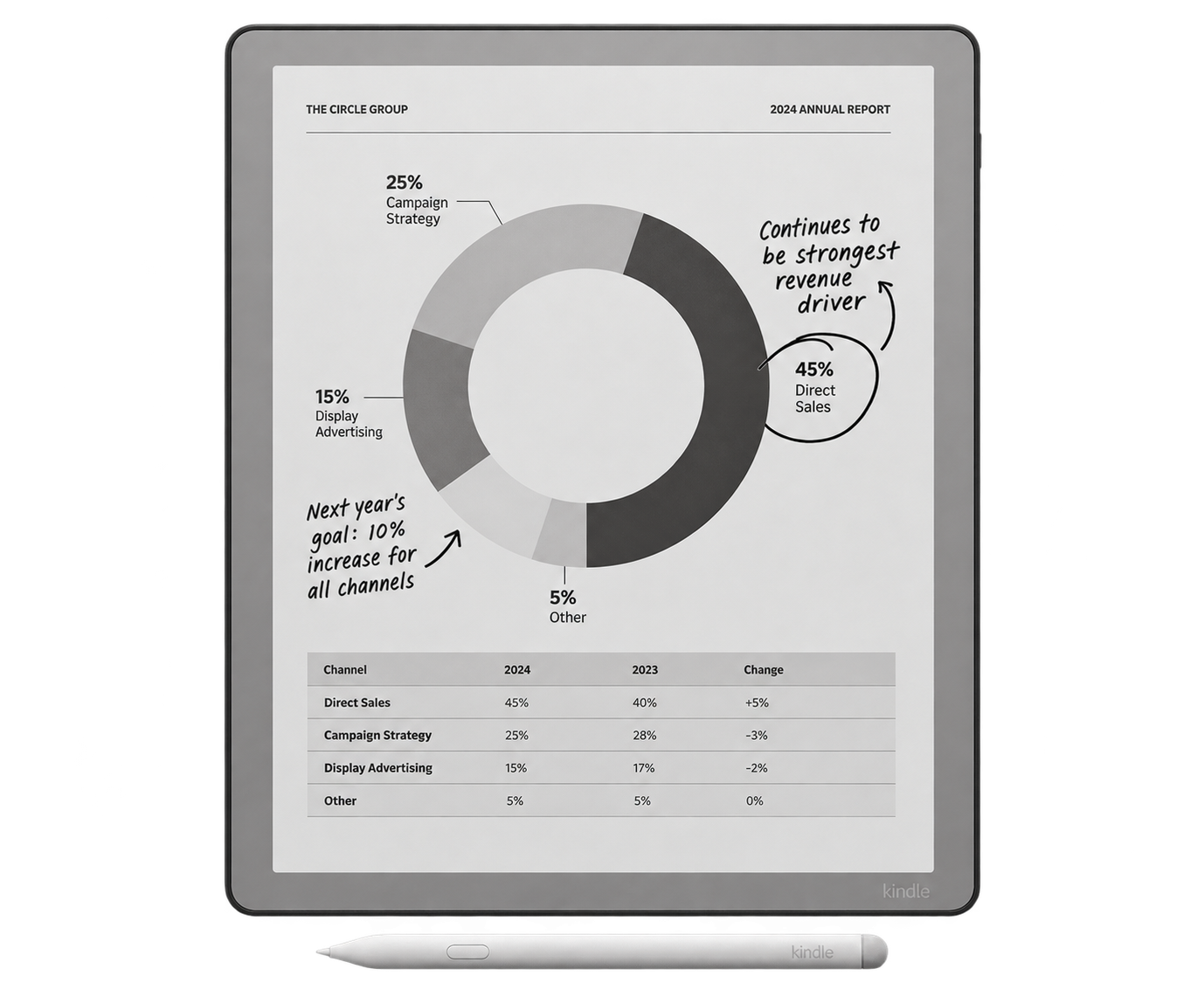
Kindle ScribeLarge monochromeYesNo app storeKindle books with occasional notes
Supernote NomadCompact monochromeNoLimitedPortable daily notes

Colour E-Ink is useful for diagrams and highlighting, but monochrome screens usually make black text look cleaner. A front light matters if you read in bed or in dim rooms. App support matters only if your workflow genuinely depends on services outside the device's own software.

1Supernote Manta product image
BEST FOR SERIOUS NOTE-TAKING

Supernote Manta

The strongest choice for people building a long-lived handwritten knowledge system.

Why it stands out
  • Excellent note linking and organization
  • Sharp 10.7-inch monochrome screen
  • Replaceable battery and expandable storage
Know before buying
  • No front light
  • No color
  • Fewer third-party apps
Read the full Supernote Manta review →
2BOOX Note Air5 C product image
BEST FOR APPS AND COLOR

BOOX Note Air5 C

The most flexible option for notes, PDFs, Android apps and light office work.

Why it stands out
  • Color display and adjustable front light
  • Android 15 with third-party apps
  • Strong PDF tools and microSD expansion
Know before buying
  • More settings to learn
  • Color is less sharp than black text
  • Shorter battery life than simpler notebooks
Read the full BOOX Note Air5 C review →
3reMarkable Paper Pro product image
BEST SIMPLE PREMIUM EXPERIENCE

reMarkable Paper Pro

The easiest premium color notebook to understand and enjoy without constant setup.

Why it stands out
  • Excellent writing feel
  • Large 11.8-inch color screen
  • Simple, focused software
Know before buying
  • Expensive with accessories
  • Limited third-party apps
  • Some cloud features are tied to Connect
Read the full reMarkable Paper Pro review →
4Kindle Scribe product image
BEST FOR READING AND NOTES

Kindle Scribe

The sensible choice when Kindle books come first and handwriting comes second.

Why it stands out
  • Strong monochrome reading screen
  • Adjustable light
  • Direct connection to the Kindle library
Know before buying
  • Notebook tools are less advanced
  • Amazon-centered workflow
  • Not the best fit for complex note organization
Read the full Kindle Scribe review →
5Supernote Nomad product image
BEST PORTABLE NOTEBOOK

Supernote Nomad

A small, repairable notebook that is far easier to carry than the large-screen options.

Why it stands out
  • Light and genuinely portable
  • Same focused Supernote software
  • Replaceable battery and expandable storage
Know before buying
  • Small for full-size PDFs
  • No front light
  • Less room for split views and large diagrams
Read the full Supernote Nomad review →

THE SIMPLE DECISION

Choose the software philosophy first.

You want a digital notebook

Start with Supernote or reMarkable. Both are deliberately focused and easier for non-technical users to live with.

You want an E-Ink tablet

Choose BOOX when Android apps, color documents and flexibility matter more than simplicity.

You want an e-reader that takes notes

Choose Kindle Scribe when books are the main event and notebooks are a useful extra.

BEFORE YOU BUY

Three questions prevent most expensive mistakes

  1. Where do your files live? Check that your preferred cloud service, email workflow or USB transfer method is supported.
  2. What do you read? Full-size PDFs benefit from more screen space; books and short notes are comfortable on smaller devices.
  3. What must work offline? Confirm that the core notebook, reading and export features you need do not depend on a subscription or constant connection.

Students should weigh textbook size, lecture-note organisation and budget together. For document-heavy work, see how to prepare PDFs for E-Ink.

Sources and further reading

Supernote official comparison ↗BOOX Note Air5 C specifications ↗reMarkable Paper Pro specifications ↗Amazon Kindle model guide ↗Engadget E-Ink tablet guide ↗Android Central E-Ink tablet guide ↗