Are E-Ink tablets waterproof? What to know before buying
Most large E-Ink note-taking tablets are not waterproof. Current reMarkable, Supernote, BOOX and Kindle Scribe guidance all points to keeping the device away from rain, spills and wet charging. A folio can help with splashes, but it does not create a tested seal.
By Yeinks7 min read
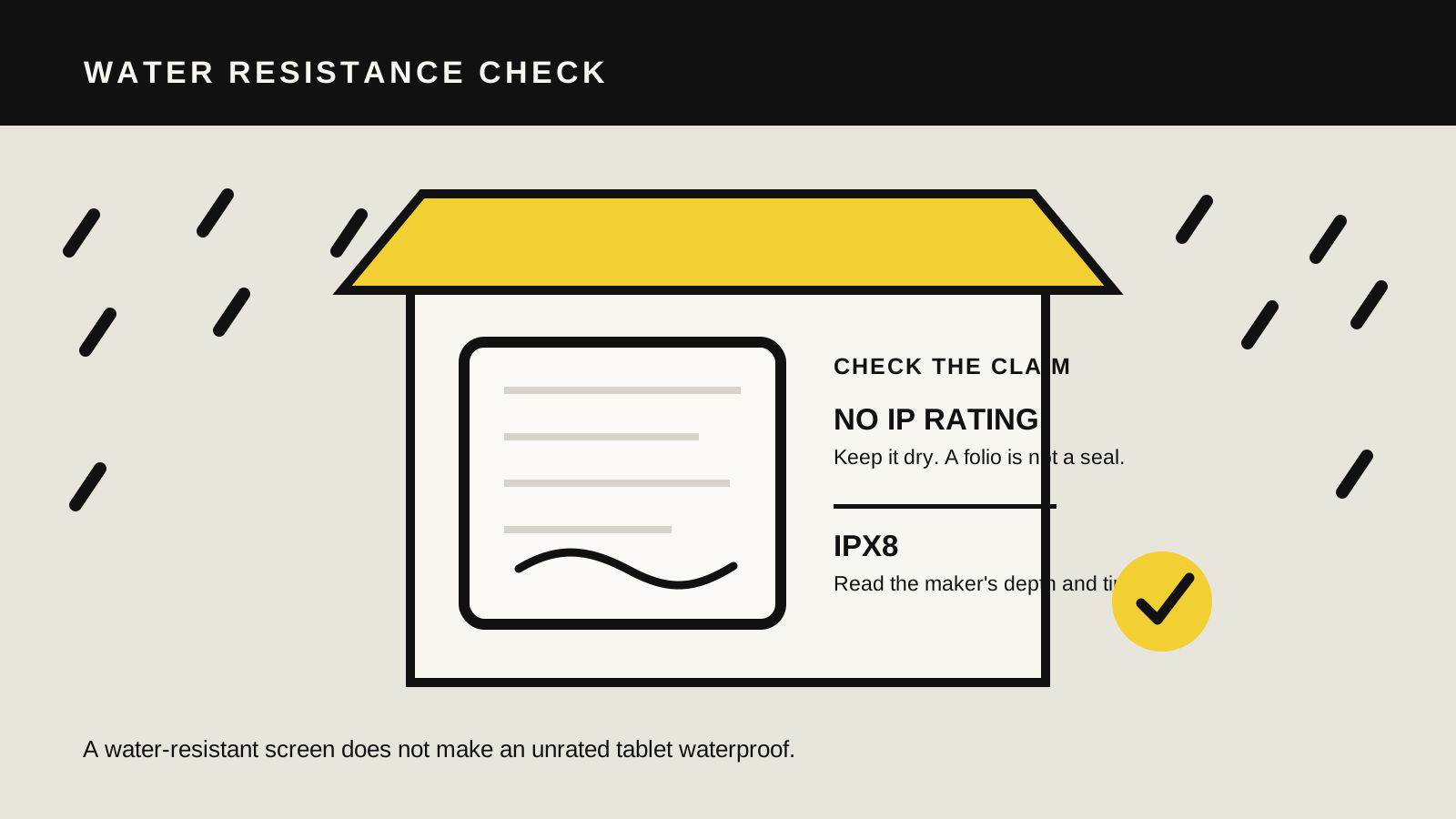
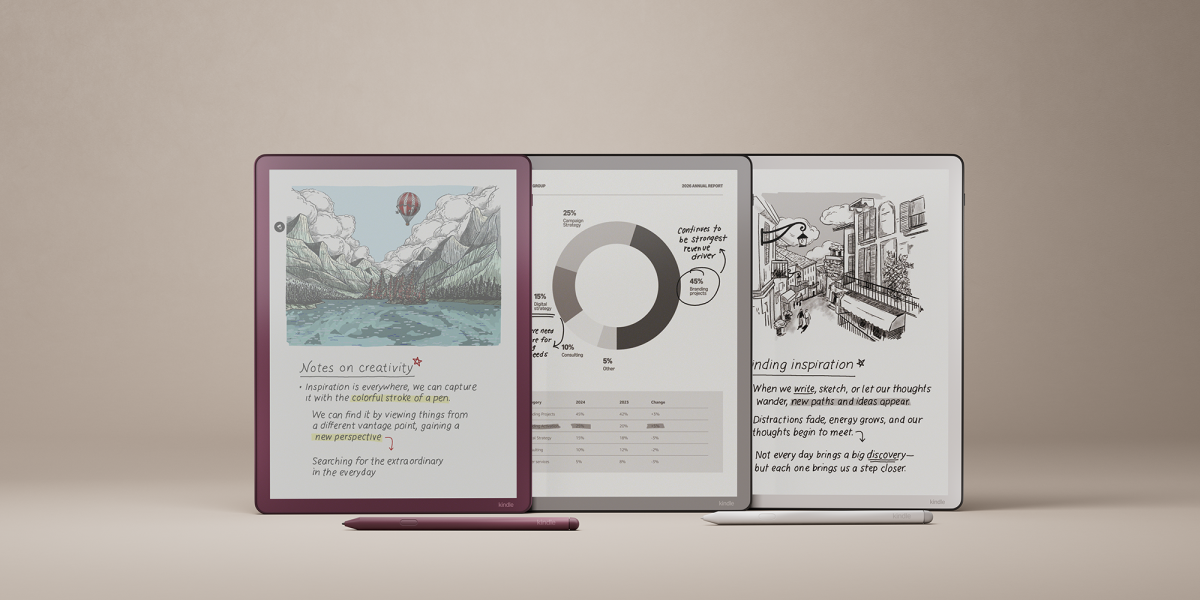
Look for a specific published rating and its limits. “E-Ink” describes the display, not protection from water. Illustration: Yeinks.
THE SHORT ANSWER
Assume a note-taking tablet must stay dry unless its maker publishes a rating.
An E-Ink screen is not automatically waterproof. Among the mainstream writing tablets checked for this guide, none of the reMarkable, Supernote, BOOX or Kindle Scribe families carries an advertised water-resistance rating. Several manufacturers go further and explicitly warn against rain or liquid exposure.
There are waterproof E-Ink devices, but they are usually smaller readers. Kobo Libra Colour is a useful example: it supports a stylus and carries an IPX8 rating, while the larger Kobo Elipsa 2E is not included in Kobo's current waterproof-device list. Buy against the exact model specification, not the display technology or brand name.
HOW THIS GUIDE WAS MADE
We checked current safety guidance, product specifications and warranty language.
Yeinks checked manufacturer material on October 13, 2026. We did not expose these tablets to water. Absence of an advertised IP rating is not proof that one drop will destroy a device, but it gives you no manufacturer-backed submersion or splash limit to rely on. Treat that as a buying and handling constraint.
AT A GLANCE
Water guidance for current E-Ink writing options
Device or family
Published protection
What the maker says
reMarkable Paper Pro, Paper Pure and Paper Pro Move
No advertised IP rating
Official handling guidance says not to use the device in rain or near wet locations
Supernote Manta and Nomad
Not waterproof
Supernote says to avoid contact with water and other liquids
BOOX note-taking tablets
Not advertised as waterproof
BOOX support says its E-Ink devices are not waterproof; liquid damage is outside standard warranty coverage
Kindle Scribe family
No advertised IP rating
Amazon safety guidance says not to expose the device to liquids
Kobo Libra Colour
IPX8
A smaller stylus-compatible reader rated for up to 60 minutes in up to 2 metres of fresh water
Ratings and model ranges can change. Check the specification and safety guide for the exact device you are buying, especially when shopping used.
READ THE RATING
“Waterproof” is shorthand, not permission to be careless.
An IP code is a tested ingress-protection claim. In an IPX8 rating, the X means the published code does not state a dust-protection level. The 8 describes water protection under conditions set by the manufacturer. Those conditions still matter.
Kobo, for example, states that Libra Colour can withstand up to 60 minutes in up to 2 metres of fresh water. Its guidance also says to dry the USB port before charging and warns that salt water, pool water and forceful water need different care. A rating is a safety margin, not a reason to write underwater.
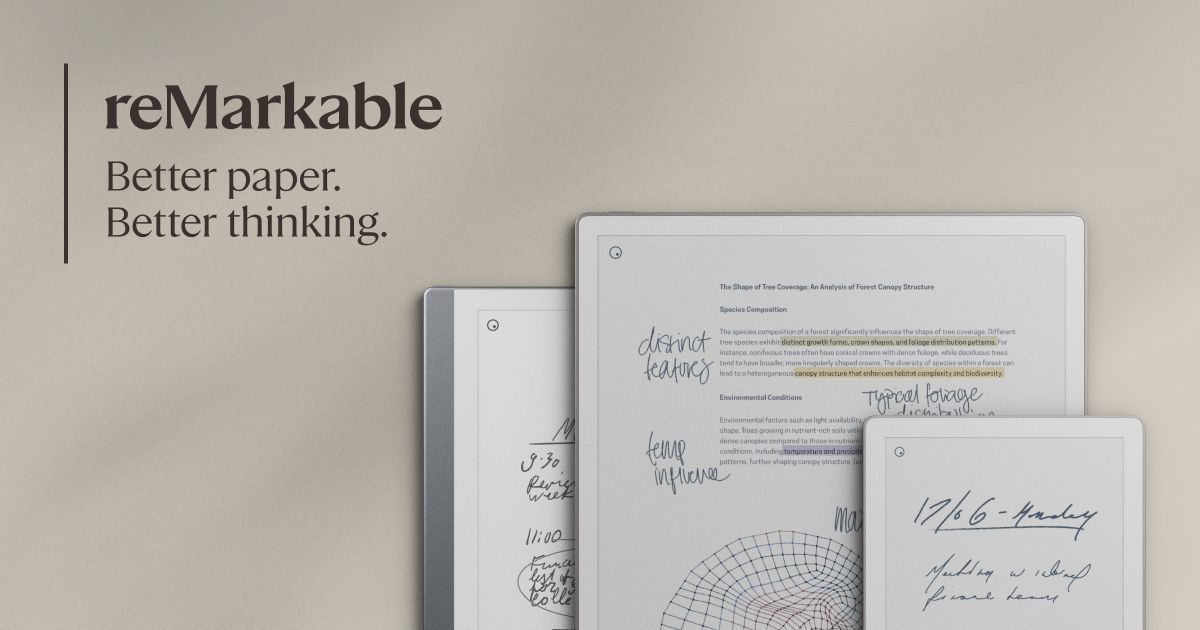
Official image: reMarkable
KEEP AWAY FROM RAIN
reMarkable
reMarkable's current product specifications list display, battery, storage and connectivity details but do not advertise an IP rating. The Paper Pro user guide is clearer: do not use the device in rain or near wet locations because liquid can damage its electrical components.
If a reMarkable gets wet, its guide says to unplug cables, let the tablet enter sleep mode and allow it to dry completely before turning it on. It also says not to use an external heat source. Those instructions are a strong reason to keep the tablet in a dry inner bag rather than trusting a magnetic folio on its own.
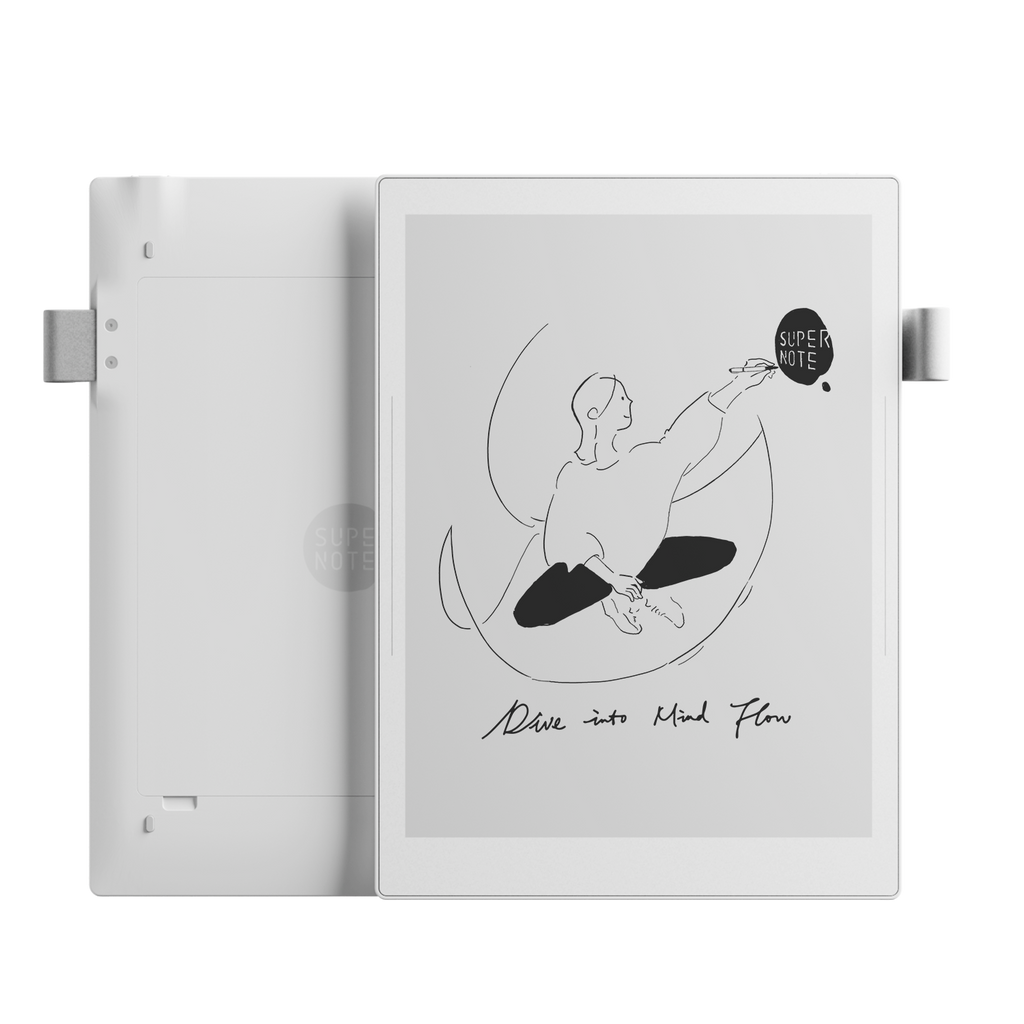
Supernote's safety information says the device is not waterproof and should avoid contact with water and other liquids. That applies to the practical decision even if a few drops have caused no visible problem for another owner.
The Manta's replaceable battery and repair-minded construction are useful ownership benefits, but neither makes the assembled device water resistant. If you work outdoors, pair it with a genuinely sealed carrying sleeve and move under cover before opening it.
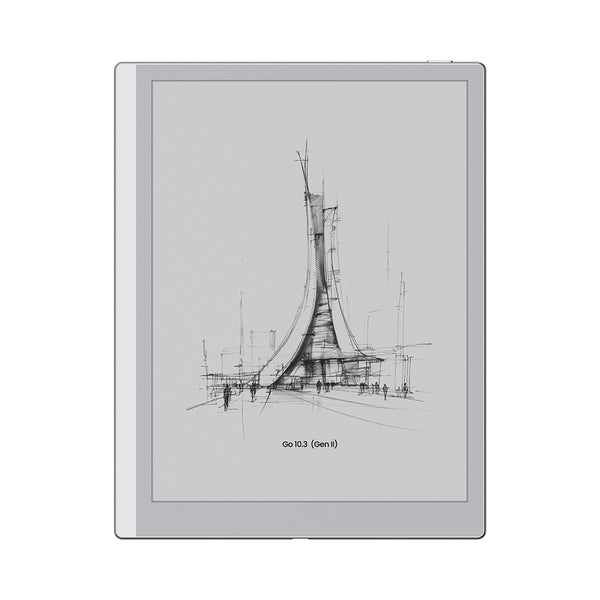
BOOX support has stated that its E-Ink devices are not waterproof or dustproof, noting that a case still leaves openings such as the USB-C port and power button exposed. Its warranty guidance also places damage caused by liquid outside standard warranty coverage.
That matters for flexible Android tablets carried between work, home and travel. A folio protects the display from knocks. For weather, use a separate sealed sleeve or dry bag and remove the tablet only after your hands and work surface are dry.
Amazon's current Kindle Scribe safety information says not to expose the device to liquids and not to charge it near water or in extremely humid conditions. The Scribe specifications do not advertise the IPX8 protection found on current Kindle Paperwhite models.
The shared Kindle name can therefore mislead. A waterproof Paperwhite does not make a Scribe waterproof. Check the exact model in Amazon's device-identification and safety pages before taking it near a bath, pool or damp kitchen.
Disconnect first. Heat and hopeful charging can make things worse.
Unplug every cable. Do not connect a charger to test a wet port.
Move the tablet away from the liquid. Remove a wet folio and blot the outside gently with a soft cloth.
Do not press buttons repeatedly. Follow the exact shutdown or sleep advice in your model's safety guide.
Let it dry naturally. Do not use a hairdryer, oven, radiator or microwave.
Contact the manufacturer. Get model-specific advice before charging if liquid may have entered a port, seam or speaker opening.
This is cautious first aid, not a promise that a wet tablet is safe. Stop using it immediately if you notice heat, swelling, a smell, display damage or battery leakage.
BOTTOM LINE
Choose a rated reader for wet places, or keep the writing tablet packed away.
For ordinary desk and meeting use, lack of waterproofing may be an acceptable compromise. Near a pool, bath, boat, building site or rainy commute, it changes the recommendation. A sealed transport sleeve reduces exposure while the device is packed, but there is no honest accessory shortcut that turns an unrated tablet into an IPX8 one.
If waterproof reading matters more than a large notebook canvas, a rated model such as Kobo Libra Colour or a current Kindle Paperwhite is the safer category. If handwriting and large PDFs matter more, choose the E-Ink tablet for its workflow and build dry handling into that workflow. Our E-Ink tablet buyer's guide compares the wider trade-offs.
Primary sources checked
Checked October 13, 2026. Product guidance and warranty terms can change by model and market. Confirm the exact device documentation before buying or handling a wet tablet.