Menu
EBOOK READING GUIDE

Can E-Ink tablets read ebooks?

Yes, but the display is the easy part. The book store, digital rights management and file format decide whether a title will open. Choose the library first, then the tablet.

By Yeinks9 min read
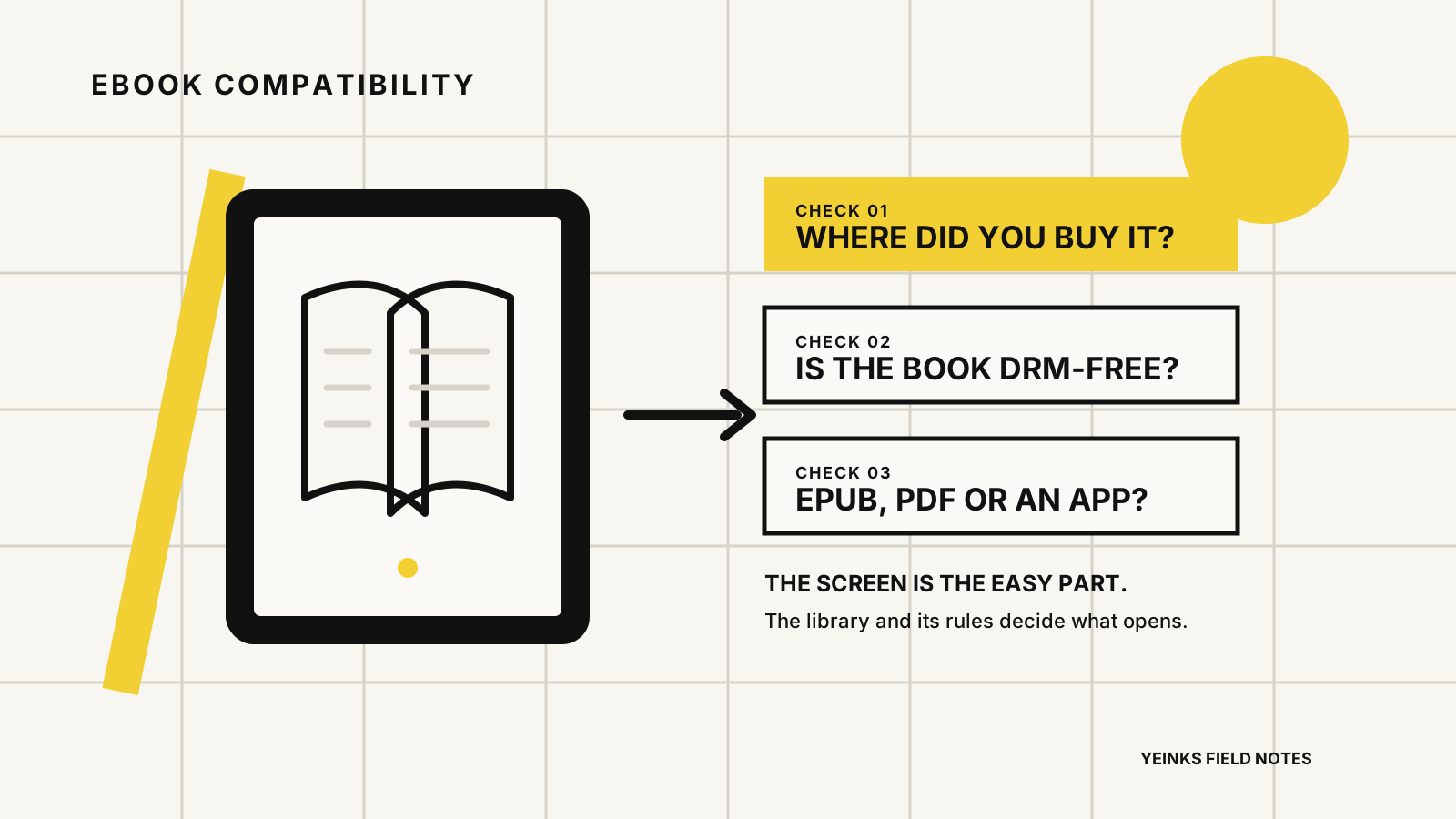
Ebook compatibility diagram showing that the store, DRM and file format determine whether a book opens on an E-Ink tablet
An E-Ink screen can show a book. Your library’s rules decide whether the tablet can open it. Illustration: Yeinks.

THE SHORT ANSWER

Every major E-Ink tablet can read ebooks, but they cannot all read the same ebooks.

Kindle Scribe is the simplest choice for a Kindle library. BOOX is the most flexible choice for several reading services. Supernote combines native EPUB reading with a supported Kindle app. reMarkable reads DRM-free EPUB files, but not Kindle books or other DRM-protected titles.

If you buy most books from one store, start there. A book tied to a Kindle, Kobo or library account usually needs that service’s app or device support. Owning an EPUB file is only enough when the file is not locked by digital rights management, usually shortened to DRM.

HOW THIS GUIDE WAS MADE

This is a compatibility guide, not a reading-comfort test.

Yeinks checked current manufacturer support pages, product documentation and software notes on October 17, 2026. We did not compare page turns, front lights or long-session comfort side by side for this article. App availability and store rules can change, so confirm the exact service and device before buying.

COMPATIBILITY AT A GLANCE

The right tablet depends on where your books live

PlatformStore accessYour own filesMain limitBest fit
Kindle Scribe familyKindle Store and Kindle librarySend to Kindle accepts EPUB and converts it for KindleNo general-purpose app storePeople whose books already live on Kindle
BOOX tabletsKindle, Kobo, Libby and other Android apps where availableNative NeoReader supports EPUB, EPUB3, PDF, AZW3, MOBI and moreMore app setup and an interface built for several jobsReaders with books spread across services and file types
Supernote Manta and NomadA supported Kindle app plus Supernote’s native document readerNative EPUB and PDF supportA small curated app selection, not an open consumer app storePeople who annotate, build digests and also use Kindle
reMarkable paper tabletsNo Kindle store or Kindle appDRM-free EPUB and PDFDRM-protected and Kindle books do not openReaders of their own EPUBs, PDFs and saved articles

“Supported” does not mean every book behaves identically. Fixed-layout books, comics, library loans and DRM-protected files can follow different rules from an ordinary DRM-free EPUB.

THE RULE THAT MATTERS

EPUB is a file format. It is not a promise that the book is portable.

An EPUB can be a normal file you copy between compatible devices, or it can be wrapped in DRM that checks your account and approved reading software. The filename may look the same while the practical result is completely different.

Do not plan a purchase around removing DRM. That can breach a store’s terms or local law, and it creates a fragile workflow. Choose a tablet that officially supports the store or lending service you actually use. For books sold without DRM, keep the original file and a separate backup.

THE FOUR MAIN ROUTES

How current E-Ink tablet platforms handle books

01

Kindle Scribe: the cleanest route to an Amazon library

Amazon describes Kindle Scribe as a notebook and a Kindle in one. Books bought for Kindle appear in the same library as on other Kindle devices and apps, subject to the account and regional availability. Send to Kindle also accepts EPUB files, but Amazon converts them into a Kindle format rather than opening the original EPUB directly.

This is the least complicated option when most of your reading already comes from Amazon. It is less suitable when your books are split between Kobo, independent store apps and library services that need Android applications.
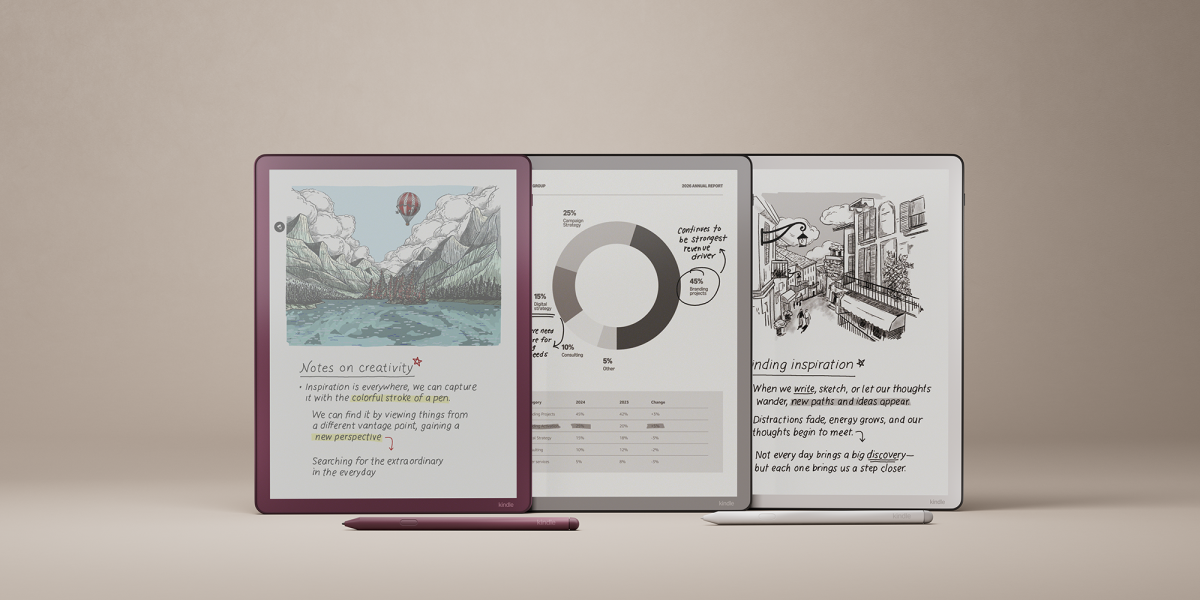
Official image of the current Kindle Scribe family
Kindle Scribe puts Amazon’s book library and handwritten notebooks on one device. Official image: Amazon.
02

BOOX: the broadest compatibility, with more setup

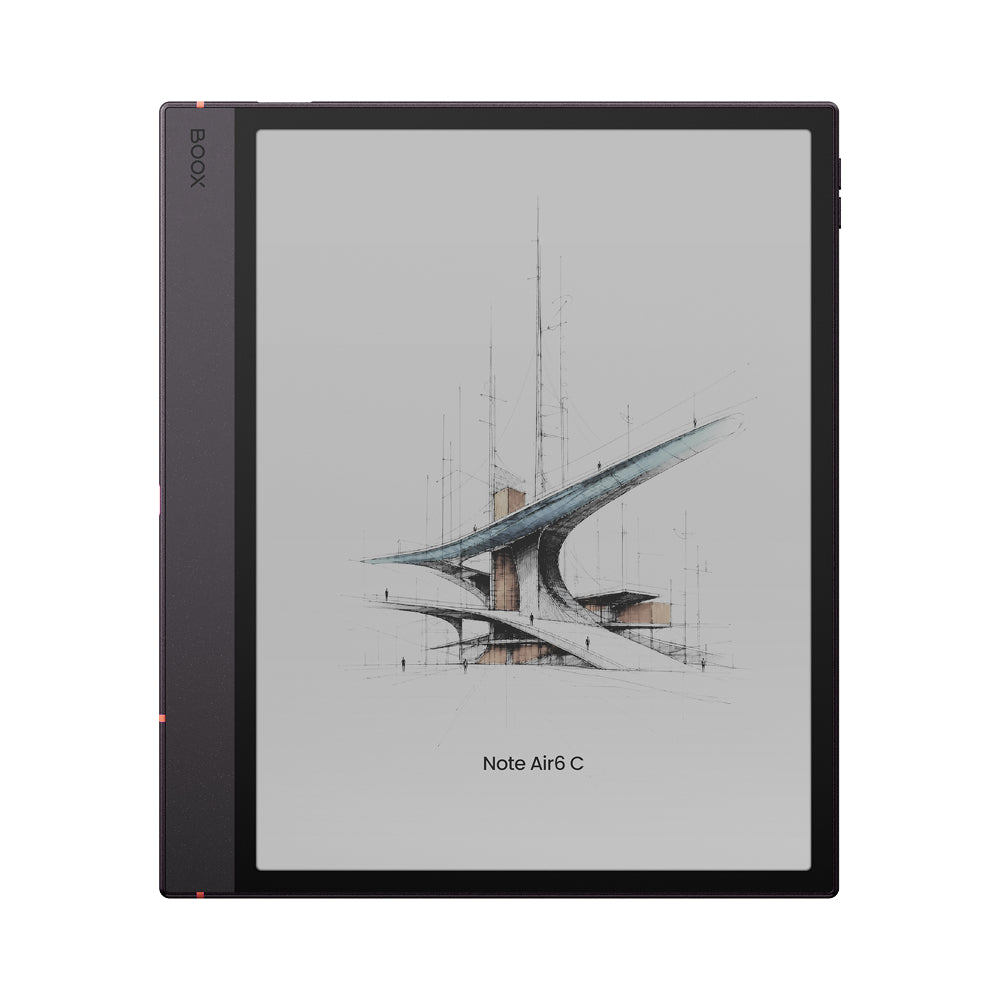
Current BOOX tablets include Google Play, so compatible Kindle, Kobo, Libby and other Android reading apps can sit beside the built-in NeoReader. The Note Air6 C specification also lists 20 document formats, including EPUB, EPUB3, AZW3, MOBI, PDF, CBZ and CBR.

That breadth makes BOOX the safest choice when no single store owns your library. The trade-off is complexity. Each app brings its own login, sync rules and interface, and an Android app designed for a fast color screen may need E-Ink refresh tuning. Broad app access is not the same as every app feeling native.

Official image of the BOOX Note Air6 C
BOOX combines a native document reader with third-party reading apps from Google Play. Official image: BOOX.
03

Supernote: strong native annotation plus Kindle access

Supernote’s native document reader opens EPUB and PDF files. It lets you change EPUB fonts, size, row spacing and margins, then add bookmarks and annotations. Its Digest system can collect excerpts from documents and attach your own thoughts, which makes it particularly useful for reading that feeds research or writing.

Manta and Nomad also support a Kindle app through the Supernote App Store. Supernote’s June 2026 changelog specifically records a fix for books failing to download in that app and tells owners to update it. This is useful Kindle access, but it does not turn Supernote into a general Android tablet with every consumer reading app.

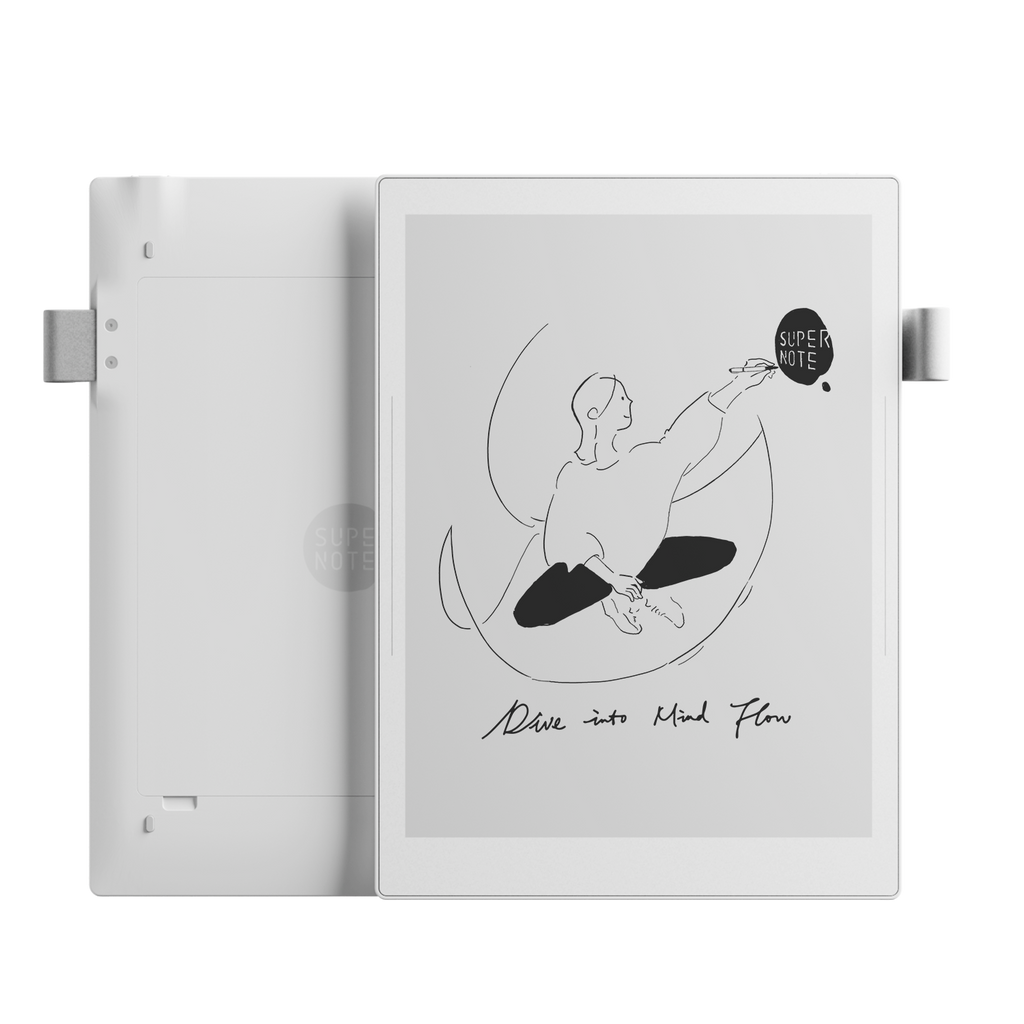
Official image of the Supernote Manta
Supernote is strongest when reading, handwritten annotation and saved excerpts belong in one knowledge workflow. Official image: Supernote.
04

reMarkable: good for your own EPUBs, not store-locked books

reMarkable supports EPUB ebooks and lets you adjust their text layout, add note pages and organize them with your files. Its import tools accept PDF and EPUB through the desktop, mobile and web apps or by USB.

The important limit is explicit: reMarkable says DRM-protected ebooks and Kindle books are not supported. It is a pleasant route for DRM-free purchases, public-domain books, saved articles and personal documents. It is the wrong choice if “reading ebooks” means opening an existing commercial Kindle or Kobo library without extra friction.

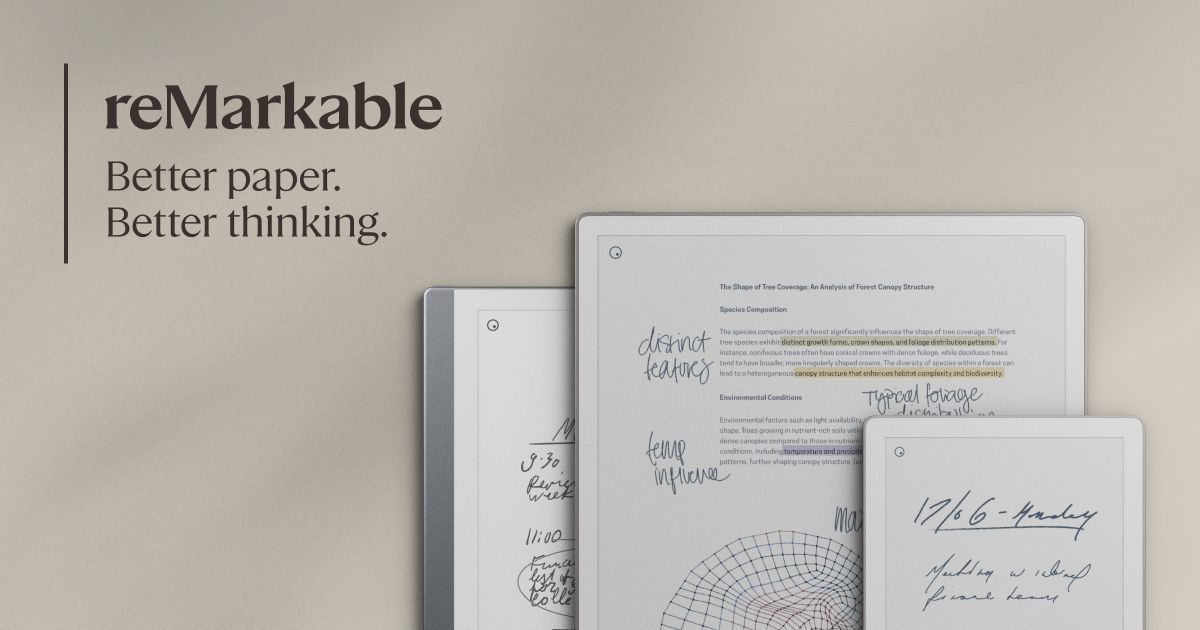
Official image of the reMarkable Paper Pro
reMarkable supports imported DRM-free EPUBs, but not Kindle books or other DRM-protected ebooks. Official image: reMarkable.

WHICH SHOULD YOU BUY?

Match the tablet to the reading job

Your library or habitBest starting pointWhy
Most books are from AmazonKindle ScribeThe store, library, reading position and book features belong to the same ecosystem.
Books come from several stores or a library appBOOXGoogle Play gives you the widest route to compatible reading apps.
You want to hand-annotate EPUBs and keep excerptsSupernoteIts native reader, annotations and Digest tools are designed to turn reading into notes.
You own DRM-free EPUBs and want a quiet interfacereMarkable or SupernoteBoth can import EPUB files without turning the tablet into a general app device.
You mainly read novels one-handedA smaller dedicated e-readerA writing tablet is larger and heavier than the job requires.

CHECK BEFORE BUYING

Test one real book, not a feature list

  1. Choose a title you already own. Note the store, account and whether you can download an ordinary EPUB or PDF.
  2. Check the official route. Look for the store’s supported app, a native reader or a documented send/import service.
  3. Confirm the important reading feature. Font control, highlights, handwriting, dictionary, audiobook sync and library lending are separate capabilities.
  4. Check offline behavior. Download the book before travel and learn which actions still require an account or connection.
  5. Compare the physical job. A 10- or 11-inch writing tablet is excellent for PDFs and margin notes. A smaller reader is usually easier for long novels in bed or on a commute.

For a broader device decision, see our best E-Ink tablets for note-taking and reading. If you mainly carry documents, compare the best E-Ink tablets for PDFs. Our offline-use guide explains which jobs still work without Wi-Fi.

BOTTOM LINE

Buy for the library you have, not the formats on the box.

All four platforms can put a readable book on an E-Ink screen. Kindle Scribe makes Amazon books easiest. BOOX offers the widest service and format support. Supernote is the best fit when annotations and excerpts are part of the work. reMarkable stays focused, but only makes sense for ebooks when your files are DRM-free.

If ordinary novels are the whole job, a smaller dedicated e-reader remains the sensible default. Choose a writing tablet when the larger page, pen and document workflow earn their extra size.

Primary sources checked

Checked October 17, 2026. Store access, app support and file rules can change. Confirm the exact model, region and reading service before buying.

reMarkableEPUB support, reading controls and the DRM and Kindle limitation ↗reMarkableSupported import methods, file types and transfer limits ↗SupernoteNative EPUB and PDF import, reading and layout controls ↗SupernoteCurrent Manta and Nomad software notes, including Kindle app support ↗SupernoteDigest excerpts and annotations from documents and ebooks ↗BOOXGoogle Play access, native reading tools and supported document formats ↗BOOXCurrent tablet reading, app and file-transfer documentation ↗AmazonCurrent Kindle Scribe family and its Kindle library positioning ↗AmazonSend to Kindle file support, including EPUB conversion ↗