
THE CORE DIFFERENCE
Scribe starts with a library. Manta starts with a blank page.
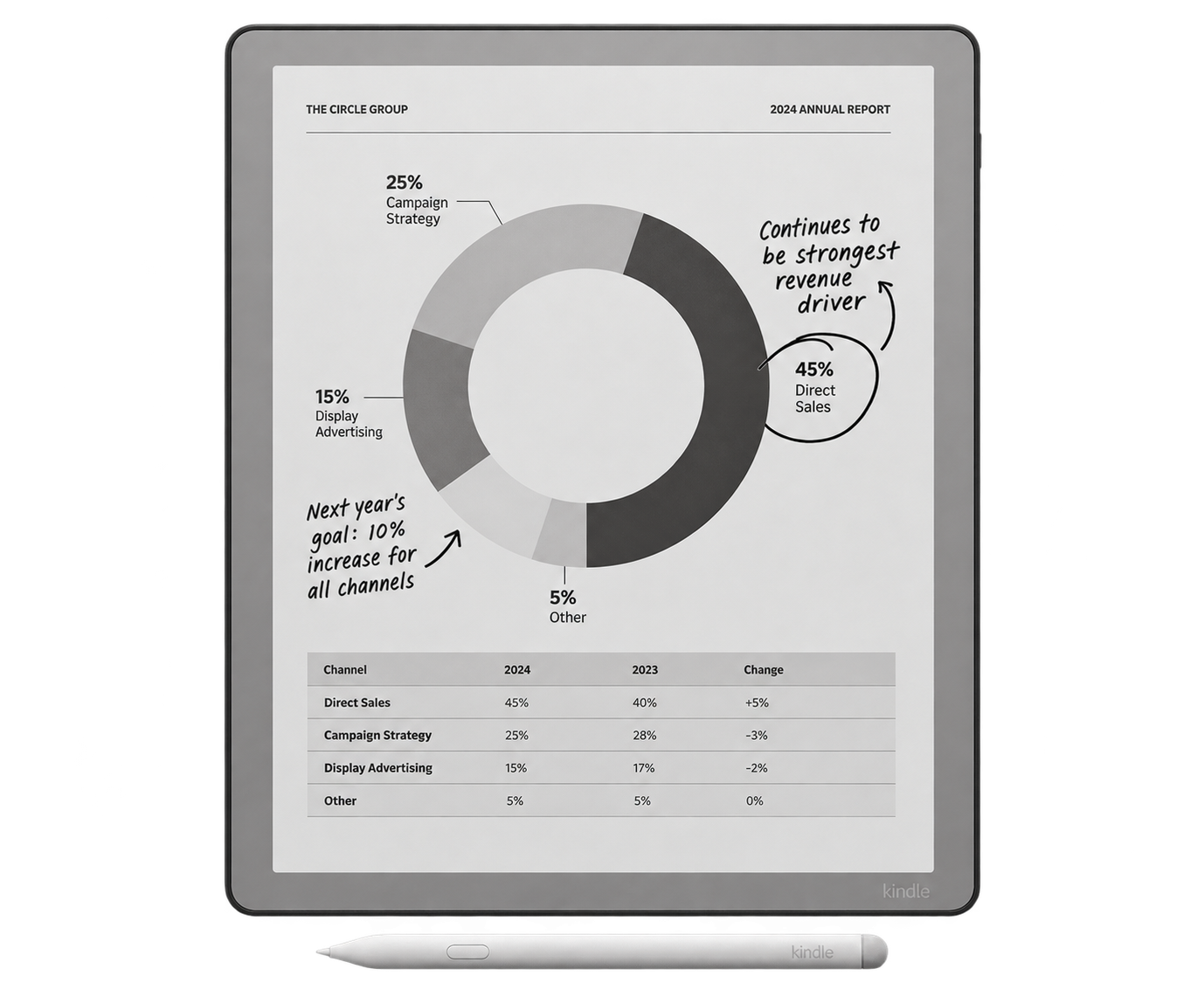
The third-generation Kindle Scribe is still a Kindle first. Amazon's store, your existing library, adjustable type and familiar reading tools are built into the device. The 11-inch page gives books, manga and personal documents more room, while the adjustable front light makes reading practical in bed, on a flight or in a dim meeting room.
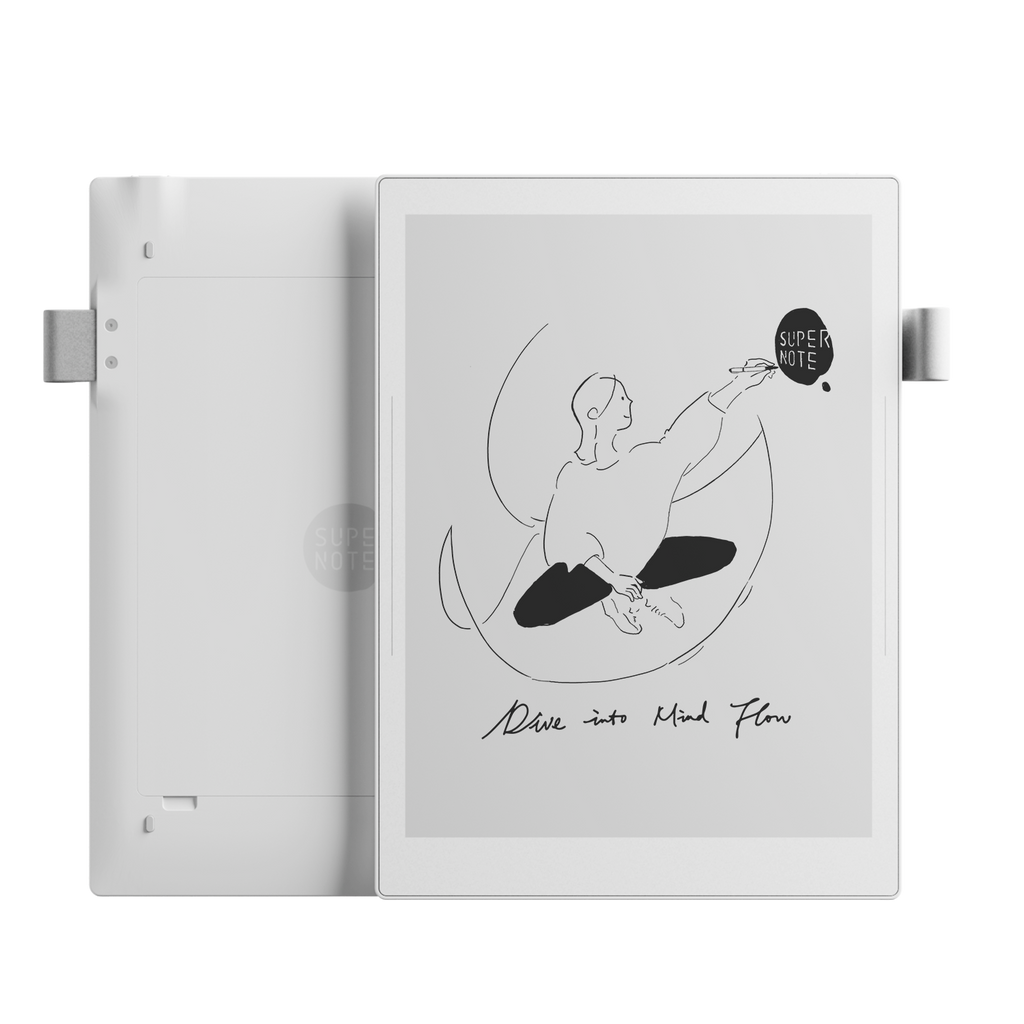
Supernote Manta begins from the opposite direction. It is a focused digital notebook that can also open PDFs, EPUB files, Word documents and the Kindle app. Its strongest features help you find ideas again: handwritten headings become a table of contents, keywords and stars create other routes through a notebook, and links connect pages or separate notes.
That makes the decision unusually clear. If reading is the habit and handwriting supports it, buy the Scribe. If handwriting is the work and reading supports it, buy the Manta.
HANDWRITING AND ORGANIZATION
Manta gives growing notebooks a better shape.
Amazon has improved the Scribe substantially. On 2025-or-later models, Workspace can place books, documents and notebooks inside the same folders. You can move or duplicate notebook pages, convert handwriting to text and search handwritten words across notebooks. Those additions make Scribe more useful than the basic notebook attached to its earliest hardware.
Manta still goes deeper. Circle handwriting and turn it into a heading or keyword. Draw a star beside an important line. Add a link to another page, another notebook or a web page. These tools take a little intention, but they are excellent for meeting records, research logs, courses and projects that grow beyond a few pages.
Scribe's simpler organization can be a strength if folders and search are all you want. Manta rewards people who actively build structure. If you will not use headings, links or keywords, some of its main advantage disappears.
READING AND LIGHTING
Kindle wins by a comfortable margin.
Scribe gives you the Kindle store, Kindle Unlimited support, adjustable fonts, dictionaries and the reading features Amazon has refined across its e-readers. Its pen can add notes to books through Active Canvas or margins. Active Canvas keeps handwriting attached to a passage, although moving book text around the note can make a carefully typeset page feel less settled.
Manta can run the Kindle app, but that is a useful extra rather than the center of the product. The experience sits inside Supernote's narrower app environment, and Manta has no front light. Its crisp 300ppi screen looks excellent in good ambient light, but evening reading needs a lamp.
Both displays are sharp monochrome panels. Scribe is slightly larger at 11 inches; Manta is 10.7 inches. That difference is modest. The built-in light and Amazon library are what make Scribe the much stronger reading device.
PDFS, CLOUD AND EXPORT
Both can handle documents, but neither behaves like a laptop folder.
On a 2025 Scribe, Google Drive and OneDrive can import compatible files for annotation. Amazon's support documentation is clear that the imported file is a copy: changes do not sync back to the original. You export an annotated PDF back to the cloud. Scribe can also send a notebook copy to OneNote as images, converted text or both.
Manta can sync selected folders through Supernote Cloud, Google Drive, Dropbox or OneDrive, and it keeps USB transfer as a direct local route. A microSD card can add up to 2TB. Its native note files are designed for the Supernote ecosystem, so collaborators still need an exported PDF, PNG, TXT or DOCX copy rather than the editable original.
For PDFs, both screens are close enough in size that software and lighting matter more than the diagonal. Scribe is easier in low light and integrates neatly with Amazon's document routes. Manta offers broader storage and transfer choices. For dense A4 or letter pages, a larger 13-inch device may still be more comfortable; our E-Ink screen-size guide explains why.
FOCUS, APPS AND TYPING
Neither is an iPad replacement.
Kindle Scribe has no normal app store. Its software is deliberately centered on Amazon books, personal documents and notebooks. The cloud-drive and OneNote connections are useful, but they are controlled import and export routes rather than live desktop-style editing.
Manta runs Supernote's Android-based Chauvet system and supports a small collection of approved or sideloaded apps. That is more flexible in theory, but the hardware and interface remain optimized for notes. Manta can use a Bluetooth keyboard, and recent software added more text-box shortcuts, yet there is no first-party keyboard cover.
If you need Slack, full OneNote, a browser and office apps on the device, look at an Android E-Ink tablet or an iPad instead. Read our E-Ink tablet versus iPad guide before expecting either focused device to become a general computer.
PORTABILITY, BATTERY AND LONGEVITY
Manta is lighter and easier to service.
Manta weighs about 375g with its pen loop, roughly 25g less than the 400g Scribe before either gets a cover. That is not a dramatic gap, but it helps during long standing meetings and daily travel. Both are still large notebooks rather than one-handed pocket readers.
Amazon describes Scribe battery life in weeks, with reading lasting longer than sustained writing. Supernote publishes a 3,600mAh capacity, but battery capacity and manufacturer endurance claims are not directly comparable. Lighting, Wi-Fi, syncing, handwriting recognition and page turns can change the result on both devices.
The clearer longevity difference is hardware. Manta's battery is designed for user replacement, its motherboard is upgradable and its storage can be expanded. Scribe's battery is built in. Manta therefore makes the stronger case for someone planning to keep one notebook for many years, though replacement-part availability will still matter later.
WHO SHOULD BUY WHICH
Six common uses, six direct answers
Kindle books and large type
SCRIBEThe store, library, front light and mature reading controls are decisive.
Research and linked notes
MANTAHeadings, keywords, stars and links keep a long knowledge base navigable.
Night reading
SCRIBEManta has no front light, so it needs useful ambient light or a lamp.
Meetings and project journals
MANTAThe lighter body and deeper notebook structure suit work that grows over time.
Simple cloud document markup
SCRIBEGoogle Drive and OneDrive imports are easy, as long as you accept a copy-based workflow.
Repairable long-term ownership
MANTAThe replaceable battery, microSD card and modular internals give it the advantage.