

THE CORE DIFFERENCE
BOOX opens the door to apps. Supernote narrows the room to writing.
The BOOX Go 10.3 Gen II runs Android 15 and includes Google Play. That changes the purchase more than the small difference in screen size. You can install reading, calendar, cloud-storage and productivity apps, then use BOOX's NeoReader and Notes tools when the built-in software is the better fit. It can consolidate several digital workflows, but it also asks you to manage app settings, refresh behavior and notifications.
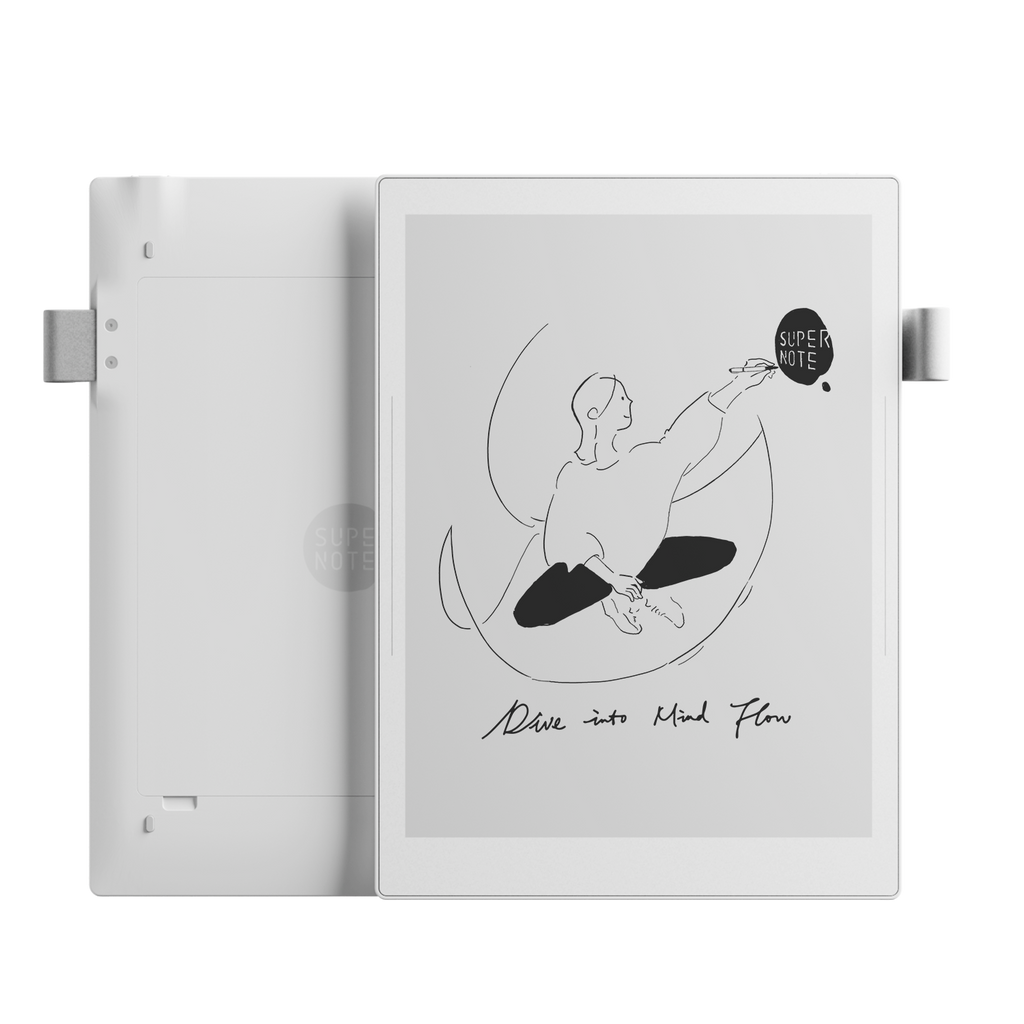
Supernote Manta is based on Android too, but it does not behave like a general Android tablet. Supernote controls the experience around handwriting, documents, email, calendar and a limited set of supported services. That restraint is useful when the point is to keep a dependable notebook rather than build a custom tablet.
Both screens are crisp 300ppi monochrome E-Ink. The 10.7-inch Manta gives the page slightly more room than the 10.3-inch BOOX, while the BOOX Classic is a little lighter. Those differences matter less than software. If a specific Android app is non-negotiable, Manta is the wrong device. If apps are the distraction you are trying to escape, BOOX loses its clearest advantage.
WRITING AND NOTE ORGANIZATION
Manta turns handwriting into a navigable system.
Supernote lets you turn handwritten words into headings, attach keywords, draw recognizable stars and connect pages with links. The result is closer to a handwritten knowledge base than a stack of digital paper. Meeting notes can point to a project index, a research notebook can grow its own table of contents, and a marked star can surface a task without converting the whole page to text.
The physical writing system supports that focus. Manta's FeelWrite 2 film is paired with Supernote's available ceramic-nib pens. The nib does not need routine replacement, and the passive pen does not need charging. The trade-off is that a Manta bundle becomes more expensive once you add the pen you actually want.
BOOX Notes is broader. The current Go series supports outlines, tags, lasso tools, handwriting conversion, inserted content and cloud sync. Infinite Notes can extend the canvas beyond a fixed page. The included InkSense Plus pen adds pressure, tilt and a shortcut button, but it is an active USB-C rechargeable stylus and the Go Gen II series does not use the wide pool of standard EMR pens familiar from older BOOX models.
SCREEN AND LIGHTING
The BOOX Classic and Manta both need room light. Lumi does not.
The standard BOOX Go 10.3 Gen II removes the front-light layer. BOOX says this keeps the E-Ink image close to the surface, and the 300ppi panel is easiest to appreciate in daylight or a well-lit room. Supernote makes the same basic trade-off: Manta has no front light, so a bedside lamp or clip-on light is part of evening use.
The Go 10.3 Gen II Lumi adds adjustable warm and cool lighting while keeping the same resolution, storage and Android software. It weighs about 14g more than the Classic and costs more, but it is the straightforward choice for commuters, frequent flyers and anyone who cannot control the room lighting.
Manta's 10.7-inch flexible display is physically different from the BOOX glass screen. The extra diagonal gives documents a little more space, while the flexible panel and replaceable parts strengthen Supernote's durability story. Neither screen shows color. If colored charts, diagrams or highlighting drive the purchase, compare a color model instead of asking these monochrome devices to be something they are not.
PDFS, BOOKS AND FILES
BOOX is the more capable reader. Manta gives you more local storage control.
BOOX supports a long list of document formats through NeoReader and can install Kindle, Kobo and other reading apps from Google Play. Font, spacing, margin and refresh controls make it easier to tune different books and documents. For readers with libraries spread across services, that freedom is hard to match.
Manta supports PDF, EPUB, Word, text, common image formats and several comic and document formats. Its Kindle integration covers Amazon books, while the native system remains centered on notes and annotation. The slightly larger screen helps with ordinary PDFs, but neither tablet is large enough to show every dense A4 or letter page comfortably without cropping, landscape rotation or zoom.
Storage points in different directions. BOOX includes 64GB with no card slot. Manta starts at 32GB and accepts microSD cards up to 2TB. Supernote also documents local Wi-Fi and USB-drive transfers, which is useful for an offline-first workflow. Read our E-Ink screen-size guide for PDFs if full-page documents are the reason you are buying either device.
CLOUD AND DAILY WORK
BOOX adapts to an existing toolset. Manta asks you to adopt its method.
BOOX lists Onyx Cloud, Google Drive, Dropbox and OneDrive support for notes and files, alongside BOOXDrop for local transfers. Android apps can widen that list. This is helpful in mixed workplaces where documents already live in several services, but third-party apps are not automatically optimized for E-Ink. Some need refresh or contrast tuning before they feel comfortable.
Supernote integrates its own cloud and desktop or mobile companion tools with email, Word, calendar and to-do features. It also emphasizes offline handwriting recognition and local transfer. The result is more coherent if you like Supernote's workflow, but less adaptable when a company-specific app must run directly on the tablet.
Security-sensitive buyers should check their required service, account region and organization policy before ordering. An E-Ink screen does not change what a cloud app can access. For confidential meetings, the simpler device is not automatically the compliant one.
PORTABILITY, BATTERY AND LONGEVITY
BOOX is thinner. Manta is easier to service.
The BOOX Gen II body is 4.8mm thick and weighs about 350g without a front light or 364g as the Lumi. Manta is about 375g with its pen loop and 6mm at its thickest point. All three versions are reasonable daily-bag devices. The BOOX is the neater fit when every gram matters, while Manta's wider 10.7-inch page trades a little portability for writing room.
The batteries are close on paper: 3,700mAh in BOOX and 3,600mAh in Manta. That does not tell you which lasts longer. Wi-Fi, syncing, handwriting recognition, third-party apps, lighting on the Lumi and standby habits can change the result. BOOX's claim of weeks in standby applies with wireless connections off, not to continuous app use.
Long-term hardware is less ambiguous. Manta has a user-replaceable battery, expandable storage and a motherboard Supernote describes as upgradable. BOOX promises more than three years of firmware updates from launch, but the battery is built in and storage is fixed. Buyers who value repairability over app breadth should give Manta real weight here.
PRICE AND VALUE
Compare a complete setup, not the number at the top of the product page.
At the time of checking, BOOX listed the standard Go 10.3 Gen II at $399.99 and the Lumi at $429.99, with the InkSense Plus stylus included. Supernote listed Manta from $459, with pen and folio choices changing the final total. Regional tax, shipping, promotions and stock can move those figures quickly.
BOOX gives you more software and a pen for less money. That is strong value if Android apps solve real problems. Manta asks more for a narrower product, but its note system, ceramic-nib option and replaceable battery can justify the premium for someone who writes every day and wants to keep the hardware.
Do not buy BOOX merely because it can install more apps, or Manta merely because it looks calmer. Write down the three tasks you will do every week. The device that handles those tasks with the fewest workarounds is the cheaper purchase, even if its checkout total is higher.
WHO SHOULD BUY WHICH
Six common workflows, six direct answers
OneNote, Kindle and cloud apps
BOOXGoogle Play is the deciding feature when the service must run on the tablet.
Long linked project notebooks
MANTAHeadings, keywords, stars and note links make large handwritten archives easier to revisit.
Reading after dark
BOOX LUMIThe Lumi model adds adjustable warm and cool lighting. Manta needs room light.
Keeping the device for years
MANTAThe replaceable battery, microSD storage and modular design give it the clearer longevity case.
Several ebook stores
BOOXAndroid apps and NeoReader make it easier to keep different libraries on one device.
Handwriting with minimal setup
MANTAIts focused software and ceramic-nib system keep the device centered on notes.
FINAL VERDICT
Buy BOOX for reach. Buy Manta for depth.
BOOX Go 10.3 Gen II is the better all-rounder for readers and workers whose files, books and calendars already live across Android services. The standard model keeps the screen simple, while Lumi fixes the biggest practical omission with a front light. Its cost is complexity and a rechargeable pen system that narrows stylus choice.
Supernote Manta is the better handwritten notebook. Its organization tools reward years of accumulated notes, and its replaceable battery, storage slot and durable pen option make a credible long-term case. Its cost is literal as well as practical: a complete bundle is expensive, there is no front light, and it will not run arbitrary Android apps.
If you are still split, choose based on the sentence that sounds more like you: “I need my apps on an E-Ink screen” means BOOX. “I need my notes to become a system I can find my way through” means Manta.