
THE CORE DIFFERENCE
Manta helps you build a notebook system. Paper Pro helps you work across a page.
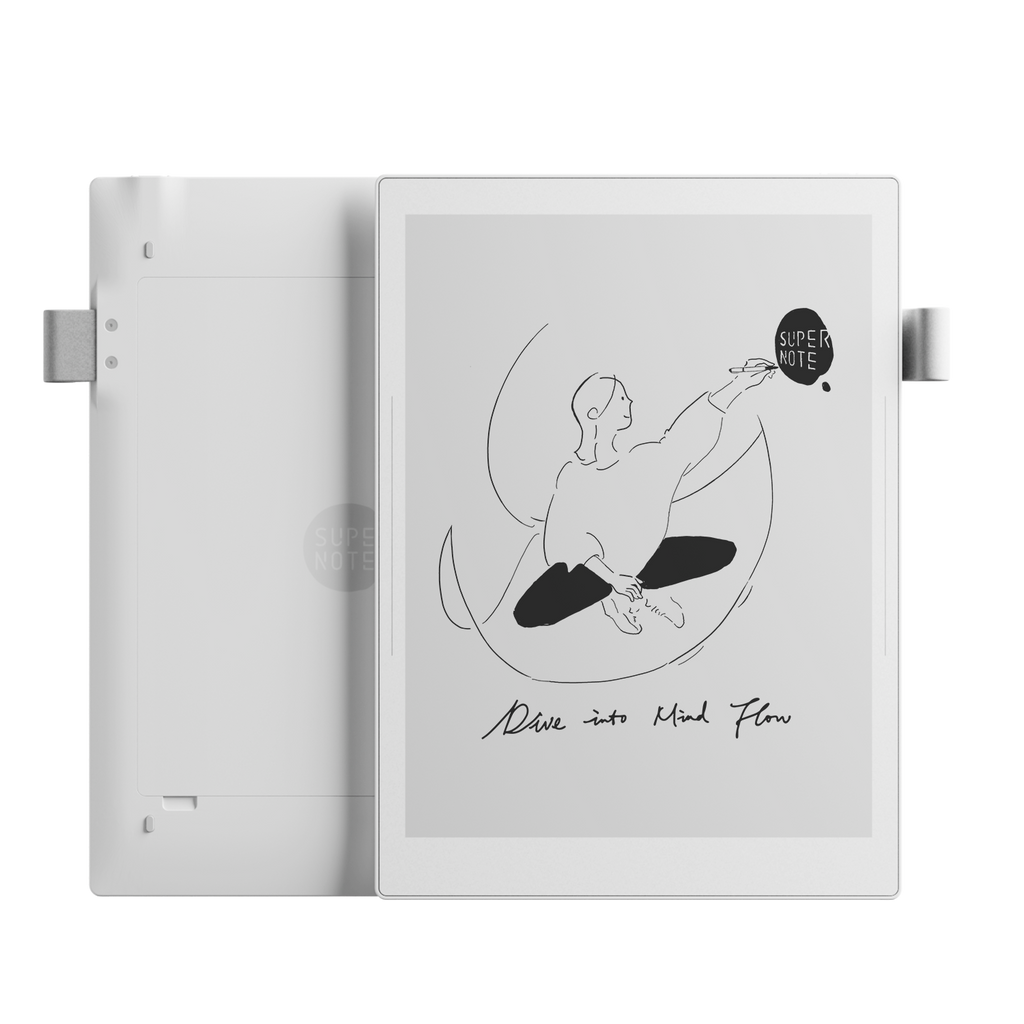
Supernote treats handwriting as information you will need again. Turn handwritten words into headings, keywords or stars, link one note to another, and jump through the resulting structure without flattening everything into folders. That makes the Manta especially good for research logs, project journals, meeting records and other notebooks that grow for months.
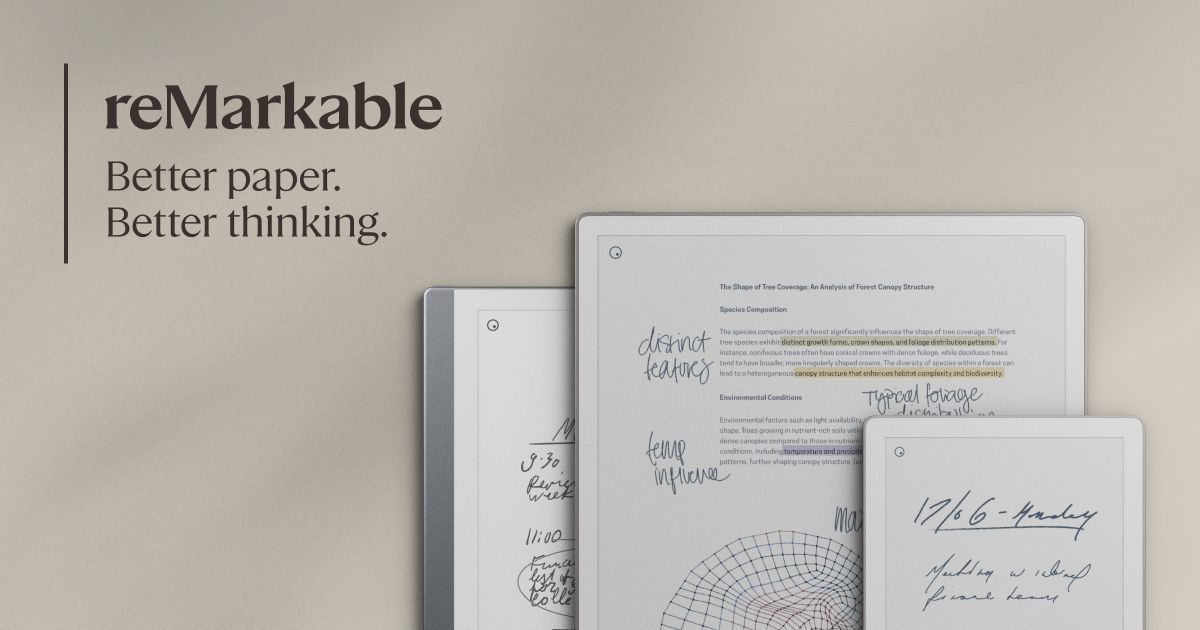
reMarkable takes a simpler route. Folders, tags, search, layers and handwriting conversion cover the essentials without asking you to design a personal wiki. Paper Pro then broadens the canvas with color, a reading light and an optional Type Folio. It is better when the work itself moves between handwriting, typed drafts, slide decks and marked-up PDFs.
Neither is a normal Android tablet. Manta runs Supernote's specialized Android-based Chauvet system and offers a small set of approved apps, including Kindle integration. Paper Pro runs reMarkable OS with no general app store. If Slack, OneNote or a browser must run directly on the device, look at a BOOX comparison instead.
WRITING AND NOTE ORGANIZATION
Manta has the deeper handwriting toolbox.
The Manta's 10.7-inch screen uses Supernote's FeelWrite 2 film and a ceramic pen nib that does not need routine replacement. Its 300ppi resolution makes black text and pen strokes sharp. Existing review evidence consistently points to writing feel and note organization as the main reasons to buy it, although gesture response and general navigation are not always as quick as the best conventional tablets.
Its organization tools are the real separator. A handwritten heading becomes a table-of-contents entry. Keywords and star marks create other ways back into the same notebook, while links can jump to another page, note, file or web page. This is more deliberate than dropping every project into a folder and trusting search later.
Paper Pro is still a serious writing device. It supports pressure and tilt, multiple tools and templates, layers, tags, handwriting conversion and synced desktop and mobile apps. Its organization is easier to learn, but the most distinctive search feature now belongs to the Connect subscription. reMarkable says Connect includes handwriting search, unlimited cloud storage, app editing and additional tools.
SCREEN, COLOR AND LIGHT
Paper Pro is much easier to use across different rooms and documents.
Manta's monochrome display is 300ppi and frontlight-free. In good ambient light, that combination gives crisp text without a color filter or built-in light between you and the page. In a dim meeting room, on an evening flight or beside a sleeping partner, you need an external lamp.
Paper Pro uses an 11.8-inch Gallery 3-based color display at 229ppi. Its colors are muted compared with an LCD or OLED screen, and color changes can produce a visible refresh, but highlights, diagrams and document markup are much easier to distinguish. The adjustable reading light also makes the device usable when the Manta is not.
The larger display is the bigger everyday advantage for many buyers. An 11.8-inch 4:3 page gives A4 and letter-sized PDFs more room before zooming, while the 10.7-inch Manta remains large enough for ordinary notes and is easier to carry. Read our 10-inch vs 13-inch E-Ink guide for a closer look at how page size changes document work.
PDFS, FILES AND CLOUD
Paper Pro wins on canvas. Manta wins on storage and local control.
Both devices import PDFs and EPUB files, let you write on documents and export the result. Paper Pro's larger color page makes it the easier choice for plans, presentations, academic papers with colored charts and long review sessions. Google Drive, OneDrive and Dropbox integrations bring files into reMarkable's focused environment.
Manta supports more file types, including Word and common image formats, and its microSD slot can add up to 2TB of storage. Supernote documents sync through Supernote Cloud, Dropbox, Google Drive or OneDrive, and USB transfer keeps a simple local route available. PDF annotations must be exported before they appear in the final file, so check that step before building a shared review workflow.
The cloud philosophies differ. Supernote advertises free software updates and no subscription, and it now documents a private-cloud option for users able to run their own server. Paper Pro works without Connect, but reMarkable says inactive files fall out of cloud storage after 50 days and app editing is unavailable without a subscription. That does not make Paper Pro unusable, but it belongs in the lifetime-cost decision.
TYPING AND PORTABILITY
Paper Pro has the better typing product. Manta is the lighter notebook.
Paper Pro's optional Type Folio is a fitted, backlit keyboard cover. It needs no separate pairing or charging and lets typed text and handwriting share a page. The accessory adds substantial weight and cost, but it is a coherent option for people who draft with a keyboard and edit with a pen.
Manta supports Bluetooth keyboards, and Supernote's June 2026 software added more shortcuts for text boxes. There is no equivalent first-party keyboard cover, so the experience is closer to connecting a desk accessory than turning the tablet into a compact writing machine. Manta remains the better device to carry as a handwritten notebook.
The weight difference is large: about 375g for Manta versus 525g for Paper Pro before either device gets a cover. Manta's 10.7-inch body is easier to hold during a standing conversation and kinder to a daily bag. Paper Pro earns its extra weight with a larger color screen, reading light and accessory connector.
PRICE, BATTERY AND LONGEVITY
Manta makes the stronger repairability case.
At the time of checking, Supernote listed Manta at $505 before adding a pen or folio. reMarkable listed Paper Pro from $629 with a standard Marker. These are not like-for-like bundles, and regional prices, discounts and accessory choices can quickly change the total. Compare the exact pen, cover and keyboard setup you would buy.
Paper Pro has the larger battery and reMarkable claims up to 14 days of regular use. Manta's battery is smaller, while review evidence shows workload, recognition, Wi-Fi and syncing can change its endurance sharply. The headline capacities are not a fair battery-life test, so neither should decide the purchase alone.
Long-term serviceability is clearer. Manta's battery is designed to be replaced by the user, the motherboard is upgradable, storage is removable and Supernote includes the small hardware needed for pen-loop replacement. reMarkable describes Paper Pro as more repairable than its earlier hardware, but the battery remains built in. If keeping one notebook for many years is a priority, Manta has the more convincing design.
WHO SHOULD BUY WHICH
Six common workflows, six direct answers
Linked research notes
MANTAHeadings, keywords, stars and links make a large handwritten knowledge base easier to navigate.
Color PDFs and slide decks
PAPER PROThe larger color display and reading light make visual documents easier to review.
Long meetings on the move
MANTAThe 150g weight saving matters when the device is always in your hand or bag.
Drafting with a keyboard
PAPER PROType Folio is a cleaner, more portable product than a separate Bluetooth keyboard.
Night reading and note-taking
PAPER PROManta has no front light, so it needs useful ambient light or a lamp.
Repairable long-term ownership
MANTAThe replaceable battery, microSD card and modular internals give it the stronger longevity story.