
THE CORE DIFFERENCE
BOOX adapts to your apps. reMarkable asks you to simplify.
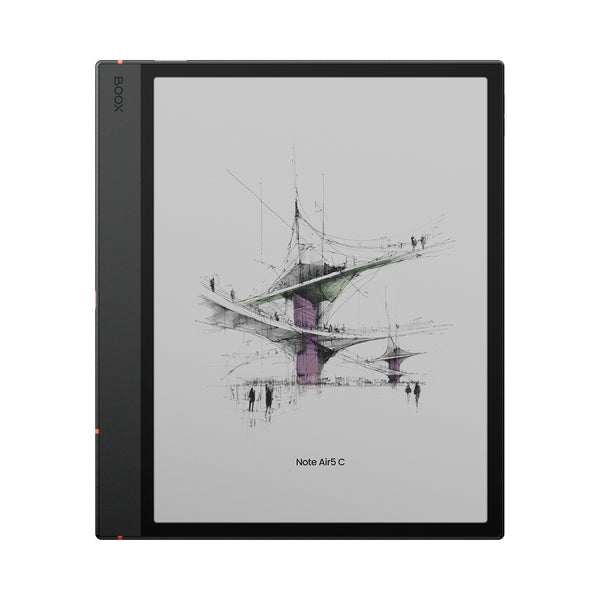
The Note Air5 C runs Android 15 with Google Play. You can install reading, storage and productivity apps, use split screen, move files by microSD card and change display behavior for individual apps. That range is genuinely useful if your notes sit beside Kindle books, shared drives, reference managers or company tools.
It also creates more work. Android apps were designed for fast LCD and OLED screens, so animations, scrolling and busy layouts do not always translate neatly to E-Ink. BOOX's EinkWise controls and newer Smooth refresh mode give you ways to improve the result, but the extra controls are part of ownership.
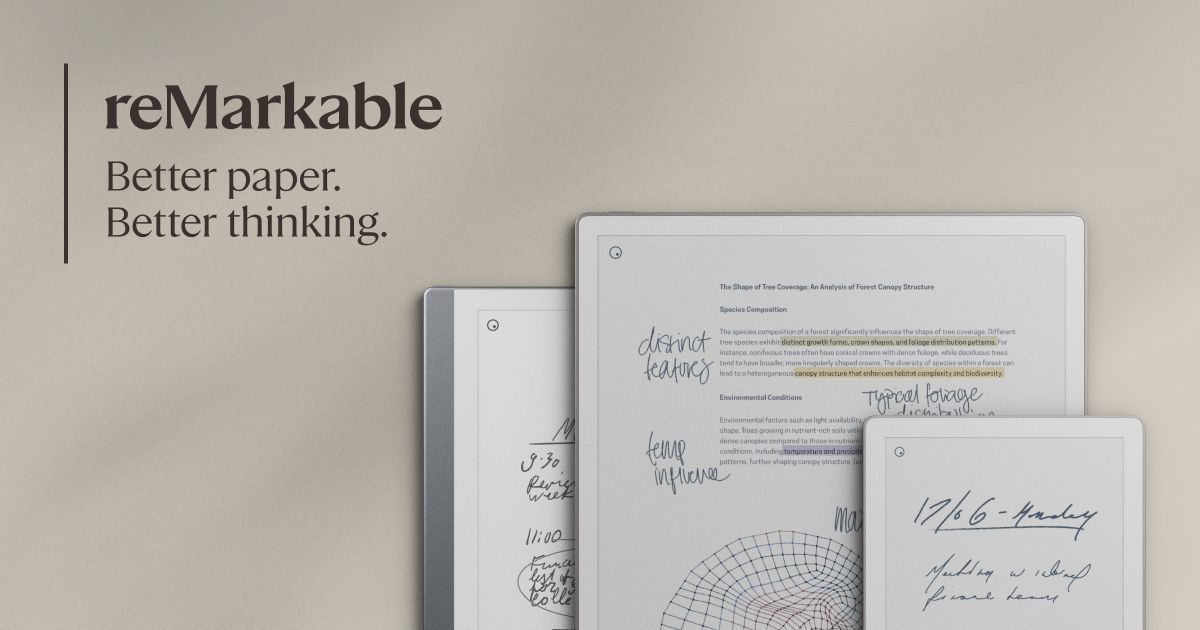
Paper Pro goes the other way. reMarkable OS concentrates on notebooks, PDFs, handwriting, typing and file import. Google Drive, OneDrive and Dropbox integrations help bring documents in, but there is no general app store. That can feel restrictive, or it can remove exactly the clutter you are trying to escape.
COLOR AND PAGE SIZE
These are two different kinds of color E-Ink.
Note Air5 C uses a 10.3-inch Kaleido 3 panel. Its color layer sits over a sharper monochrome image, so black-and-white content is specified at 300ppi while color is 150ppi. The result is useful muted color for highlights, diagrams and interface cues. It is not tablet-bright, and the page can look darker than a monochrome E-Ink display.
Paper Pro's 11.8-inch Canvas Color display is based on E Ink Gallery 3. It renders the page at 229ppi and gives colored ink more room to breathe. The larger 4:3 canvas is better for full-page documents and wide handwritten layouts, but color changes can take longer to settle and trigger a visible refresh.
Both include adjustable lighting. If most of your work is letter- or A4-sized PDFs, Paper Pro's extra area is the more meaningful advantage. If you carry the device often, the Note Air5 C saves about 85g and takes up less space.
WRITING AND ORGANIZATION
Paper Pro is easier to learn. BOOX gives you more routes.
Both support pressure-sensitive pens and serious handwritten work. reMarkable keeps the path from page to folder, tag, search and export straightforward. Handwriting conversion, typed text and the optional Type Folio live inside one consistent system.
BOOX's native Notes and NeoReader tools include layers, links, outlines, shapes, handwriting recognition and broad document support. You can then add third-party apps around them. That flexibility matters when a team already works in OneNote or when research is split across several services, but a third-party app may not offer the same low-latency pen behavior as BOOX's own software.
If your main goal is to replace a paper notebook, Paper Pro is the safer recommendation. If your real goal is to combine handwriting with several digital services, the BOOX has the stronger ceiling.
PDFS, BOOKS AND FILES
Paper Pro has the better canvas. BOOX has the better routes in and out.
The Paper Pro screen gives complex pages more physical room. That reduces how often you need to zoom around a paper, plan or illustrated report. reMarkable's focused annotation tools also make it easy to read, mark and file a document without a browser or notification pulling you elsewhere.
Note Air5 C is better when documents arrive from several places. It supports a wide range of file formats, offers split screen and can run reading or storage apps directly. Its microSD slot also provides a simple local expansion route. For commercial ebooks, app access is a major difference: BOOX can install services such as Kindle, while Paper Pro is not an ebook-store tablet.
For more detail on display trade-offs, read our color E-Ink vs black-and-white guide. If PDFs are your priority, the best E-Ink tablets for PDFs guide compares screen sizes and document workflows.
BATTERY, COST AND LONGEVITY
Do not compare the battery claims as if they were one test.
reMarkable says Paper Pro can last up to 14 days of regular use, based on a defined writing routine. It also says high reading-light brightness reduces that figure. BOOX lists a 3,700mAh battery but no equivalent number of days. Apps, Wi-Fi, lighting and faster refresh modes can move its real result substantially.
Paper Pro starts at a higher listed US price than the standard Note Air5 C, but neither headline price tells the whole story. Compare the exact pen, folio and keyboard configuration you would buy. BOOX bundles and regional storefront prices change, while reMarkable's Type Folio and upgraded Marker raise the configured total.
There is also an ongoing-services difference. Note Air5 C can use free or paid Android services you already have. Paper Pro works without Connect, but reMarkable reserves features such as unlimited cloud storage, handwriting search and app-based note editing for its subscription. Check the current terms rather than treating today's plan as permanent.
WHO SHOULD BUY WHICH
Four common workflows, four clear answers
Meetings and focused planning
Paper ProThe larger canvas and simpler software reduce setup and keep attention on the page.
Research across apps and files
Note Air5 CAndroid, split screen, expandable storage and broader file access make the difference.
Large PDFs and visual markup
Paper ProThe 11.8-inch page is easier to use when scale and layout matter more than app choice.
Ebooks plus handwritten notes
Note Air5 CGoogle Play lets one device reach several reading services alongside native notes.