
READING OR WRITING
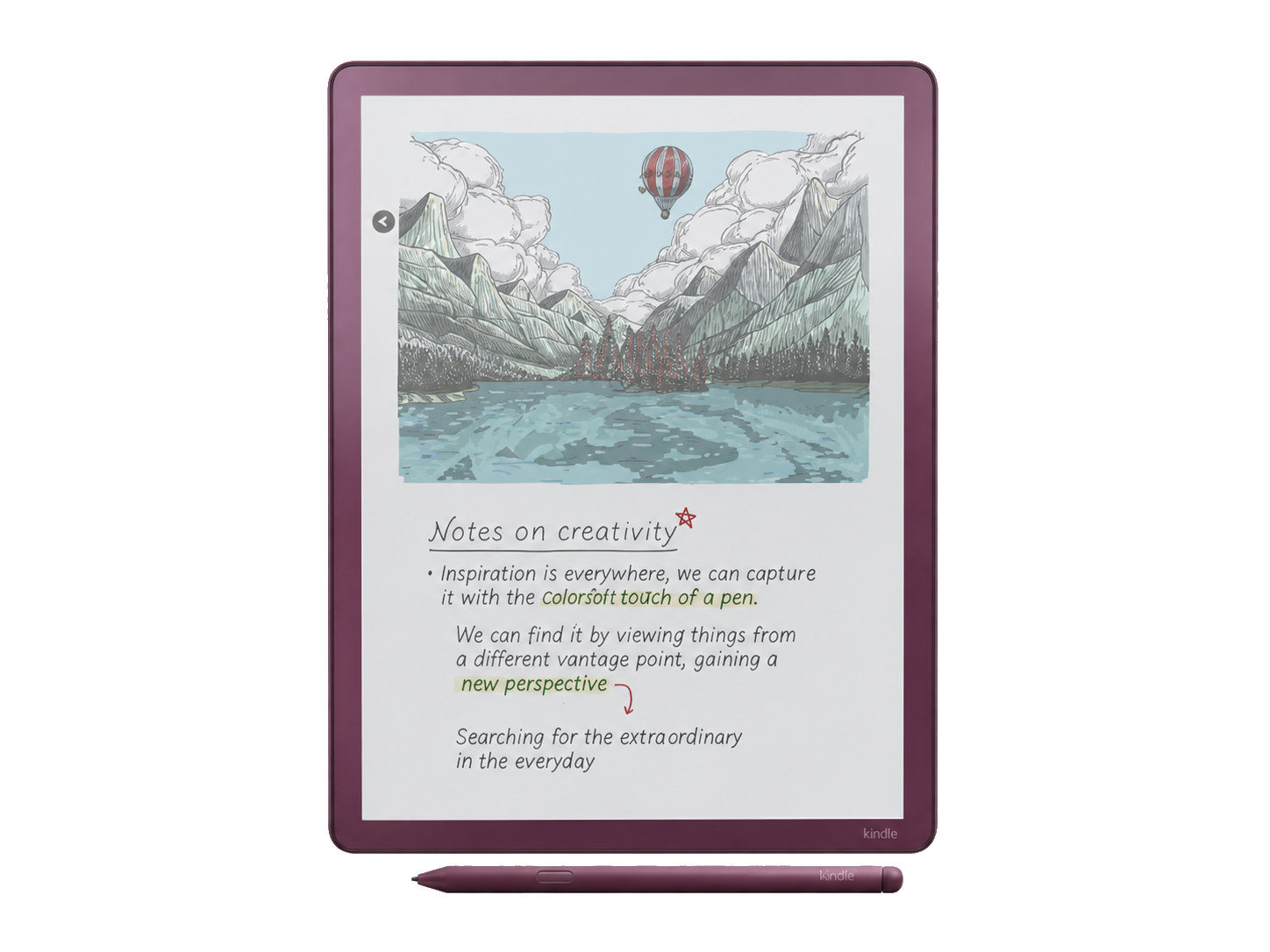
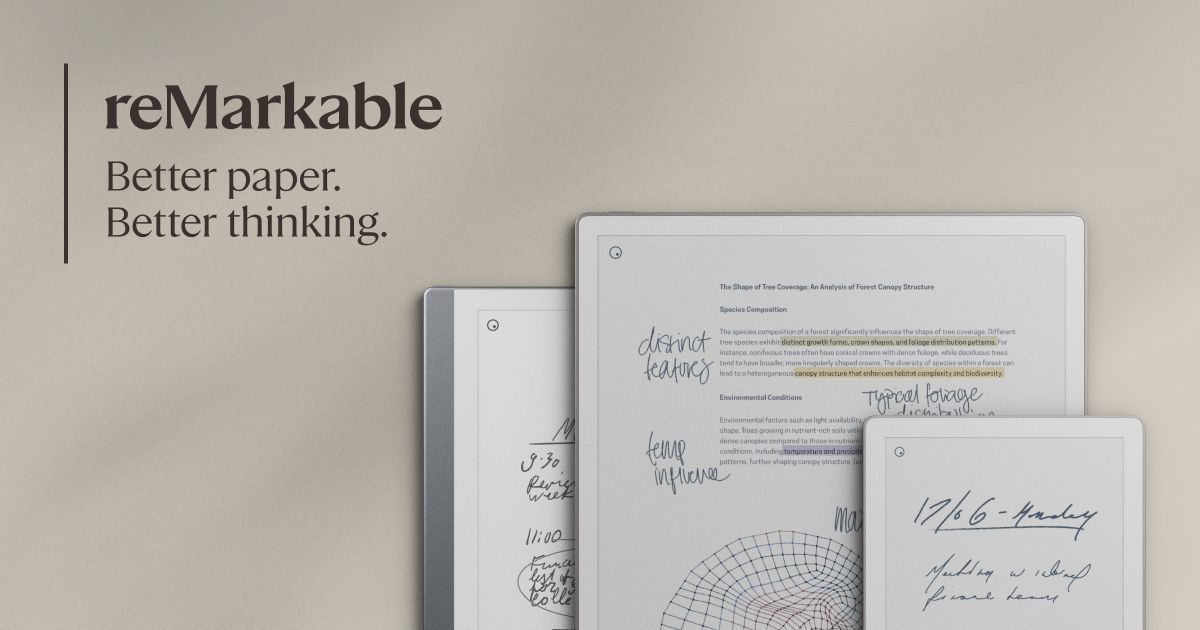
Colorsoft is a Kindle that writes. Paper Pro is a notebook that reads.
That one sentence explains most of the comparison. Kindle Scribe Colorsoft opens directly into Amazon's book ecosystem. Your purchases, samples and Kindle Unlimited titles sit beside personal documents and notebooks. If you read every day and annotate less often, that convenience is hard to beat.
Paper Pro has no ebook store and no general app store. You import documents through the reMarkable apps, a cable or supported cloud services, then work inside reMarkable OS. That sounds restrictive because it is. The payoff is a workspace built around notebooks, PDFs, folders, tags, layers, handwriting conversion and distraction-free review.
DISPLAY AND COLOR
The larger page matters more than the color specification.
Colorsoft uses a color-filter approach. Black text is rendered at 300ppi, while color is softer at 150ppi. This is a good fit for book covers, diagrams, comics and highlights, but it also makes the unlit background darker than a monochrome Kindle. The front light often becomes part of everyday indoor use.
Paper Pro's 11.8-inch Gallery 3 panel uses colored ink particles and renders the whole display at 229ppi. Colors have more depth, but a color change can trigger a visible refresh. The extra 0.8 inch sounds small. In practice, the larger 4:3 canvas gives full-page PDFs, slide decks and diagrams more breathing room.
Neither resembles an iPad screen. Both aim for calm, paper-like color rather than brightness and saturation. Read our color E-Ink versus black-and-white guide if you are unsure whether color is worth the darker page.
NOTES AND ORGANIZATION
Kindle has improved. reMarkable still offers the better notebook system.
Amazon's current Workspace can place books, documents and notebooks in the same folders. The Scribe can move and duplicate notebook pages, convert handwriting to text, create smart shapes and export work. Those are meaningful upgrades, not token features.
The limitation is the shape of the workflow. Kindle remains strongest when notes support reading. Paper Pro is stronger when the notebook itself is the project. Folders, tags, layers, handwriting search, desktop and mobile apps, screen sharing and the optional Type Folio give a long meeting notebook or research project more room to grow.
There is a subscription wrinkle. Paper Pro works without Connect, but reMarkable reserves features including unlimited cloud storage, handwriting search and editing notes in its apps for Connect. Colorsoft does not require a notebook subscription, although Kindle Unlimited and Alexa+ are separate optional services.
PDFS AND FILES
Paper Pro gives documents more space. Kindle gives books a better home.
For technical papers, plans and full-page reports, Paper Pro's larger panel is the practical advantage. You can import from Google Drive, OneDrive or Dropbox, mark up the file, then export it. reMarkable's software stays deliberately narrow, but the document tools are central rather than secondary.
Colorsoft is better for commercial ebooks and personal documents that fit Amazon's route. PDFs sent through Send to Kindle can support on-page writing. Amazon warns that PDFs copied over USB do not get the same handwriting features. On 2025-or-later Scribes, you can import from Google Drive and OneDrive, then share annotated files back as PDFs. OneNote exports are copies, not a live two-way notebook.
If your day revolves around A4 or letter-sized files, compare more options in our guide to the best E-Ink tablets for PDFs.
PORTABILITY AND BATTERY
Colorsoft is easier to carry. Paper Pro is easier to spread out.
At 400g, the Colorsoft is about 125g lighter than Paper Pro before adding a cover. That difference is obvious in a shoulder bag and during long handheld reading. It is still an 11-inch device, so a smaller Kindle remains more comfortable for novels on a crowded commute.
Paper Pro is a desk and meeting-room device first. Its 525g body is very thin, but the large footprint and optional folios add bulk. In return, you get the more comfortable page for extended writing and document review.
Both manufacturers describe battery life in weeks under controlled use. Those claims are not directly comparable. Front-light brightness, Wi-Fi, page turns, pen use, syncing and color refreshes all change the result, so buy for the workflow rather than a headline number.
WHO SHOULD BUY WHICH
Five common uses, five direct answers
Books plus occasional notes
COLORSOFTThe Kindle library and store matter more than deeper notebook tools.
Meetings and project notebooks
PAPER PROOrganization, handwriting search and app continuity make it easier to manage ongoing work.
Large PDFs and diagrams
PAPER PROThe 11.8-inch canvas gives fixed-layout pages more useful room.
Comics and illustrated books
COLORSOFTDirect access to the Kindle catalog is the decisive convenience.
Typing long drafts
PAPER PROType Folio is a purpose-built keyboard, although a laptop remains more capable.