
WRITING AND NOTES
The Manta feels like a notebook. The BOOX feels like a tablet that writes.
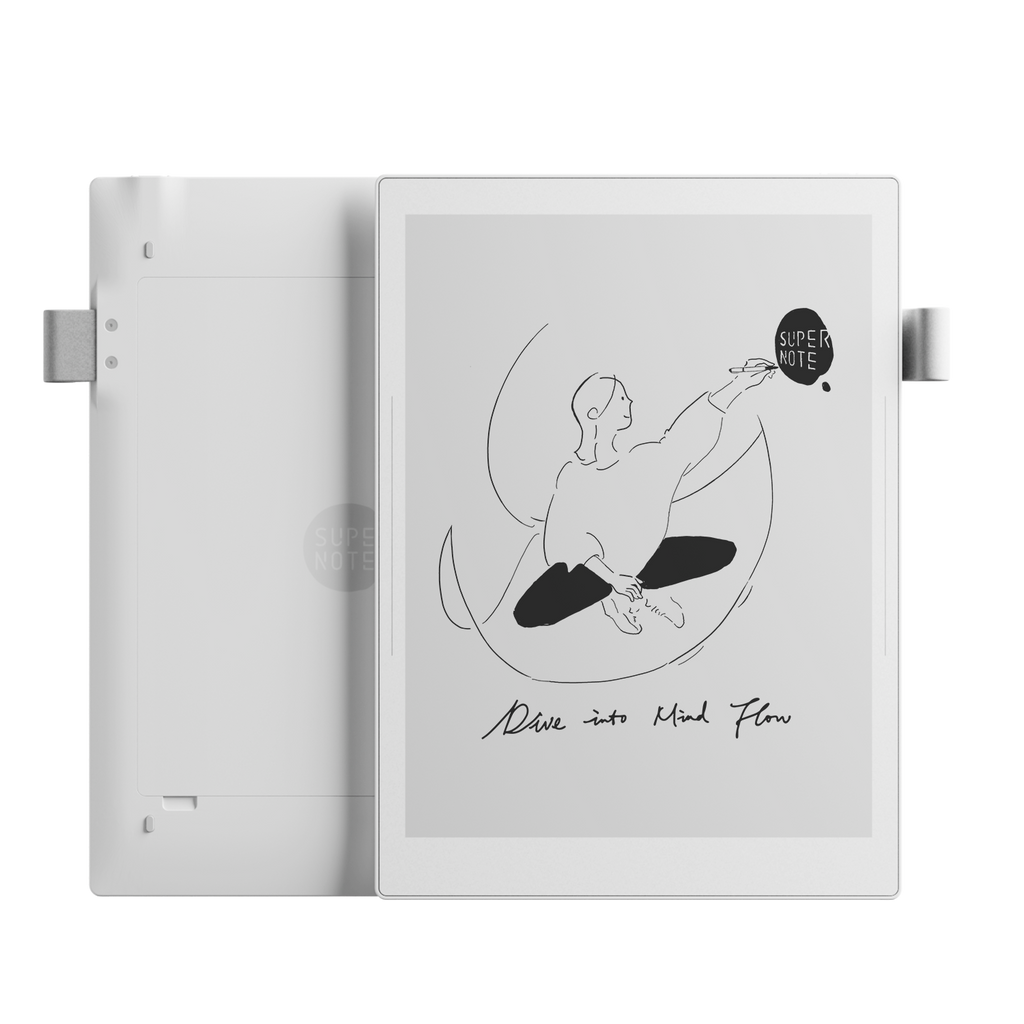
The Supernote Manta has the clearer identity. Its software is built around handwritten notes, links, headings and finding ideas later. The ceramic nib is designed to last, so there is no recurring nib replacement routine. Owners who want one place for meetings, projects and personal notes tend to value that focus.
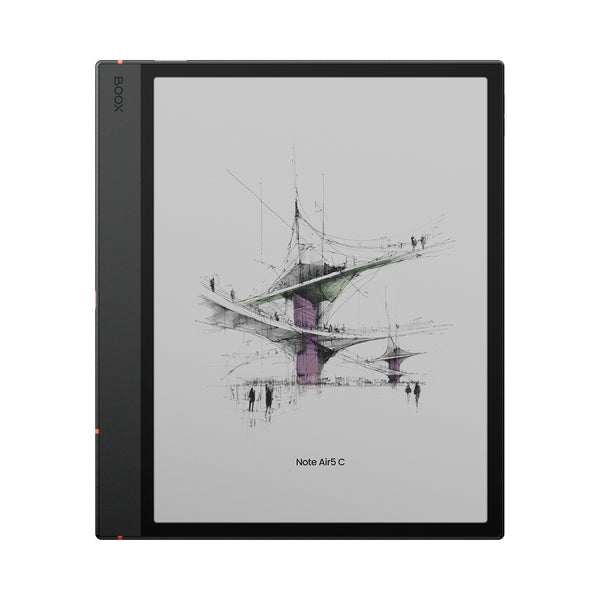
The Note Air5 C is still a capable writing device, and professional reviewers have praised its handwriting and annotation tools. Its advantage is breadth. You can move from handwritten notes to cloud storage, office apps or other Android tools on the same device. That flexibility also means more menus, settings and possible distractions.
SCREEN AND LIGHTING
BOOX wins on versatility. Manta wins on clean monochrome clarity.
The BOOX screen shows color and includes an adjustable front light. That makes it the easier choice for highlighted PDFs, diagrams, calendars and reading in dim rooms. Kaleido color is muted rather than tablet-bright, and color content is shown at a lower resolution than black text.
The Manta has no color and no front light. In good ambient light, its 300ppi monochrome screen looks crisp and paper-like. If you regularly read in bed or work in dark rooms, the lack of a light is not a minor detail. It may decide the comparison on its own.
APPS AND WORKFLOW
Android makes the BOOX more useful, but not automatically easier.
The Note Air5 C runs Android 15 and supports third-party apps. That is valuable when your work depends on services such as OneDrive, Google Drive, Kindle or productivity apps. E-Ink refresh behavior means not every Android app feels as smooth as it does on a normal tablet.
Supernote deliberately offers a smaller, more controlled system. That is limiting if you need specialist apps, but calming if the entire point is to escape them. For a non-technical user who wants to open a notebook and write, the Manta has the gentler learning curve.
PDFs AND READING
Choose BOOX for complex documents and Manta for thoughtful annotation.
Both handle PDFs, but the BOOX is better suited to mixed document work. Color, a front light, Android file services and broader tools make it more adaptable. Independent reviews repeatedly identify PDF annotation as one of its strengths.
The Manta works well for reading and marking documents in a focused workflow. Its slightly larger display helps, but it cannot show color charts and offers fewer ways to move between external apps and services.
BATTERY AND LONGEVITY
The numbers look similar. Real use is not.
The battery capacities are close, but the devices ask very different things of their batteries. Color refresh modes, a front light and Android apps can make the BOOX behave more like a conventional tablet. Reviewers report that heavier mixed use can mean charging within days rather than weeks.
The Manta has fewer power-hungry features and a user-replaceable battery. That repairable design is a meaningful advantage if you hope to keep the device beyond the normal upgrade cycle.