
THE REAL DIFFERENCE
Do you want an E-Ink Android tablet or a color Kindle?
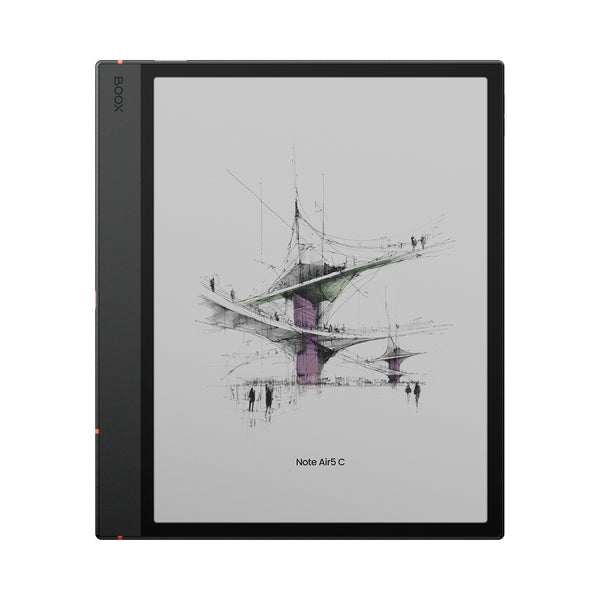
That is the useful question. Note Air5 C can run Kindle, Kobo, OneNote, Google Drive, web browsers and many other Android apps. BOOX also gives you its own Notes app, NeoReader document tools, split screen and detailed display controls. It is the more capable device by a wide margin.
Capability has a cost. Third-party apps were designed for fast glowing screens, not E-Ink. Some need their refresh mode, contrast or animation settings tuned before they feel comfortable. Android background activity also makes battery life less predictable.
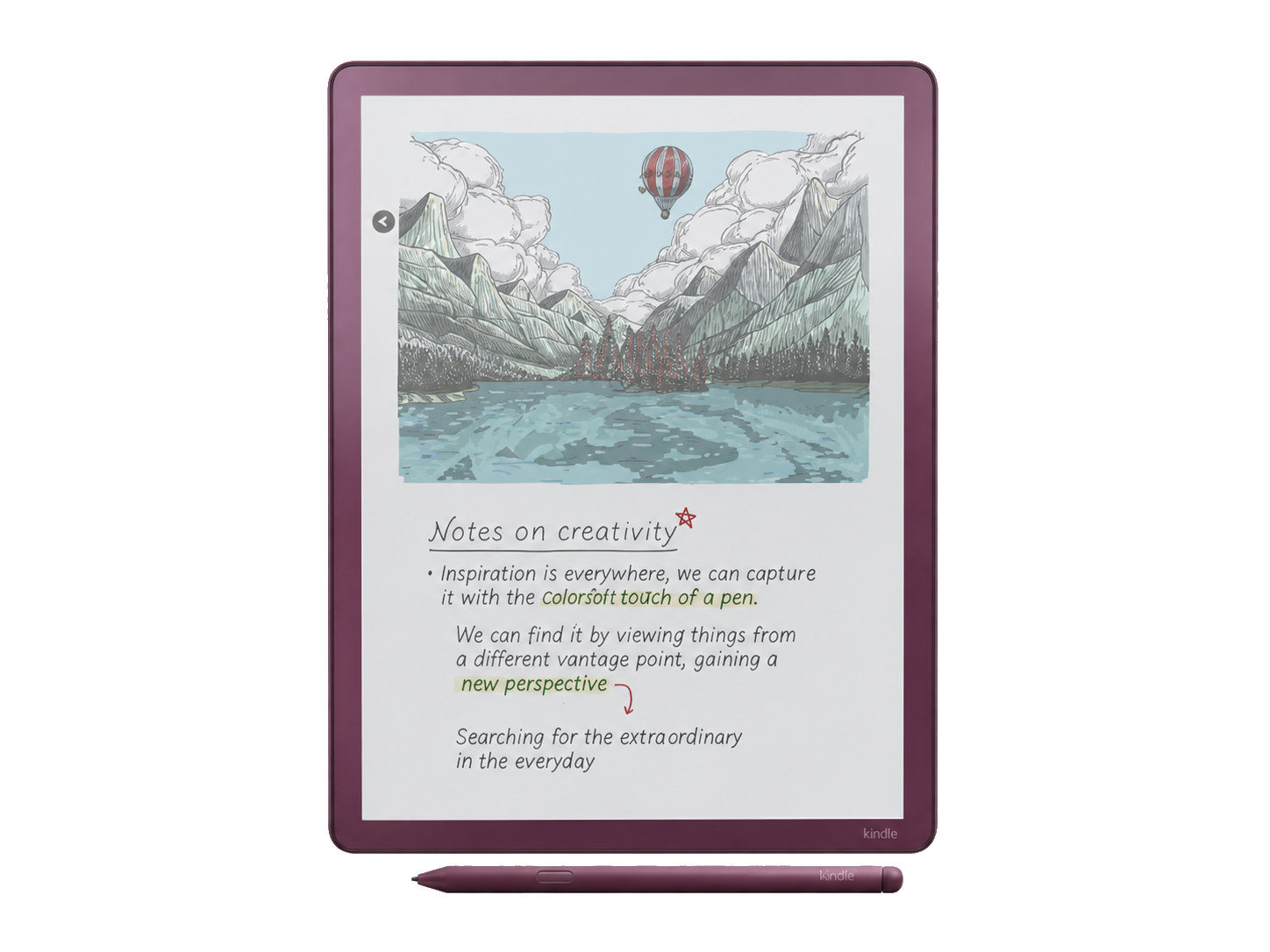
Colorsoft removes most of those choices. It puts Kindle books, personal documents and notebooks in one controlled system. That makes it less flexible and easier to live with. If you have no interest in managing Android, this limitation can feel like a feature.
READING AND COLOR
Colorsoft wins for books. BOOX wins for mixed libraries.
Colorsoft connects directly to Amazon's store, Kindle Unlimited and your existing Kindle library. Reading position, highlights and purchases sync with Kindle apps and other Kindle devices. For novels, illustrated books and color-coded annotation, that convenience is its strongest advantage.
Note Air5 C is better when your reading is scattered across services and file types. You can install reading apps, load files locally, use a microSD card, transfer through BOOXDrop and work with formats including PDF, EPUB, DOCX and CBZ. Its native NeoReader app also offers deeper controls for cropping, reflow and document markup.
Both displays produce muted, paper-like color. Black text is sharper than color content, and the background looks grayer than a monochrome E-Ink screen. A front light helps indoors. Read our color E-Ink versus black-and-white guide before paying more for color.
NOTES AND ORGANIZATION
BOOX has deeper tools. Kindle has the shorter learning curve.
BOOX Notes supports layers, links, tags, handwriting recognition, shapes, templates and broad export options. Infinite Notes gives mind maps and visual plans room to grow. You can also place a reference on one side of the screen and a notebook on the other.
Colorsoft covers the everyday notebook basics, including page management, handwriting conversion, smart shapes and color writing tools. Amazon also lets you recolor selected strokes and filter annotations by color. The system is polished, but it does not offer BOOX's mix of native tools and third-party apps.
The practical split is simple. BOOX is stronger for a complicated research or project system. Colorsoft is better when notes support reading, journaling or occasional meetings and you do not want to maintain the device itself.
PDFS AND FILES
BOOX gives you more routes and more control.
Note Air5 C accepts local files over USB, microSD, cloud storage, Android apps and BOOXDrop. NeoReader can crop margins, change contrast, split pages and annotate many document formats. The 10.3-inch screen is smaller than Colorsoft's 11-inch panel, but the software is built for people who regularly handle their own files.
Colorsoft handles personal documents best when they enter through Amazon's supported routes. Send to Kindle can preserve features that a USB-copied PDF does not receive. Current Scribe models can also connect to Google Drive and OneDrive, then share annotated copies. Those routes are much better than early Scribe workflows, but they remain more prescribed than BOOX.
If full-size journal articles or reports are your priority, our E-Ink tablet guide for PDFs explains when a larger 13.3-inch screen may be worth carrying.
PORTABILITY AND BATTERY
Colorsoft is larger but lighter.
Amazon's 11-inch device weighs about 400g. BOOX lists Note Air5 C at about 440g despite its smaller 10.3-inch screen. Add a cover or BOOX keyboard and the gap grows, so Colorsoft is easier to hold for long reading sessions.
Battery claims are not directly comparable. Colorsoft runs a narrow Kindle system, while BOOX has Android apps, background syncing and faster refresh modes. Note Air5 C can last several workdays under moderate use, but heavy apps, Wi-Fi and high front-light levels can shorten that sharply. Colorsoft is the safer choice if you value a more predictable reader-like charging rhythm.
Neither is ideal for one-handed reading. A normal Kindle or smaller BOOX reader is more comfortable for novels on a commute.
WHO SHOULD BUY WHICH
Six common uses, six direct answers
Kindle books and color highlights
COLORSOFTThe store, library and reading sync are the reason to choose it.
Academic PDFs and research apps
BOOXFile handling, split screen and app choice make a stronger research setup.
OneNote, Kobo or Google Drive
BOOXAndroid apps offer more direct access, though E-Ink tuning may be needed.
Simple journaling
COLORSOFTIt keeps the interface calm and puts color tools close at hand.
Typing short drafts
BOOXThe optional keyboard cover and Android apps make typing practical.
Minimum setup
COLORSOFTSign in to Amazon and the main reading workflow is already there.