
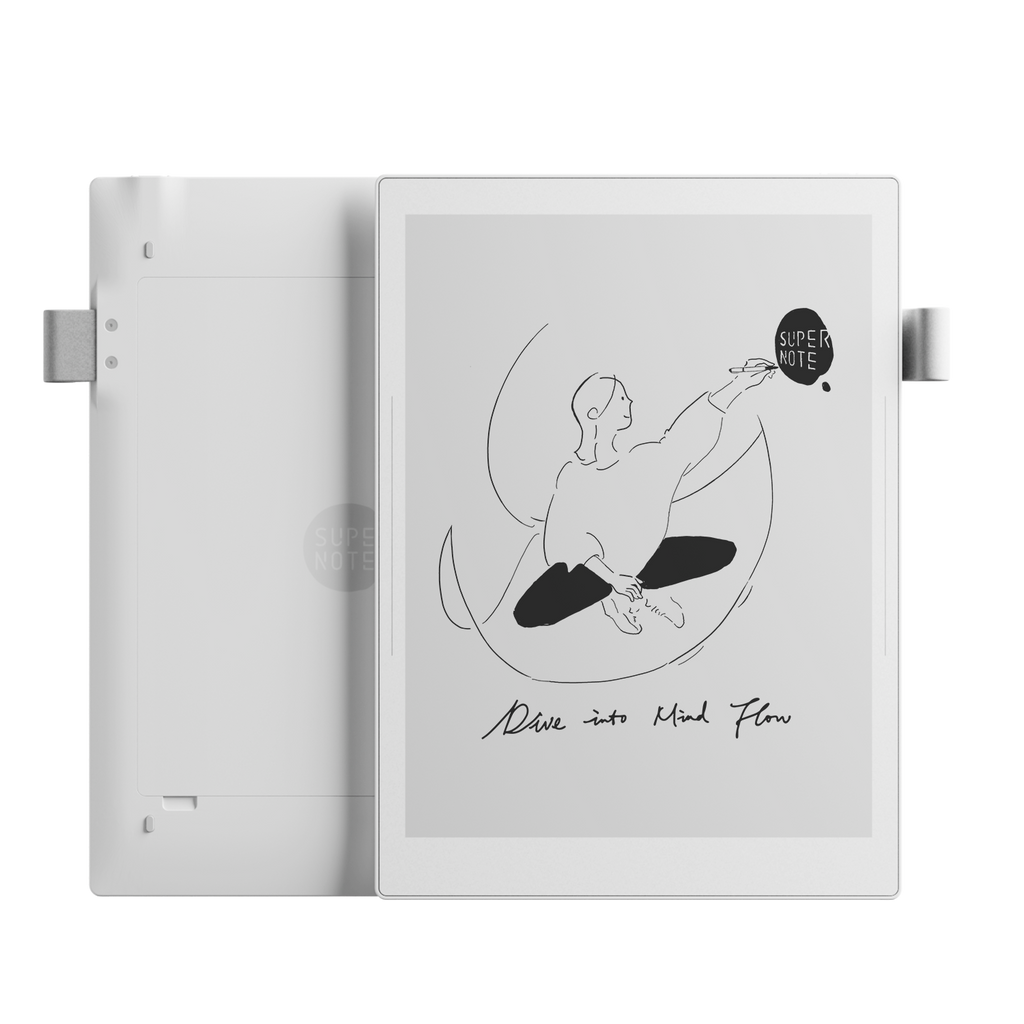
QUICK ANSWER
Charge for 30 minutes, then use the 8 + 8 second restart.
Connect the Manta with a known-good USB-C cable to a 5 V power adapter. Supernote says the Manta is not compatible with fast charging. Leave it connected for at least 30 minutes if no boot screen appears, then hold the power button for more than eight seconds, release it, and hold it again for about eight seconds until the Supernote logo appears.
Supernote's manual says this forced reboot does not erase saved data. If the Manta still shows no charge response or logo, stop repeating the sequence and contact Supernote or the seller. Do not factory-reset it or open the back as a first test.
READ THE CLUES
A visible page does not prove the Manta still has power
An E-Ink display can keep its last image without power. That is why a sleeping note, menu or book page may remain perfectly readable even when the battery is flat. Recent owner reports include both Mantas that recovered after charging and units that stayed unresponsive until support assessed them.
This can happen during a freeze or with no power. E-Ink keeps an image without continuously drawing power, so the picture alone is not a battery test.
Power is reaching the Manta. Leave it connected long enough to rule out a deeply discharged battery before forcing repeated restarts.
That points to a lock-up, but it does not identify one cause. Record what the Manta was doing and the installed Chauvet version.
Test No Load Shutdown off after the device recovers. This is a community-supported diagnostic, not a guaranteed fix.
Do not diagnose a broken screen from a static image alone. Physical lines, black patches or a visibly cracked panel that remain after a successful reboot are a different problem and should go straight to support.
SAFE RECOVERY
Use one reversible step at a time
- Check the cable, port and power source.Remove debris gently from around the USB-C port and confirm the cable fits normally. Use a known-good cable and a 5 V adapter, as specified on Supernote's Manta product page. Do not force a loose or damaged connector.
- Leave the Manta connected for 30 minutes.Look for the charge indicator, Supernote logo or a startup progress bar. If nothing appears, try one other known-good USB-C cable and 5 V adapter.
- Try Supernote's forced reboot once.Hold the power button for more than eight seconds, release it, then press it again for about eight seconds until the logo appears. Give the device time to finish starting.
- When it starts, protect current notes.Open a recent important notebook, confirm it is intact, then sync or export a readable copy before changing settings. A PDF export is useful insurance, though it is not a fully editable backup of the native note.
- Check the stable software release.Go to Settings > System and check for an update. Use the official stable channel for the Manta. Do not install an unrelated package, beta or downgrade to chase a freeze.
Disconnect power and contact support if you notice swelling, a separating case, a burning smell, liquid exposure or excessive heat. Do not keep charging a physically damaged battery.
IF IT KEEPS HAPPENING
Test the sleep setting without presenting it as a universal cure
One 2026 owner report described a Manta freezing regularly on the home screen after sleep. A Supernote representative suggested turning off Settings > Battery > No Load Shutdown, and the owner later said the freezes stopped. Supernote's battery documentation confirms the setting exists, but it does not describe the feature as a general cause of Manta freezes.
- Turn No Load Shutdown off temporarily.Change only this setting, then use the Manta normally for several sleep and wake cycles. Keep Auto Sleep and Auto Power Off unchanged so the comparison is meaningful.
- Record the pattern.Note the date, battery level, installed Chauvet version, open app, folio position and whether the device was charging when each freeze happened.
- Send feedback after recovery.Use Settings > Feedback while the Manta is working. Describe the last freeze and include system logs if Supernote requests them.
Leaving No Load Shutdown off may help a recurring sleep-related pattern, but the evidence is limited. It may also change standby battery use. If the Manta freezes again, restore your preferred setting and give support the recorded pattern.
WHAT TO AVOID
Repairable hardware still deserves a careful stop line
- Do not factory-reset just to test a freeze. A reset erases local data and does not distinguish a flat battery, software lock-up or hardware fault.
- Do not repeatedly interrupt startup. After the official restart sequence, allow the logo and progress bar time to finish.
- Do not install beta software or an older firmware package. Use only the current stable Manta update offered through Settings unless Supernote gives case-specific instructions.
- Do not disconnect the battery or reseat internal connectors from a forum summary. The Manta is designed to be repairable, but opening it adds hardware risk. Ask support to confirm the exact guide and any warranty implications first.
If charging itself is slow or inconsistent, use our separate Supernote charging checklist rather than combining several power experiments at once.
WHEN TO ESCALATE
A new, repeated or completely dead Manta needs a support case
Contact Supernote or the retailer if the Manta shows no charge response with two known-good cable and 5 V adapter combinations, the official forced reboot does not bring up the logo, freezes return after a stable update and the sleep-setting test, or the display shows persistent physical damage. A brand-new device that freezes more than once is a good reason to use the return or warranty route instead of becoming its repair technician.
Include the serial number, purchase date, installed Chauvet version, battery level before the freeze, what was open, whether the folio was closed, photographs of the screen and charge indicator, and the cable and adapter tested. Do not post the serial number or private note contents in a public forum.
SOURCES
Official guidance and reporting limits
Recovery steps and software information were checked on October 1, 2026. Supernote's stable changelog listed Chauvet 3.29.42 at that time. Owner reports were used to distinguish symptoms, find a low-risk sleep-setting test and set stop conditions. They do not establish how common Manta freezing is. Yeinks has not reproduced the problem on a device.